Start your 3-day free trial
Sign up to experience all premium features at no cost.
*Available only to new users. Each user is limited to one trial.
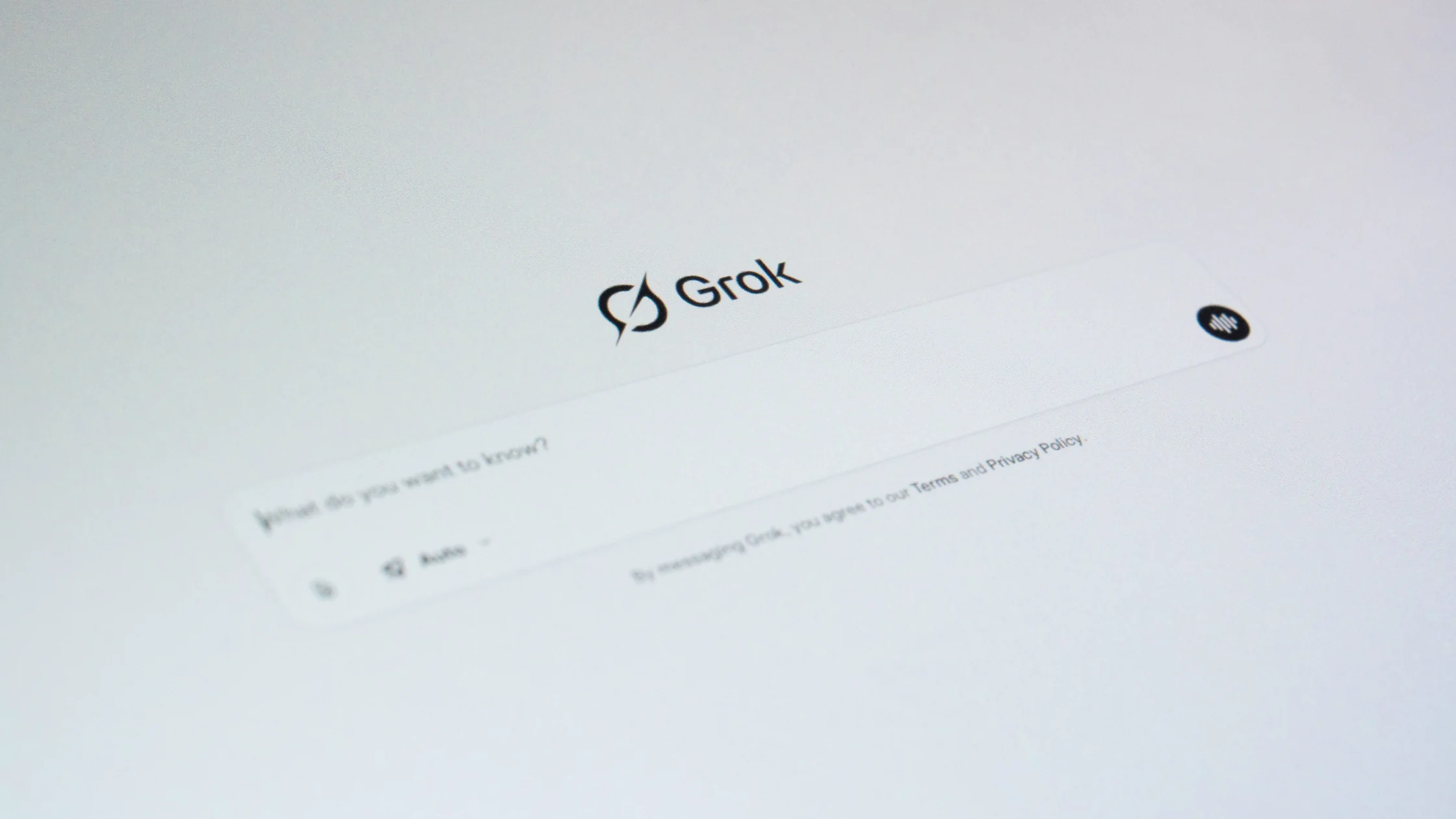

Grok not working or unavailable usually traces to one of four layers, and the message tells you which. A notice that the model is temporarily unavailable is a service-side answer, so pick another model or retry later; a "no network connection" notice, or one saying your network or security software blocked Grok's real-time connection to grok.com, points to Wi-Fi, a firewall, a proxy, or security software. Sign-in failures belong to the account, while eligibility and subscription messages come from xAI's and X's rules and look the same on every network.
Key Takeaways
- Official availability and account eligibility are separate from network reachability.
- Start with the platform's own support, status, and privacy documentation.
- A VPN can only address a network-layer problem.
- Grok has web and mobile apps as well as an X entry point; identify which account and purchase channel you are troubleshooting.
Separate the X or Grok account, subscription or product surface, and network path before changing a route. Treat a country or region message, a sign-in failure, a missing feature, and a slow or blocked connection as different signals. Record the exact page or client, account state, full error text, network, and time before changing a route; a VPN can test the network layer, but it cannot change eligibility, billing, plan entitlements, or platform rules.
Read the current supported-country, account, plan, age, and service-status pages. X Help says Grok on X is offered on iOS, Android, and the web wherever X is available, while xAI's Grok documentation, checked on 4 October 2026, publishes no separate country list for grok.com or the apps.[1][4] The provider's terms apply regardless of the network route you use, and checks on phone number, payment method, or account country do not depend on that route either. To compare Grok with other AI services, see the AI tools availability map.
Use the official app or website, update it, clear only local cache when appropriate, and test one browser or device at a time. Avoid unofficial clients and copied login pages.
Check whether the same URL works on another trusted network, whether DNS and HTTPS are normal, and whether the service itself reports an incident. If a VPN is permitted and the issue is clearly network-level, test one route without making account or billing changes.
Grok is available at grok.com and through its iOS and Android apps, as well as within X. Check the exact entry point and sign-in method before diagnosing a missing subscription. The Grok website and app FAQ explains account linking and purchase-channel support; X's Grok guidance covers the X surface. A VPN cannot supply a subscription or reconcile two different accounts.[3][4]
The wording of a Grok error usually names the layer. Read it before changing anything, then use the matching next step:
| Message or symptom | Most likely layer | Next step |
|---|---|---|
| The model is temporarily unavailable; try another model | Service capacity for that model | Pick another model or retry later; your network is not the cause |
| No network connection | Connection between the device and grok.com | Reload, then compare Wi-Fi with mobile data |
| Network or security software blocked Grok's real-time (WebSocket) connection | Firewall, proxy, antivirus HTTPS scanning, or a VPN | Switch networks, or ask the IT team to allow WebSocket connections to grok.com |
| Sign-in fails or loops | Account, app cache, or browser | Restart the app, sign out, and clear the cache; see the login FAQ below |
| Based on the information you provided, you can't use Grok | Eligibility, such as the birth date entered | Use the official account support route; do not enter false details |
A WebSocket is a long-lived, two-way connection that a web app such as grok.com uses for live replies; it opens over the usual HTTPS port, and if a proxy returns an error, the browser has to drop it.[5] If Grok stops working only while a VPN or proxy is on, that route is the variable to test: disconnect, retry with the same account, and treat the difference as a network lead rather than an account answer.
Grok has three front doors: the Grok panel inside X, the grok.com website, and the Grok mobile apps for iOS and Android.[1][3] Each can use a different sign-in, and a subscription can be bought through X Premium or through a Grok website or app purchase.[2][4] Most "Grok is not working" reports become simple once you know which door, which account, and which purchase channel are involved.
Write down exactly where the failure happened: the Grok tab or button in the X app, Grok on the X website, grok.com in a browser, or the standalone Grok app. Then try the same request through a second entry point with the same account. If grok.com works but the X panel does not, the problem is the X surface or your X account state, not your connection. If every entry point fails at the same step, the cause is wider: the account, the service, or the network.
Grok can be used with an X account and, depending on the surface, other sign-in methods described in the Grok FAQ.[4] Two logins that look similar are not necessarily the same account. Before diagnosing a missing feature, open the account settings on each surface and compare the username or email. Linking accounts follows the steps in the official FAQ; do not create a new account to test whether a subscription carries over.
X Premium tiers and Grok's own subscriptions are separate products with separate billing pages.[2][4] A purchase made through the Apple App Store or Google Play is managed by that store, while a website purchase is managed on the web. Note the purchase channel and the receipt reference, then check whether the surface you are using should recognize that purchase. A plan that appears in one place and not another is almost always a linking or channel question, which a network change cannot answer.
Some messages are product decisions: a usage allowance has been reached, a feature has not reached your account yet, or a request was declined under X's or xAI's rules.[1][3] These messages appear on every network. Copy the exact wording and timestamp; a declined request is not a connection fault, and rewording the request to get around a rule is not troubleshooting.
Keep the account, entry point, app version, and request the same, and change only the network: home broadband, then mobile data, then another trusted network. If grok.com or the app loads on one and stalls on another, the slow network is filtering, mis-resolving DNS, or inspecting HTTPS. If local law and the provider's terms allow it, one VPN route can add a further comparison. Do not change the country on your X profile, your age, or your payment details during the test.
Stop once the same message appears on every network or the evidence points to the account, billing, or a product rule. Send X Help or Grok support the entry point, account identifier, purchase channel, app version, network comparison, and the exact message, with personal data and private prompts removed. If you are unsure what counts as private, the beginner's guide to AI inputs and answer checks covers it. Use the support route that matches the purchase: X for X Premium, Grok for Grok purchases, and the app store for store billing.
It can change the path between your device and the service and replace the visible exit IP. This may help distinguish local blocking from an account or product restriction. Grok access runs through an X or xAI account; the guide to account and network limits in AI tools shows how that account layer compares with the other chat assistants.
If the selected Grok page fails to connect on public Wi-Fi, AethoVPN can encrypt a permitted test route between your device and the VPN server. Keep the Grok or X account and the requested action unchanged; account linking, subscription recognition, usage limits, provider terms, and local law remain separate from that network comparison. While you are still on the hotspot where Grok stalled, start the 3-day free trial and repeat the same prompt once with the tunnel on.
It cannot change country or identity data on an account, payment eligibility, age checks, subscription status, plan entitlements, moderation decisions, or the platform's terms. Do not create accounts, alter billing, or bypass unsupported service rules based on a VPN route.
| What you see | Most likely layer | Next step |
|---|---|---|
| Grok works on grok.com but not inside X | The X surface or X account state | Check X's Grok guidance and the X account |
| A subscription shows on one surface only | Account linking or purchase channel | Compare accounts and check the FAQ on linking |
| A usage or limit message appears | Usage allowance or plan | Check the current plan and allowance |
| A request is declined | Product or moderation rules | Read the rules; do not retry on another route |
| The app loads on mobile data but not on Wi-Fi | Local filtering, DNS, or HTTPS inspection | Compare networks and ask the network administrator |
| A payment fails | Billing channel | Use X, Grok, or app store billing support |
No. Grok also has its own website and mobile apps. Identify whether the failure occurs inside X, at grok.com, or in an app before recording the account, subscription, device, and network involved.[3]
Most sign-in loops clear after restarting or reinstalling the app, signing out, and clearing the cache; on the web, open grok.com in Chrome or Edge in a private window. A subscription made with Apple's Hide My Email address is recognized only when you sign in with Apple.[4]
First compare the account and sign-in method on each surface with the one used for the purchase. Save the receipt reference and reported subscription state; do not assume that two different logins represent the same account or buy again to diagnose it.[4]
Use the support route for the actual subscription and purchase channel. Distinguish X Premium from a Grok website or app purchase, then check the current official billing instructions. A network change does not resolve the ownership or status of that purchase.[2][4]
It proves only that the page was reachable during that check. Sign-in, the selected feature, subscription recognition, usage allowance, and service availability remain separate observations; record the first failed action instead of calling the entire service unlocked.
No. A VPN changes the network route, not the account's entitlements or recorded usage. Check the account's current status and official product guidance. Keep account details accurate and stop route experiments when the error identifies a product or account restriction.
Use the same account and permitted task, check the official app version, and record whether the failure occurs at launch, sign-in, or the requested feature. Change only one condition and mask personal details before sharing screenshots or logs.
A test is useful when the same authorized action behaves differently on two trusted connections while account and device settings remain fixed. Record both times and outcomes, then restore the baseline; the difference suggests a network lead but does not establish eligibility.
Disclaimer: This article is for general informational purposes only and does not constitute legal, technical, or professional advice. Platform availability, account rules, and privacy settings can change; follow official requirements and local law.
Sources:
Sources checked 4 October 2026.
Related Articles:
Sign up to experience all premium features at no cost.
*Available only to new users. Each user is limited to one trial.