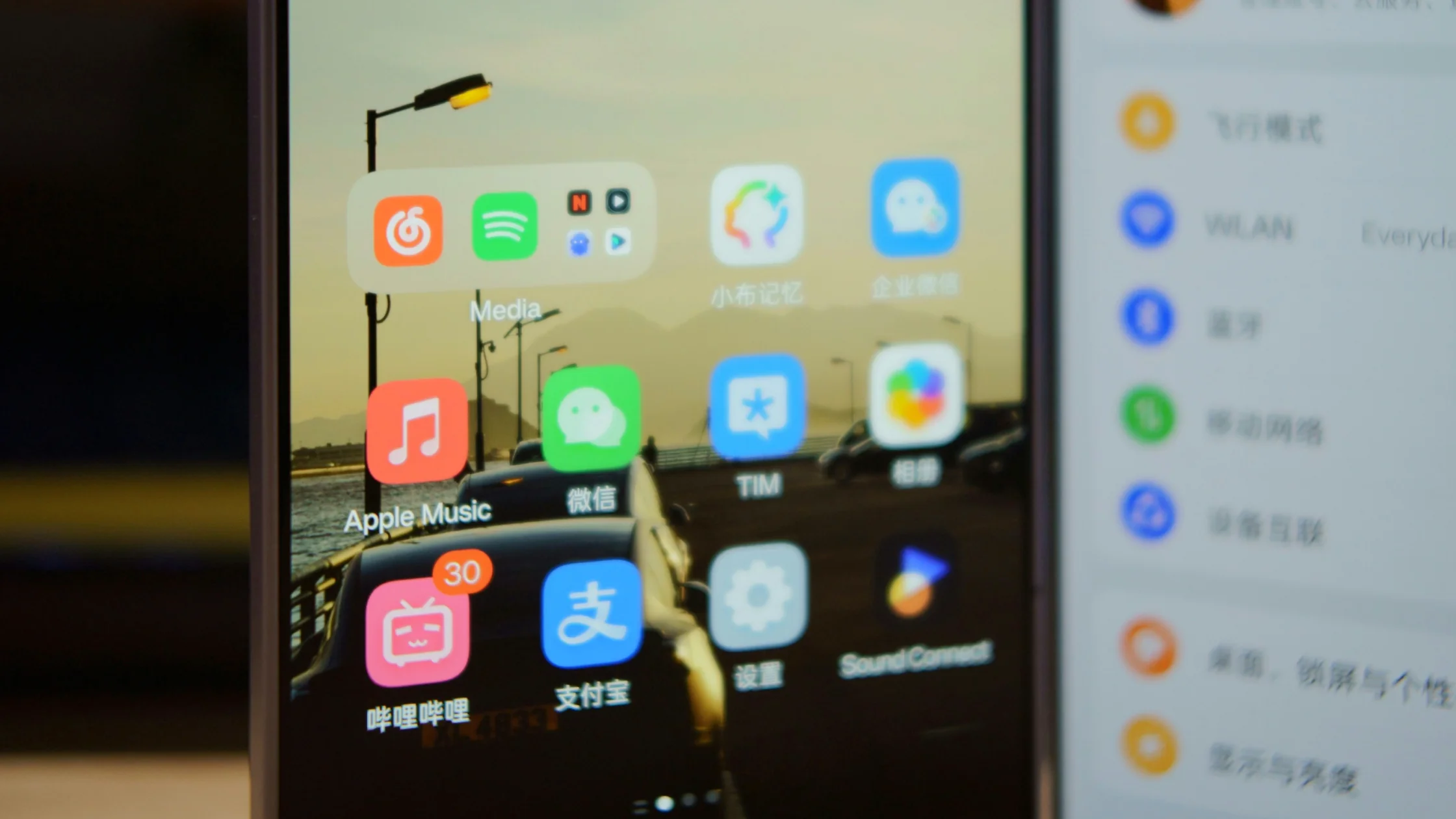
Start your 3-day free trial
Sign up to experience all premium features at no cost.
*Available only to new users. Each user is limited to one trial.

Yes, you can use Bilibili outside China through the same official website and apps, but some licensed titles are limited by region, and comments, follows, or danmaku need an account registered with genuine details such as a mobile number.[1][3] To use Bilibili as an international visitor in China, start with the official website or download center, test whether the exact video plays without login, and create or use an account only for a feature that requires it. Search by Chinese title, topic, creator or UP name, series, episode, and section. Treat danmaku and comments as community context, while licensing, membership, account, and playback messages remain service-specific.[1][3]
Key Takeaways
- Use the official site or client and avoid unofficial installers.
- Guest playback and logged-in functions are separate capability layers.
- Search Chinese titles, UP creators, series names, episodes, and sections.
- Check uploader identity, date, description, sources, and corrections.
- Danmaku and comments are leads, not authoritative evidence.
- Membership does not guarantee every title, region, device, or quality level.
- Separate playback, account, membership, and content authorization failures.
Prepare the Chinese title or topic, possible creator name, episode number, and the purpose of watching. Decide whether you only need playback or also want follows, favorites, comments, history sync, downloads, purchases, or membership features.
Use the China VPN pillar only for network planning. A working network route cannot create an account, unlock copyrighted content, replace payment eligibility, or override platform risk control. If you are outside China, the separate Chinese-app access guide owns regional-access questions.
| Desired action | Try without login | Account or further eligibility may apply |
|---|---|---|
| Play a public video | Yes | Some videos may gate playback or quality |
| Search titles and creators | Yes | Personalization and history may differ |
| Follow, favorite, comment, danmaku | Limited or unavailable | Account and platform rules apply |
| Premium or licensed title | Preview may appear | Membership, purchase, region, device, or title rights apply |
Open Bilibili's official site or official download center.[3] Avoid repackaged clients, browser extensions that request credentials, and downloads offered through comments or private messages. Confirm the developer and domain before signing in.
The user agreement governs account and content use.[1] Menu labels, available clients, and feature support can change, so follow the current official surface rather than a remembered screenshot.
Open the exact video and try ordinary playback. Note whether the issue is a login gate, a membership prompt, a content-rights message, a browser or app error, or a network failure. These are different problems and need different responses.
Sign in only if the required action needs an account. Do not assume a foreign phone number, SMS route, identity method, or payment instrument will work. Never buy a shared account or submit identity material to an unofficial contact.
You can attempt it from abroad, but registration rests on verified identity details: the user agreement asks for genuine information such as a mobile phone number.[1] Pick your country or region code on the sign-up screen if one is offered, and expect that not every foreign number will receive the SMS code. If the code never arrives or the new account is restricted, stop retrying and use the official customer-service center rather than buying an account or borrowing someone else's number.[2]
Combine the Chinese title with season, episode, year, speaker, course, documentary, review, tutorial, or another intent word. Search a creator's displayed UP name and open the profile to distinguish the original upload from reuploads and clips.
Use section and series pages to restore context. Episode order, playlists, publication collections, and creator descriptions are more reliable for navigation than a recommendation feed alone.
Check uploader identity, publication date, title, description, cited sources, series position, later correction, and whether the video is original, translated, excerpted, or reposted. For practical instructions, compare the claims with an official or primary source.
Do not infer expertise from follower count, views, coins, likes, or production quality. A polished video can still be outdated, sponsored, incomplete, or outside the relevant jurisdiction.
Danmaku can explain slang, identify an episode, flag a mistake, or point to a later update. Comments can reveal recent playback or product changes. Neither is proof of a legal, medical, safety, technical, price, schedule, or platform claim.
Check the date and whether multiple comments refer to the same version or event. Trace useful leads to the uploader's correction, the responsible organization, or the current product documentation.
A membership badge or subscription can be one condition among several. A title may still depend on separate purchase, region, device, app version, age or identity rule, availability window, quality tier, or rights held for that exact program.
Do not infer that membership unlocks the whole catalog. Record the exact title, episode, account state, device, and message. If payment is offered, review the current terms before completing it; avoid hard-coded prices or assumptions about international cards.
When using AethoVPN, do not treat one unavailable Bilibili episode as proof of a connection fault. Check another public video and the exact rights message; changing the network route does not grant membership or a license for that episode.
For playback, test the exact title, another public video, browser versus official app, current version, audio and quality settings, and a stable network. For an account issue, stop changing playback settings and use the official customer-service center.[2]
| Symptom | Likely branch | Next step |
|---|---|---|
| No videos play | Network, app, browser, or service | Test another public video and official client |
| One title fails | Title rights or item-specific fault | Read the exact message and title page |
| Login or SMS fails | Account route | Stop repeated attempts; use official support |
| Quality is unavailable | Account, title, device, or tier | Check the current requirement shown |
| Danmaku is missing | Setting, content, account, or moderation | Check player control and title context |
| Membership not recognized | Account, purchase, region, or sync | Confirm the signed-in account and receipt officially |
Before opening an account or buying anything, write down the exact title, season, episode, uploader, and action you need. Search the Chinese title in quotation marks where the surface supports it, then repeat with the UP creator name and an episode or series term. Open the creator profile and collection page so that a short clip or reupload is not mistaken for the complete program.
On the video page, distinguish information supplied by the uploader from platform state. The title, description, chapter list, cited links, pinned correction, and series order explain the content; a login prompt, quality selector, membership banner, purchase notice, or rights message explains access. Record each separately. A creator cannot promise that a platform entitlement applies, and a platform badge does not verify a creator's factual claim.
For educational or practical videos, build a small evidence trail. Note the publication date, the version or location discussed, and any primary document named by the uploader. Treat danmaku and comments as a way to discover terminology, a missing episode, or a reported correction. Then verify the useful lead against the creator's later statement, the responsible institution, or current product documentation instead of counting reactions.
If playback fails, change one variable at a time. Try another public video first, then the same item in the current official app or browser, and finally review its exact rights or account message. Do not change account, network, payment, and player settings simultaneously because that hides which branch failed. For a purchase or membership mismatch, preserve the signed-in account, title, time, provider receipt, and displayed state before contacting official support.
For a multi-part course or documentary, confirm the collection order before relying on a single search result. Check whether an introduction, correction, source list, or concluding episode supplies limits missing from the clip you found. If subtitles or a translation are user supplied, compare names, numbers, and quoted rules with the original audio or cited document before using them for a practical decision.
Some public videos may play without login, while specific titles, qualities, and interactions may require an account or other eligibility.
It is the commonly used Bilibili term for a content uploader or creator. Verify the exact profile rather than relying on a reupload title.
Translate the title or topic, retain names and model numbers, and combine them with episode, tutorial, review, or documentary terms.
They are useful context and leads, but not authoritative evidence. Confirm consequential claims independently.
No. Rights can vary by exact title, episode, region, device, account, tier, and availability window.
That pattern points toward title-specific rights, removal, processing, or file problems rather than a general connection failure.
Do not assume so. Regional rights and service availability belong to the separate overseas-access question.
No. Account state, payment, membership, identity, moderation, and content rights remain separate platform decisions.
Disclaimer: This guide provides general operational information. Availability, account routes, membership, purchases, quality, downloads, and content rights can change and are controlled by Bilibili and the relevant rights holders.
Sources checked 4 October 2026.
Sign up to experience all premium features at no cost.
*Available only to new users. Each user is limited to one trial.