Start your 3-day free trial
Sign up to experience all premium features at no cost.
*Available only to new users. Each user is limited to one trial.


Does DeepL work in China? There is no single answer covering the free translator, an existing paid account, and a new subscription. Mainland China is absent from DeepL's paid-plan purchase list; that does not establish whether a particular free translation request will work on your network.[1]
Key Takeaways
- Separate network access, account access, and eligibility to purchase a paid plan.
- An unavailable checkout country is different from a page that times out.
- Test with harmless text and keep an offline translation fallback.
- Do not upload confidential documents without checking the applicable privacy terms.
- This guide reports official policy, not a mainland China connectivity test.
For broader preparations, use the China connectivity planning guide. Translation deserves its own backup: a working hotel connection cannot guarantee that a translator, its login service, and its document upload will all be available when you need them.
Start by naming the task. Translating a restaurant menu in a browser, signing in to an existing account, purchasing a subscription, and calling the developer API are different requests. Success with one is useful evidence only for that request; it does not prove the others are supported or available.
This article does not contain a measured mainland China reachability test. It therefore cannot promise that DeepL is consistently accessible, declare a nationwide block, or give a current success rate. If someone says it “works,” ask which product, location, network, date, and action they actually observed.
| Task | What to check | What a successful check does not prove |
|---|---|---|
| Free text translation | A short, non-sensitive request completes | Paid registration or document processing is supported |
| Existing account | Login and the needed feature complete | A new subscription can be purchased locally |
| Paid purchase | Official supported purchase location and checkout terms | Every connection from that location works |
| Developer API | Correct API plan, endpoint, credentials, and response | The browser translator and API share an entitlement |
Save the original wording of an error before making changes. “Country unavailable,” “invalid credentials,” and a browser timeout point to different owners. A screenshot with the message and time is more helpful than the conclusion “DeepL is blocked,” especially when you have not isolated the failed stage.
DeepL describes its list as locations where paid plans are available for purchase. Mainland China is not listed; Hong Kong is listed separately.[1] Read that as a purchase-eligibility boundary, rather than a universal statement about every free account, mobile app, or existing customer traveling in China.
Do not turn the absence into a claim that all users in mainland China are forbidden to create any kind of account. The cited page does not establish that broader rule. Likewise, do not assume an existing subscription purchased in a supported country is guaranteed to function on every network during travel.
If your problem is a missing country in checkout, stop before inventing a billing address or using another person's payment details. Changing an IP address does not establish residence, payment eligibility, or contractual permission. Ask DeepL support about your actual account type and intended use instead of trying repeated purchases with inconsistent information.
Keep the distinction in your notes: where you live, where the account was established, which plan you hold, and whether you are traveling temporarily. Share only the minimum needed with official support. A passport scan or full card number is not an appropriate attachment to an ordinary troubleshooting request.
Begin with a harmless phrase you can recognize in both languages. Select the correct source and target languages and try one short request. If the page opens but translation fails, record that difference: reaching the website is not the same as completing the translation service.
Next, compare the same task in a current browser and the official app you already installed. Do not download a replacement installer from a search advertisement or a site claiming to offer a “China edition.” If only one client fails, investigate its version, session, or permissions before concluding that the whole service is unavailable.
A useful comparison changes one variable at a time. For example, keep the device and phrase fixed while comparing an authorized Wi-Fi connection with your own mobile data. Respect network rules and data costs; this is a diagnostic comparison, not evidence that one route will always work or a method of bypassing restrictions.
Use this sequence to avoid destroying a working session:
Do not repeatedly reset passwords just because a request spins. A timeout does not prove that the password is wrong, and signing out everywhere may remove the only session that still works. If several services fail together, the mainland China app and website troubleshooting guide helps you separate a broad connection problem from a service-specific one.
An installed app is not proof of offline translation capability. Before relying on any app without connectivity, check that its official documentation actually supports the language pair and offline mode you need, then test that mode yourself. Merely opening a cached screen does not demonstrate that a new sentence can be translated offline.
Document translation adds its own failure points: upload, supported format, file limits, processing, and download. When ordinary text works but a file fails, test a short copy containing no private information. Do not split a confidential contract into many uploads just to evade a limit; that increases exposure without solving an eligibility or account problem.
For API users, begin with the endpoint and plan documented for the account. A browser subscription and an API credential should not be treated as interchangeable unless the account documentation explicitly says so. Preserve the response status and a redacted error body, but never paste an API key into a forum, support screenshot, or shared travel checklist.
If a business integration fails, avoid rotating credentials and changing networks simultaneously. First establish whether the request reaches the endpoint and whether the response describes authentication, usage, or another application issue. Your system administrator can review sanitized logs; a translator's consumer login screen cannot diagnose an unrelated integration by itself.
DeepL publishes different provisions for its free service and its paid products in its privacy policy.[2] Check the applicable section for your actual product instead of assuming that a paid account name protects every tool or signed-out browser session. For work material, your organization's data-handling rules remain relevant even if the service is reachable.
Use public examples for troubleshooting. Remove names, booking references, addresses, account numbers, medical details, and confidential clauses before testing. Redaction should remove identifying context as well as obvious labels; a rare combination of dates and locations can still identify a person.
Treat the translation as assistance rather than a binding interpretation. For a visa declaration, medication instruction, legal obligation, or substantial payment, have a qualified person confirm the meaning. Keep numbers, dates, negations, and proper names visible so you can compare them with the original.
The AI translation review workflow explains how to inspect terminology and meaning instead of accepting fluent output automatically. A translated sentence can read smoothly while changing who must act, whether something is optional, or when a deadline expires.
Prepare a small travel pack before you depend on a live translator. Save your hotel name and address in Chinese, essential destination names, dietary requirements, and short emergency phrases. Keep the original text alongside the translation so a local person can correct a misunderstanding without guessing what you meant.
For offline tools, download the required language resources while you have a reliable connection and confirm them in airplane mode. Test a new phrase, not just a previous result. Camera translation, voice recognition, and typed text may have different offline requirements; test the function you intend to use.
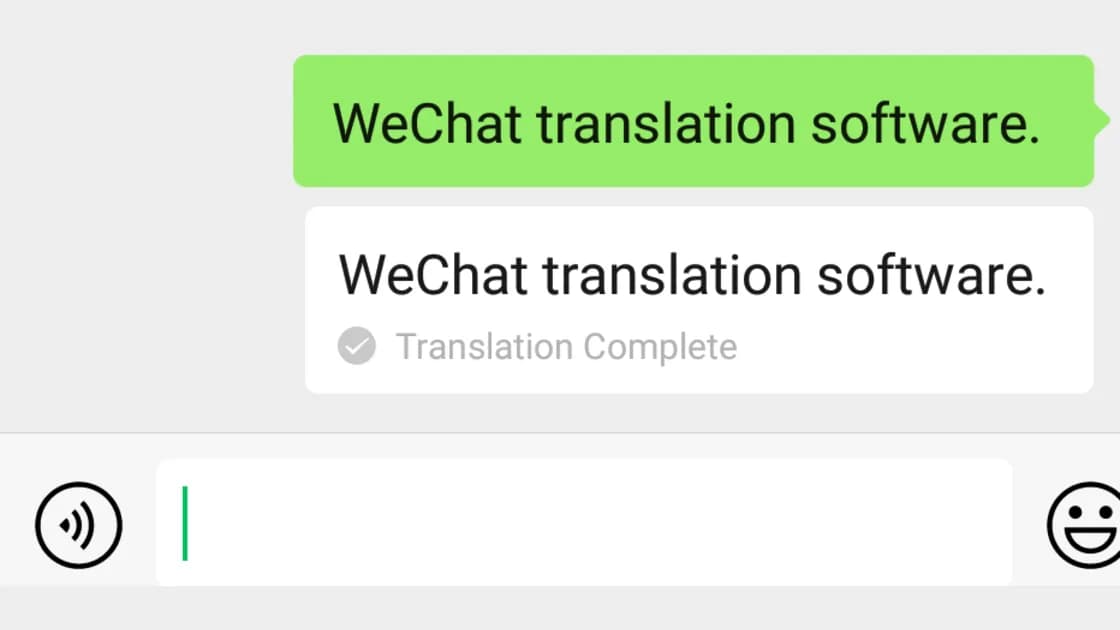
The offline maps and translation checklist covers these preparations. If you already use WeChat, the WeChat translation guide describes its chat and scanning workflows. Neither link promises that an online feature will function without a connection.
Choose the fallback around the task: saved addresses for taxi directions, an offline phrase tool for a brief exchange, and a human translator for consequential documents. A general-purpose machine translator is not always the most useful answer when you need a particular shop name, local terminology, or an official interpretation.
Check the exact DeepL product and action, then separate a network failure from an account or purchase restriction. Keep a dated, limited record of what you observed and a tested offline alternative. Official purchase coverage does not supply a blanket answer about free translation access throughout mainland China.
Mainland China is absent from the cited paid-plan purchase list.[1] Do not extrapolate that fact into a universal ban on all free translation or all account creation. Confirm any account-specific question with DeepL.
This guide cannot guarantee that. Existing entitlement and current connectivity are separate checks; test the required feature with harmless text and retain a fallback before depending on it for travel or work.
No. A timeout alone does not identify the reason. Record the failing stage and any explicit message before changing account information or attempting another purchase.
An IP change does not establish a supported purchase location, residence, or valid billing details. Use accurate information and follow the service's terms; do not manufacture eligibility.
Installation alone proves nothing about offline processing. Check the official capabilities of the actual app and test the needed function without a connection. Keep another verified offline option if that test fails.
No. Use a non-sensitive sample and inspect the privacy terms for the specific service. Important identity, medical, and legal documents need appropriate handling and professional review where consequences matter.
Send the product, account type, failing action, local time, client version, network type, and redacted error. Do not include passwords, API keys, complete payment credentials, or unnecessary identity documents.
This article describes public service information, not a mainland China connectivity test or legal advice. Follow local laws, organizational privacy requirements, and platform terms; policies and feature availability can change.
Sources checked: 4 October 2026
Sign up to experience all premium features at no cost.
*Available only to new users. Each user is limited to one trial.