Start your 3-day free trial
Sign up to experience all premium features at no cost.
*Available only to new users. Each user is limited to one trial.
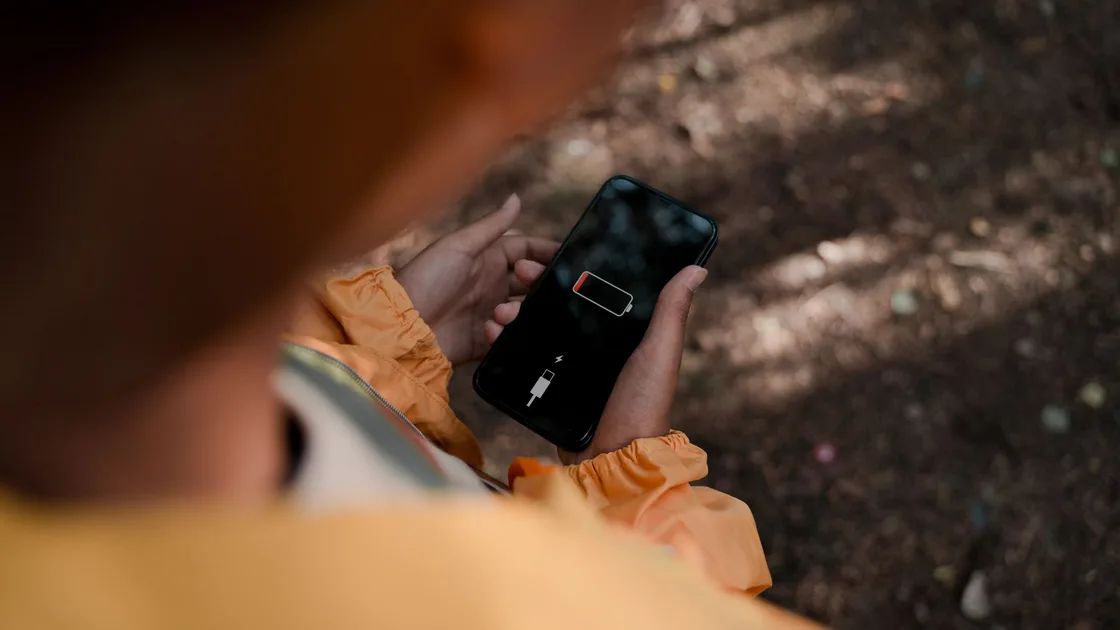

You cannot normally keep using an app-based QR wallet after a phone has completely shut down. To keep paying in China if your phone battery dies, prepare several independent options in advance: a working mobile wallet while the phone is charged, a physical bank card where accepted, small amounts of RMB cash, and your own cable or power bank.[1][2] A wallet's offline payment option, where offered, helps with a lost data connection, not a dead battery.
Key Takeaways
- Treat phone power as part of your payment setup, not as a problem to solve only at zero percent.
- Carry a modest amount of RMB cash separately from the phone and know which physical cards you have.
- Test mobile payment, card use, and charging equipment before a travel day.
- Use low-power mode early and preserve enough charge for payment, transport, directions, and essential contact.
- A shared power bank can help, but starting the rental commonly requires a working phone and mobile payment.[3]
- Express Mode power reserve applies only to some compatible cards, passes, and keys; it is not a universal offline QR wallet.[4]
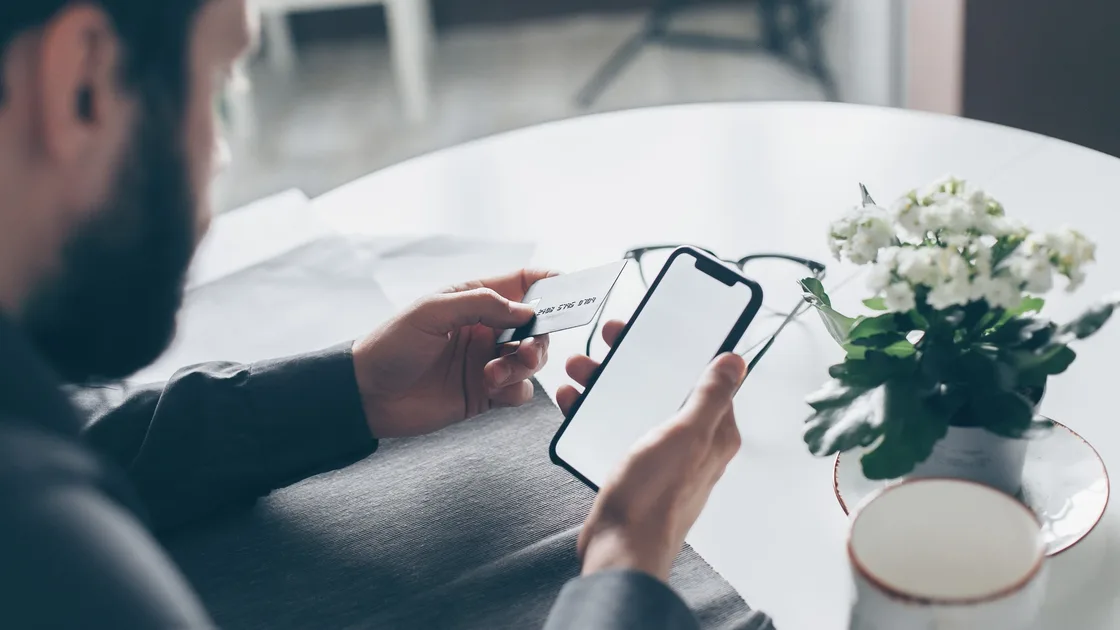
Build a payment stack with options that do not all depend on the same phone. China's official visitor guidance presents mobile payment, bank cards, and cash as separate payment methods.[1] The policy direction also calls for improving bank-card acceptance, promoting cash use, and making mobile payment more accessible rather than replacing every method with one app.[2]
| Payment layer | Prepare while everything works | Main limitation |
|---|---|---|
| Mobile wallet | Register, bind a supported card, verify identity if required, and make a small test payment | Needs a working device, account, network, and merchant-compatible flow |
| Physical bank card | Carry the card, know the PIN if applicable, and tell the issuer about travel when needed | Acceptance depends on the merchant, network logo, issuer, and terminal |
| RMB cash | Obtain a useful mix of small notes and store it separately | You need enough change and must protect it from loss |
| Own charging kit | Bring a charged power bank and a cable that fits the phone | Airline and transport rules may limit power banks |
| Staffed fallback | Identify a hotel desk, bank, information counter, or trusted companion | Help is contextual and not a payment guarantee |
Do not store the physical card and all cash inside a phone case. One lost or dead device should not remove every option. Keep a small emergency amount in a separate secure place and avoid displaying a large cash reserve at the checkout.
The China payment mix guide covers how to choose and prepare these methods. The purpose here is narrower: keeping at least one usable method when the phone loses power.
Charge the phone and power bank, inspect the cable, and make one low-value payment with the mobile wallet you intend to use. Then identify a merchant or staffed location where your physical card is accepted, without assuming the next merchant will be identical. Confirm that you know which card is bound to the wallet and how the issuer contacts you about a verification request.
Check the wallet's current account and card status rather than merely opening the app. A saved screenshot of a payment code is not a valid substitute: payment codes can be dynamic, expire, or expose sensitive information. Do not photograph passwords, PINs, one-time codes, or full card details.
Prepare offline details that reduce battery use during a problem: the accommodation name and address in Chinese, an emergency contact, a key booking reference, and a short note explaining that your phone needs charging. Keep the note free of payment credentials.
Act while the phone still works. Enable the manufacturer's low-power mode, lower screen brightness, shorten screen-on time, and close a camera, game, navigation, or video task you no longer need. Do not repeatedly wake the screen to watch the percentage fall.
Prioritize the next essential transaction. If you still need to reach a hotel, station, or airport, preserve enough power for the address, ticket, route, and one payment. Capture non-sensitive trip details for offline access, but do not leave a live payment code visible on the lock screen.
Connect your own known cable and power bank if permitted. Check that charging has actually begun; a plug symbol without a rising percentage can indicate a weak cable, dirty port, incompatible charger, or power bank with no usable charge. Stop using equipment that becomes abnormally hot, swollen, damaged, or unstable.
It can help before the phone is fully dead, but it is not a guaranteed zero-battery rescue. Shanghai's official guide describes finding a rental station, scanning its QR code, following on-screen instructions, and paying through a mobile payment app.[3] Those steps require enough phone power to start the rental.
If the phone still works, read the displayed price and return terms, confirm the connector, and verify that a unit actually ejects. The focused shared power-bank guide explains rental, charge, return, and continuing-billing checks.
If the phone is already off, ask a staffed venue whether it offers a wall charger, USB charging point, cable, or another supervised option. Do not ask a stranger to unlock your phone, log into your wallet, rent a power bank on your behalf, or take possession of your passport or card.
Tell the merchant plainly that your phone has no power and ask which of these methods the specific checkout accepts: RMB cash, your physical card network, or payment after a brief supervised charge. The official visitor guide confirms that overseas visitors have multiple payment options, but acceptance still depends on the location and displayed card logos.[1]
Count cash discreetly and confirm the change. With a physical card, keep it in sight, verify the amount on the terminal, shield the PIN, and collect the receipt. If neither method works, do not pressure staff to accept an unsupported instrument; move to a staffed alternative or charge the phone first.
For transport, a physical ticket or compatible transport card prepared earlier may reduce dependence on the phone. Availability differs by city and operator, so confirm the local system before relying on it. A photo of someone else's QR code, a borrowed wallet account, or a promised later transfer is not a safe universal fallback.
Apple says some Express Mode cards, passes, and keys may work with power reserve for up to five hours after the iPhone needs charging. It also says the feature is available only for compatible items that already have Express Mode enabled.[4] This is a narrow device-and-item capability, not a promise about every bank card, transport system, merchant, or country.
If you turn off your iPhone manually, Apple says the power-reserve feature is not available.[4] Repeatedly pressing the side or Home button to inspect available items can also reduce the reserve. Test compatibility before travel and keep another payment method.
An ordinary QR payment in WeChat Pay, Alipay, or another app still requires the phone to run the app and display or scan the current code. Do not describe Express Mode as a way to keep an app wallet working after shutdown. Use the WeChat Pay guide or Alipay visitor guide for account setup while the device is powered.
Charge in a staffed, visible place when possible. Keep the phone locked while it charges and use your own cable. If you must borrow a charger, inspect it and do not authorize data access, install software, enable USB debugging, or hand over the passcode.
Once the phone starts, wait for a stable charge before opening several apps. Confirm device time, network, wallet account, and transaction status. If a merchant attempted a payment before shutdown, check both the merchant and wallet records before paying again; a dead screen does not prove the earlier transaction failed.
| Situation | Safe response | Avoid |
|---|---|---|
| Phone dies before checkout | Ask for cash, physical card, or supervised charging options | Sending a passport or wallet password to a stranger |
| Shared bank rental cannot start | Find a staffed charging point or use your own charger | Borrowing another person's wallet account |
| Card terminal declines | Check accepted logos, issuer alert, and another legitimate method | Repeating the same charge many times without reading the result |
| Earlier mobile payment status is unknown | Reopen the wallet after charging and compare merchant records | Paying twice because the phone went dark |
| Phone or power bank is damaged or hot | Stop using it and seek safe technical help | Hiding the device under clothing or continuing to charge |
Keep payment recovery separate from network troubleshooting. If the wallet opens after charging but cannot get online, use the guide to planning internet access in China for that separate problem.
No. An offline payment option, where a wallet offers it, is meant for a weak or missing data connection, and the phone still has to be on to show the code. Check how to enable it in the wallet's own help pages while the phone is charged, and keep cash or a card for a dead battery.
Yes. Official payment policy includes promoting cash use alongside bank cards and mobile payment. Carry a modest amount of RMB and ask for change when needed.[2]
No. Check the card-network logos at that checkout and ask the merchant. Acceptance, issuer authorization, terminal availability, and the individual transaction are separate conditions.
Often not without first charging the phone, because the normal rental flow uses a QR scan and mobile payment. Ask the venue for a staffed charging option instead.
No. It applies only to some compatible Express Mode cards, passes, and keys that were already configured. It is not a universal replacement for app-based payment.
No. Codes may be dynamic or sensitive, and a saved image may expire or be misused. Use the live official wallet while the device is working.
After charging, check the wallet and merchant records before retrying. The screen turning off does not prove whether the previous transaction completed.
Do not share your passcode, wallet password, one-time code, or account. Prefer cash, your own card, or supervised charging at a reputable staffed location.
Disclaimer: This guide provides general operational and security information, not financial advice. Payment acceptance, wallet functions, device power-reserve support, charging facilities, and merchant procedures can change.
Sources checked 4 October 2026.
Sign up to experience all premium features at no cost.
*Available only to new users. Each user is limited to one trial.