Start your 3-day free trial
Sign up to experience all premium features at no cost.
*Available only to new users. Each user is limited to one trial.
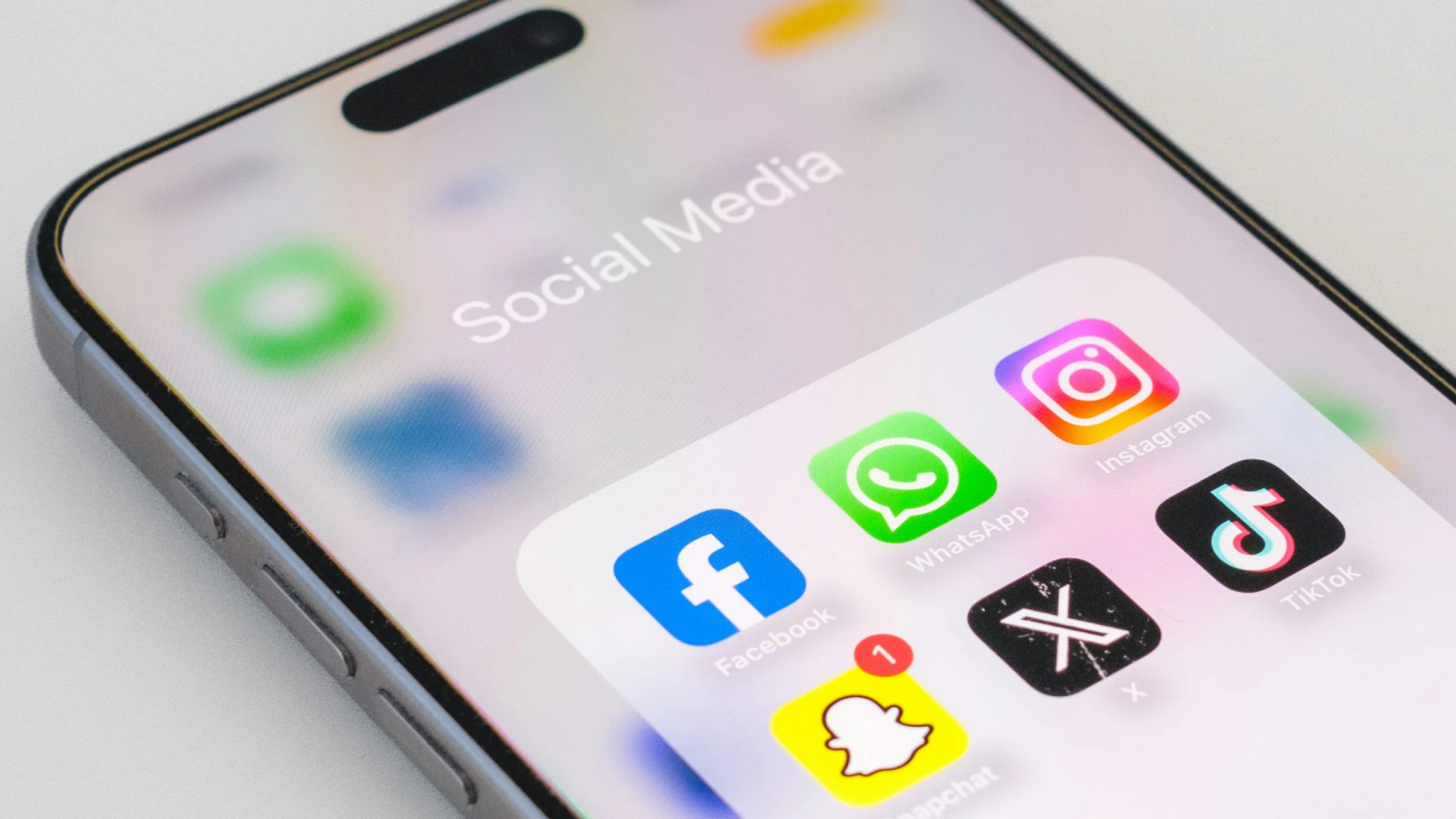

A Social Media Shutdown is a temporary restriction on access to platforms such as Facebook, X, Instagram, WhatsApp, and Telegram by a government, carrier, or network administrator. It may mean a full internet outage, or it may target specific apps, domains, IP addresses, or protocols.
Key Takeaways:
- A shutdown can be a platform-level block or a full regional internet outage, and the two need different responses.
- A VPN may help with platform blocks, but it cannot connect when the underlying network is offline.
- Install, test, and save backup access before a shutdown, because app stores and download pages may be blocked first.
- Keep phone numbers, SMS, email, offline maps, and emergency contacts as non-social channels.
The lighter version is platform-level blocking: websites will not load, apps spin endlessly, but ordinary sites still work. Technically, this may involve DNS tampering, specific IP blocks, or throttling after certain protocols are identified. Cloudflare Radar's outage investigation documentation also separates network outages from reachability anomalies.[1]
The heavier version is a regional internet shutdown. Access Now and #KeepItOn have tracked shutdowns globally for years, and their 2025 report recorded network cuts and platform blocks across countries during conflict, political tension, and public events.[2]In that situation, a VPN may not help because your device may not be able to reach the outside network at all.
A VPN sends your traffic through an encrypted tunnel first, then reaches the target platform from the VPN exit. That can bypass some local DNS, IP, and routing restrictions. For the basic concept, see what a VPN is.
But a VPN is not a master key. If the entire network is offline, mobile data is disabled, your device is confiscated, your platform account is blocked, or the VPN protocol is identified and filtered, the tunnel may never connect. Restricted networks often need obfuscation and backup configs; see what VPN obfuscation is.
| Preparation | Why it matters | When to do it |
|---|---|---|
| Install a VPN and backup protocols | App stores and download pages may be blocked first | Before travel |
| Save contacts | You can still use phone, SMS, or email if platforms fail | Routine setup |
| Prepare offline maps | Navigation still works during outages | Before trips |
| Back up verification methods | App push codes may not arrive | Routine setup |
| Record emergency info | Hospitals, embassies, hotels, and companions | Before trips |
I keep a VPN app, manual WireGuard config, and trusted email account ready. You can also read the general guide to connecting WireGuard in restricted countries.
To get AethoVPN ready for that plan, download the Android APK (the same file installs on HarmonyOS) or the Windows .exe while download pages still load, and keep the installer file on the device. Test two locations whose load indicators are green, confirm that WhatsApp or Telegram opens with global mode on, and write down which location worked. During a full outage there is no route left to tunnel through, so the offline contacts above remain your fallback. Download the Android or Windows installer before you travel.
First, estimate the strength of the block: do ordinary pages open, does DNS resolve, and are both mobile data and fixed broadband affected? If only social platforms fail, try a VPN, switch nodes, or switch protocols. If the whole network is unavailable, prioritize phone calls, SMS, offline meeting points, and trusted contacts.
Do not expose your location, ID documents, travel plans, or contact lists in public groups. Internet shutdowns often overlap with tense offline situations, so digital safety and physical safety belong together. The UN human rights office has also described internet shutdowns as serious measures affecting expression, assembly, and access to information.[3]
The first usually targets specific social platforms or messaging apps. The second may make the whole region's internet unavailable. In practice, the terms can overlap, so check what is actually reachable.
It may help if the restriction is at the DNS, IP, or routing layer. If mobile data is disabled, or the VPN protocol is also blocked, it may not connect.
Access Now's tracking reports show that internet restrictions often appear during politically sensitive periods, conflicts, or public safety concerns, when authorities may try to control information flows.[2]
Prepare at least one reliable VPN and one manual config. Testing in advance matters more than downloading after a shutdown begins.
Possibly. Platform-level blocks may not affect email, but a full internet outage affects all online services. Save offline contacts and phone numbers too.
Disclaimer: VPN regulations vary by country and region and are subject to change. This article does not constitute legal advice. Please review and comply with your local laws before using a VPN.
Sources:
Sources checked 24 September 2026.
Related Articles:
Sign up to experience all premium features at no cost.
*Available only to new users. Each user is limited to one trial.