Start your 3-day free trial
Sign up to experience all premium features at no cost.
*Available only to new users. Each user is limited to one trial.
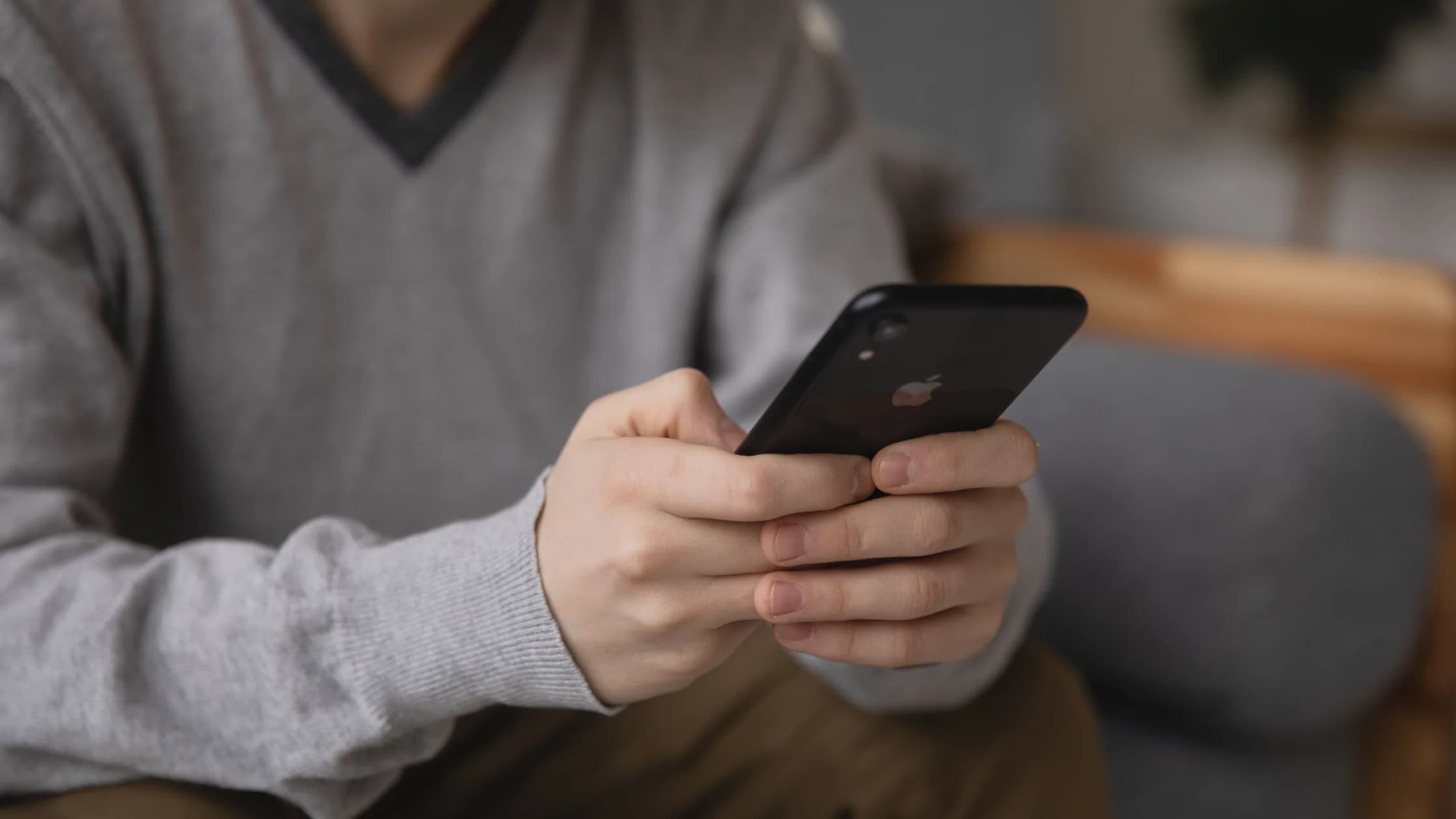

With iPhone cellular data not working, start with the status bar. SOS, No Service, or Searching means the iPhone is not connected to its usual cellular network, so the carrier line comes first.[1] Normal signal bars with no data point instead to the plan, the Cellular Data switch, a single app, or a VPN-only route; testing Safari with Wi-Fi off and comparing a second app tells you which, faster than toggling random settings.
Key Takeaways
- SOS, No Service, and a normal signal with no data point to different checks.
- Confirm the active SIM or eSIM, plan, coverage, outage, and cellular-data line before changing APN settings.
- Check the per-app cellular switch when Safari works but one app does not.
- Airplane Mode, a restart, a carrier-settings update, and an iOS update are safer early steps than a network reset.
- A VPN can be a controlled comparison only after ordinary cellular internet works.
Start with the device and app troubleshooting guide if you are not sure whether the failure belongs to the account, device, network, or service layer. If Wi-Fi works but cellular data does not, keep the investigation in this guide; if cellular internet works and only a VPN fails, compare the separate VPN on cellular data guide.
If the status bar says SOS, SOS only, No Service, or Searching, the iPhone is not connected to its usual cellular network. Apple recommends checking the carrier account, coverage, local outages, blocked devices, and data plan before treating this as an app problem.[1]
If you see signal bars but pages do not load, turn Wi-Fi off briefly and test Safari. Try a second app as well. A single app failing is more likely to be an app permission, account, or service issue; every app failing keeps the carrier, SIM, and iPhone data path in scope.
Write down the time, the visible status message, the SIM or eSIM line in use, and whether another device on the same carrier can use data. Do not publish a phone number, full IMEI, or account screenshot in a support request.
Open Settings → Cellular and review the line selected for cellular data. On a Dual SIM iPhone, tap each line and confirm that the intended line is turned on. Apple notes that a missing line can require carrier eSIM setup or a physical SIM to be reinserted.[1]
Check the carrier account separately. Confirm that the plan is active, the device is not barred, the data allowance has not been exhausted, and there is no outage in the current area. Only the carrier can correct account, coverage, provisioning, or IMEI-registration issues.
If you are traveling, open Settings → Cellular → Cellular Data Options for the active line and review Data Roaming. Roaming may create charges, so enable it only when your plan and carrier instructions support it. A VPN cannot replace a roaming agreement or an active data plan.
Check these settings one at a time:
If Safari works but one app does not, do not reset the whole network first. Update the app, sign in through its official website if possible, and check whether the app has its own offline or account error. A per-app cellular switch can make a healthy carrier connection look like an app outage.
Usually, no. The APN defines the network path used by cellular data, but Apple warns that an incorrect APN can remove cellular connectivity or cause additional charges. Edit it only when your carrier or mobile-device administrator provides the exact values.[2]
If the Cellular Data Network option is missing, that may simply mean the carrier does not allow manual editing. Do not copy APN values from a random forum. Ask the carrier to confirm the correct profile or reset the carrier settings through its supported process.
Disconnect a VPN, proxy, content filter, or security profile while testing the ordinary cellular path, if your work or school policy allows it. Then load the same HTTPS page and repeat the test. If cellular internet works without the VPN but fails only when the VPN is connected, you have a VPN-path symptom rather than a carrier outage.
Treat it as a last device-side step. Before using Settings → General → Transfer or Reset iPhone → Reset → Reset Network Settings, save Wi-Fi passwords and confirm that you can restore any work, school, VPN, proxy, or carrier configuration. A reset can remove saved networks and passwords, cellular settings, and VPN/APN settings.
If the carrier confirms that the account, plan, and network are healthy but the iPhone still fails on every network, contact Apple. If several devices fail on the same carrier or in the same area, contact the carrier first. Preserve your evidence instead of repeating a reset that cannot change an upstream outage.
Signal bars show a radio connection, not a working data plan or internet path. Check the active cellular line, account, coverage, outage, and Cellular Data switch, then test Safari with Wi-Fi off.
The app may be blocked by its per-app cellular switch, have an expired session, or be experiencing its own outage. Compare another app and the service’s official website before resetting the network.
SOS or SOS only means the iPhone is not connected to its usual carrier network, although emergency calling may still be available in supported regions. Check the carrier, coverage, plan, SIM/eSIM, and local outage.
Only when you are traveling and your carrier plan supports it. Roaming can create charges, and a VPN cannot substitute for carrier roaming access.
It can help only when the carrier requires a specific APN and gives you the correct values. An incorrect APN can break data or cause extra charges, so do not change it from an unofficial guide.
A VPN can compare a network route when ordinary cellular internet already works. It cannot repair a carrier account, SIM, coverage, roaming, or APN problem.
It can remove saved Wi-Fi networks and passwords plus cellular, VPN, and APN-related settings. Record the information needed to reconnect before using it.
UScellular sold its wireless operations to T-Mobile on 1 August 2025, so a former US Cellular line may now be handled by T-Mobile during account and network integration.[3] Contact your current carrier through its official app, website, or support number to confirm the plan, SIM or eSIM status, and any required carrier-settings update, then repeat the Airplane Mode and Safari tests above. Do not enter APN values copied from older US Cellular forum posts.
Contact the carrier for account, plan, coverage, outage, provisioning, or SIM/eSIM issues. Contact Apple when the carrier confirms the service is healthy and the iPhone still fails across networks after safe checks. AethoVPN requires an underlying iPhone data connection and cannot activate a SIM/eSIM, restore carrier coverage, or lift a suspended plan.
Disclaimer: This article is for general informational purposes only and does not constitute legal, technical, or other professional advice. We make no guarantees regarding the accuracy, completeness, or timeliness of the content.
Sources:
Sources checked 4 October 2026.
Related Articles:
Sign up to experience all premium features at no cost.
*Available only to new users. Each user is limited to one trial.