Start your 3-day free trial
Sign up to experience all premium features at no cost.
*Available only to new users. Each user is limited to one trial.
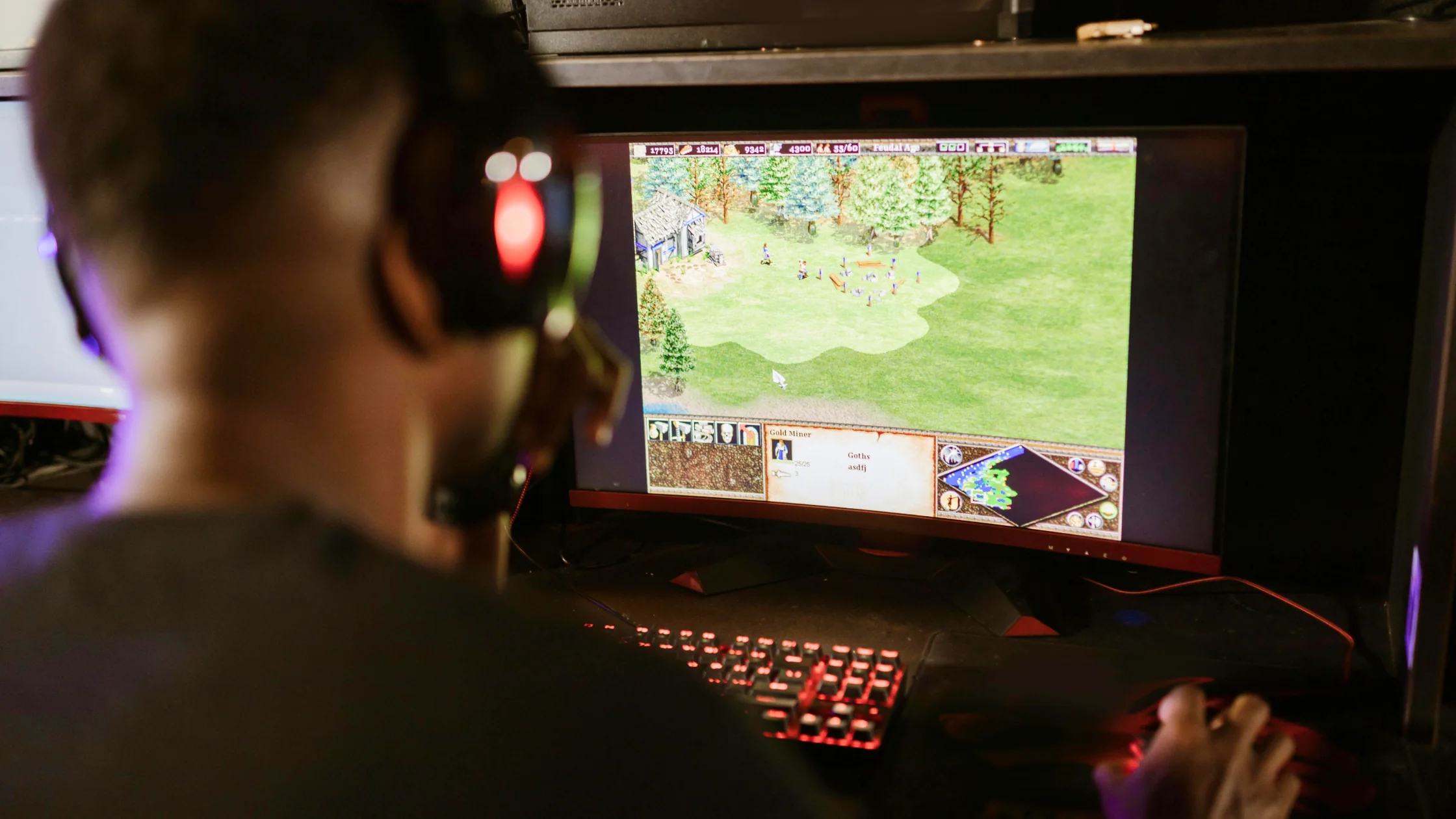

Most players have had that moment: the fight is going well, then your character rubber-bands, your ability does not fire, or your shot registers too late. That usually leads to one question: how much internet speed for gaming do you actually need? The honest answer is that smooth gameplay is not just about download speed. Different platforms and genres care about bandwidth, ping, jitter, and packet loss in different ways. This guide breaks down what games actually send over the network and how to reduce annoying lag.[1]
Key Takeaways
- Bandwidth needs are usually low: most online games only need 3-8 Mbps, not a gigabit connection.
- Ping matters most: for competitive games, latency under 50ms is usually more important than huge bandwidth.
- Ethernet comes first: a wired connection often reduces jitter more effectively than upgrading your plan.
- Hidden interference is common: background downloads, shared devices, and ISP throttling can all hurt gameplay.
Many players assume more bandwidth is always better, but most games send small packets: position, direction, inputs, abilities, and state updates. By game type, the requirements usually fall into a few tiers.[2]
Casual games, puzzle games, and turn-based titles such as Civilization do not need constant real-time data exchange. For this kind of play, 3-8 Mbps is usually enough for a smooth session.
First-person shooters, MOBAs, and racing simulators such as CS2, Apex Legends, and Valorant need to sync every small action with the server. You need a faster and steadier connection, but 15-25 Mbps is usually enough. Professional esports setups may use dedicated lines above 100 Mbps to squeeze out every bit of responsiveness.
If you share a connection with roommates and someone is watching a 4K stream or downloading a large file, a normally sufficient 25 Mbps connection can struggle. In shared homes, 50 Mbps or even 100 Mbps+ gives everyone more room and lowers the chance of a disconnect mid-match.
Ping, or latency, is the time between your input and the server response. High latency makes controls feel delayed and can cause the classic shooter problem: you fired first on your screen, but still went down.
| Platform | Minimum requirement (download/upload) | Recommended competitive bandwidth | Ping target |
|---|---|---|---|
| PlayStation (PS4 / PS5) | 3 Mbps / 1 Mbps | 15-25 Mbps | < 50ms |
| Xbox (Series X/S / One) | 3 Mbps / 1 Mbps | 15-25 Mbps | < 50ms |
| PC (Steam / Epic) | 3-6 Mbps / 1 Mbps | 25 Mbps | < 50ms |
| Nintendo Switch | 1 Mbps / 0.5 Mbps | 10-20 Mbps | < 50ms |
| Cloud gaming | 15 Mbps+ | 25-50 Mbps | < 40ms |
Note: cloud gaming services such as Xbox Cloud Gaming and GeForce Now have much stricter speed and latency needs because they stream live video.
Even with a 500 Mbps fiber plan, several things can quietly slow down your game.
Wi-Fi weakens through walls. Microwaves, Bluetooth devices, and nearby routers can also interfere with the 2.4 GHz band, causing stutter and packet loss in games.
Older routers may not handle dozens of smart devices at once. When the router queue gets congested, latency rises.
Even at the speed of light, data needs time to cross the planet. That is why playing on a faraway server can easily add more than 100ms of unavoidable latency.
Some ISPs may limit certain high-frequency traffic patterns during evening peak hours to reduce backbone congestion.
If you compare a VPN route, AethoVPN's server list marks some lines for gaming and shows each location's load, so start with a nearby low-load gaming line. A VPN still cannot turn a bandwidth number into a guaranteed gaming experience, because latency, jitter, packet loss, server distance, and device performance still matter. Start the 3-day free trial to compare that line with your usual connection in the same game.
Yes. Almost all online shooters only need around 15-25 Mbps for gameplay. As long as other devices are not flooding the connection with downloads, 100 Mbps is more than enough.
Yes. Gaming is two-way communication. Your movement and firing commands must be uploaded to the server. If upload speed is extremely low or packets are lost, your actions may not arrive reliably.
Yes. High-end Wi-Fi can show excellent speed tests, but it still uses radio waves and can suffer from interference and channel congestion. Ethernet gives you a dedicated path and usually better stability.
Yes. Bandwidth is how much data you can move per second; ping is how long it takes to hear back. In a shooter, that response time matters more than a huge download number.
Sometimes. If your ISP route is congested or gaming traffic is being throttled, a VPN may stabilize ping by encrypting traffic and sending it through a different route.
Disclaimer The technical explanations and bandwidth figures in this article are for general guidance only. Actual gaming performance depends on hardware, distance, and network conditions. We do not guarantee any specific performance improvement.
Sources
Sources checked 8 May 2026.
Related Articles:
Sign up to experience all premium features at no cost.
*Available only to new users. Each user is limited to one trial.
