Start your 3-day free trial
Sign up to experience all premium features at no cost.
*Available only to new users. Each user is limited to one trial.
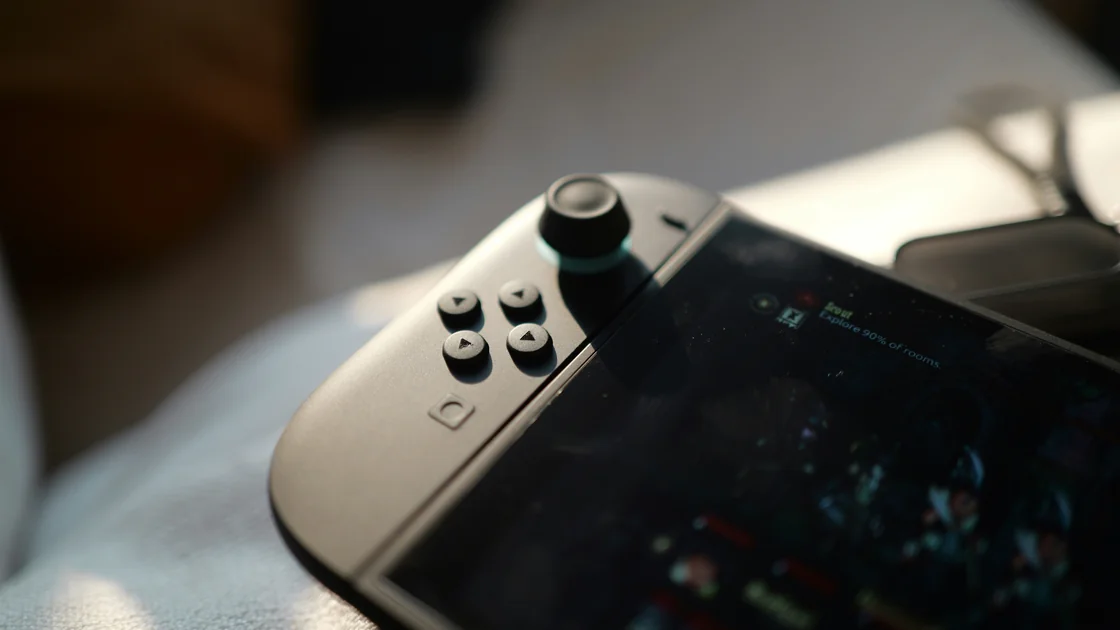

When your Switch says the NAT traversal process has failed, the console reached the internet but could not build a direct path to another player's console. A Nintendo Switch NAT traversal failed message therefore points to the peer-connection path rather than basic internet access, and both players' NAT environments can affect it.[1] Record the Switch connection-test result, identify whether every player or only one player is affected, and change one network layer at a time.
Key Takeaways
- Use the Switch result—NAT A through F—rather than another console's Open, Moderate, or Strict labels.
- A successful internet test does not prove that peer-to-peer game traffic can be established.
- A second router behind an ISP gateway can create two translation layers and a harder inbound path.
- Compare one game, one player, and one alternate network before editing router settings.
- Avoid DMZ and blanket port forwarding; preserve the original configuration and escalate with evidence.
The Entertainment troubleshooting hub covers the wider gaming and streaming cluster. This guide starts after the console can reach Nintendo services but cannot reliably form an online session. For a queue that merely takes a long time, use the matchmaking diagnostic instead.
These checks follow the Nintendo documentation listed below for Switch-family consoles; menu options depend on the model and installed system version. The author has not performed a complete end-to-end test of this workflow.
Most home routers use network address translation (NAT): several devices share one public address, and the router normally admits only replies to connections a device started. NAT traversal is the step in which two consoles, each behind its own router, try to find a route that lets game traffic reach each other directly. Nintendo rates the tested path from A, best for peer-to-peer communication, to F, where peer-to-peer communication cannot be completed.[3]
When the process fails, one side's NAT, firewall, or extra gateway layer did not let the other console's traffic through, so the session cannot form even though both consoles are online. The fix lies in the path between players, not download speed, which is why the steps below collect evidence before any router change.
Write down the exact error, game, mode, local time, and whether the failure happens while creating a room, joining a room, or starting the match. Test two different online games if available. A failure in one title can belong to that title's service, while the same failure across several titles points more strongly to the console or network path.
Separate these outcomes:
| Observation | Most useful next branch |
|---|---|
| Nintendo connection test itself fails | Repair basic internet or account access first |
| Test succeeds, but no player can connect | Inspect NAT result and home gateway chain |
| Only one friend cannot connect | Compare both players' NAT and networks |
| Room forms, but the match later drops | Use the separate disconnect workflow |
| Invitation never arrives | Check invitation, privacy, and platform state |
Do not change router settings before preserving this baseline. A screenshot or note of the result lets you tell whether a later change helped or merely produced a different symptom.
Open System Settings, select Internet, and choose Test Connection. Nintendo says the result includes internet connectivity, global IP address, NAT type, download speed, and upload speed. Its Switch scale runs from A, best suited to peer communication, through F, where peer communication cannot be completed.[2][3]
Record the connection name and NAT letter, but do not publish the global IP address. Repeat the test only after the console and network have returned to a stable state. A single letter is a diagnostic clue, not proof that a specific game server, friend, or router feature is healthy.
Nintendo's current Switch guidance uses A–F. Do not translate those letters into the Open, Moderate, and Strict vocabulary from older Nintendo 3DS documentation; that is a different product-specific scheme.
Nintendo describes A as preferred for peer-to-peer communication and B as compatible with most other NAT types. More restrictive results narrow the set of peers that can establish a session; Nintendo specifically notes that a D result generally connects only to A, while F cannot complete peer communication.[2]
The result describes the tested network path, not the console's permanent identity. Moving the same console to another network can produce a different letter. It also does not mean that lower latency, matchmaking population, subscription eligibility, or a game's service status is automatically good.
Use the letter with scope evidence. If A or B fails with every player, check game status, latency, or router state. If D or F appears across several games, map the translation layers before trying random settings.
Nintendo notes that both players' NAT environments can affect a peer connection.[1] Test with at least two different players if practical, and ask the failing friend to run the same connection test without sharing their global IP publicly.
Use a small comparison grid:
If only one pairing fails, avoid rebuilding your whole home network. The restriction may be on the other side or in the interaction between both paths. If all pairings fail, continue with your own gateway chain. A missing invitation belongs in the multiplayer invitation checklist, not this NAT path.
Draw the physical path from the Switch to the internet. A simple setup is Switch → one combined modem/router → ISP. A common double-router setup is Switch → personal router → ISP gateway → ISP. Mobile hotspots, mesh systems in router mode, apartment networks, and carrier-grade NAT can add another boundary.
Check labels and management pages rather than guessing from the number of boxes. A modem may bridge traffic without routing; a gateway usually combines both jobs. If two devices both issue private addresses and perform routing, the console may cross two NAT layers.
Do not expose the console through a DMZ or forward all ports to “prove” double NAT. Those changes create unnecessary inbound exposure and can hide which layer actually caused the problem. If the ISP gateway supports a documented bridge or pass-through mode, ask the ISP or router vendor how it affects phone, television, and other bundled services before changing it.
Start with reversible comparisons. Move the console closer to the access point or use a supported wired adapter, then rerun the connection test. This separates radio quality from the wider route, although a wired result can still use the same restrictive gateway.
Next, restart the console and fully restart the modem and router in their documented order. Nintendo recommends retesting after each network change and restarting network devices as part of NAT troubleshooting.[1] Preserve any ISP voice or alarm-service instructions before disconnecting equipment.
A brief test on a trusted mobile hotspot or another household network is especially informative. If the same game and account work there, the home gateway or ISP path becomes the leading branch. If both networks fail, check the game's status and use the server-versus-local diagnostic.
Install normal console and router firmware updates first. Save or photograph the current router settings, change one documented option, restart only if the vendor requires it, and rerun the Switch test. Undo the change if it does not improve the result.
Reasonable vendor-assisted checks include:
Do not factory-reset a shared router until you have an export, ISP credentials, and a recovery plan. Do not use ports 1–65535, DMZ, or an “open everything” rule as a routine fix. AethoVPN can change the route used by compatible devices, but it cannot remove translation performed by an ISP gateway or guarantee a better Switch NAT type.
Contact the owner of the unresolved layer. The router vendor handles its configuration, the ISP can explain gateway and carrier-grade NAT behavior, Nintendo can interpret the console result, and the game publisher can investigate title-specific sessions.
Send a compact record:
Ask for the next supported diagnostic, not a guarantee of NAT A. If the issue changes into a general service failure, return to the server diagnostic rather than continuing router experiments.
Yes. Basic access proves that the console can reach Nintendo services, while a peer session may require a path that the tested NAT environment cannot establish.
Not normally. Nintendo says B is compatible with most NAT types, so repeated failures with B should also be checked for player scope, game status, latency, and router condition.[2]
Both network environments participate in a peer connection. Test other players and ask the affected friend to record their own NAT result before either household changes equipment.[1]
No. Speed and NAT are separate outputs in the connection test. A fast download can coexist with a restrictive peer-connection path.
No, not as a routine troubleshooting step. It increases exposure and removes useful isolation; use vendor-supported, minimal changes and preserve the original configuration.
No. The ISP path, multiple gateways, carrier-grade NAT, router behavior, and the other player's path can still determine the result.
Contact the ISP after repeatable home-versus-alternate-network evidence points to its gateway or upstream translation. Ask whether the line uses carrier-grade NAT and what supported options exist.
Sources:
Sources checked 9 October 2026.
Related Articles:
Sign up to experience all premium features at no cost.
*Available only to new users. Each user is limited to one trial.