Start your 3-day free trial
Sign up to experience all premium features at no cost.
*Available only to new users. Each user is limited to one trial.
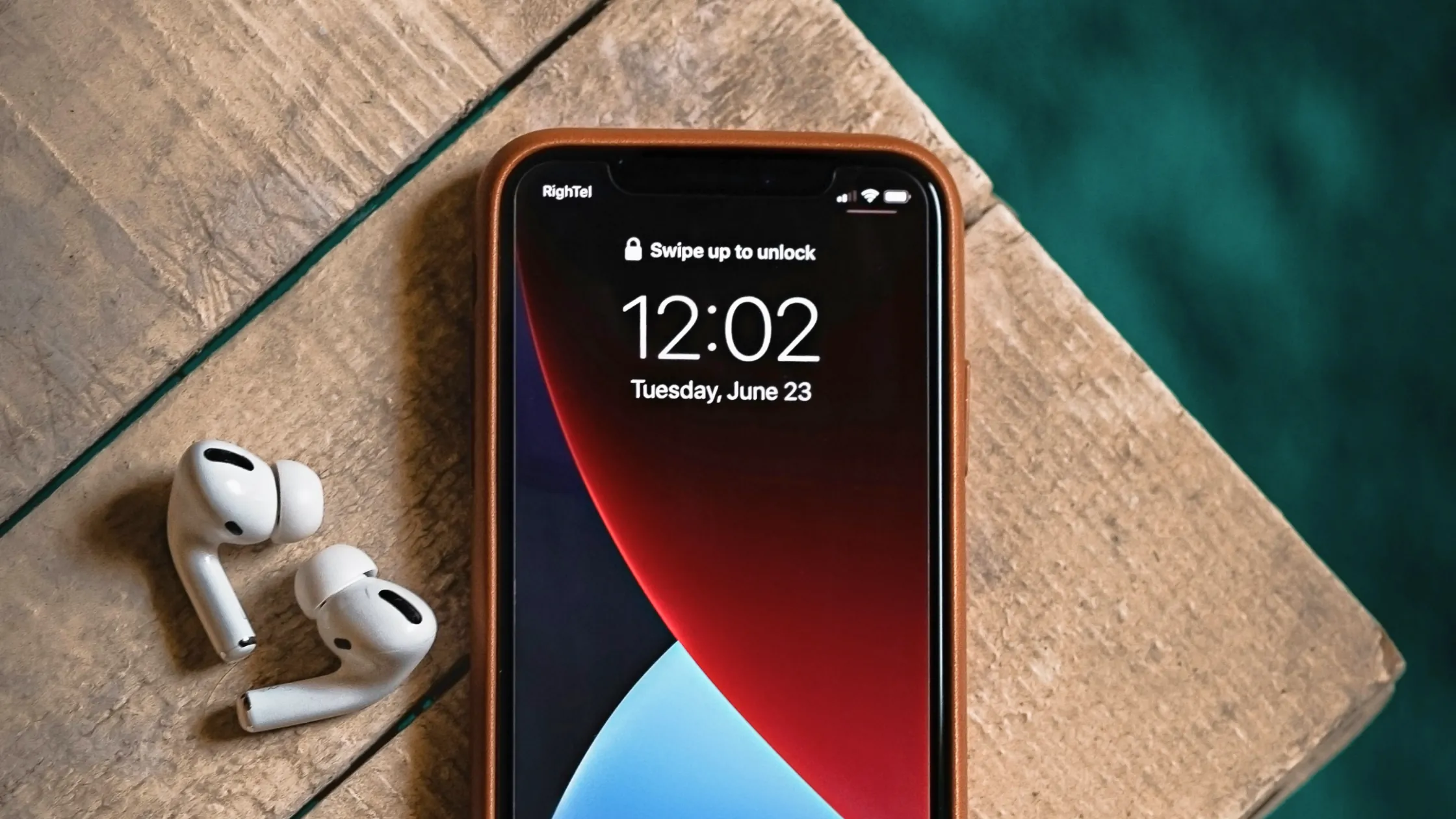

Short answer: can iPhones get viruses? Yes, but the odds are lower than many people think. Apple uses App Store review, code signing, and app sandboxing to make large-scale traditional virus spread much harder. Still, malicious links, fake security alerts, jailbreaking, sideloading, and serious vulnerabilities can expose an iPhone to malware, spyware, or account takeover.[1][2][3]
For most people, the realistic risk is not an old-school PC virus suddenly infecting the phone. It is being tricked into tapping a fake pop-up, installing an untrusted app, giving away account credentials, or becoming exposed to a more advanced targeted exploit.
Use the personal privacy guide as the wider checklist: it connects this issue to accounts, devices, identifiers, and data-broker exposure.
Key Takeaways:
- iPhones are not immune; they are just harder for traditional viruses to infect at scale.[1][2]
- Apple's core defenses are App Store review, code signing, and app sandboxing, not a traditional "mobile antivirus."[1][2]
- Ordinary users more often face fake virus alerts, phishing links, malicious configuration profiles, account theft, and web-based download lures.[3][4]
- Jailbreaking, installing apps from untrusted sources, and skipping system updates noticeably raise the risk.[1][2]
- Persistent redirects, unusual battery drain, unknown apps, or repeated Safari pop-ups should be investigated as a malware or scam incident.[3][4]
Because in normal use, Apple really does make infection harder.
Apple's platform security documentation repeatedly points to three protections:
That makes the classic path of one app infecting the whole system much less likely on iPhone.
Many "my iPhone has a virus" moments are really a web page trying to scare you. It may say "your device is infected," "clean now," or "contact Apple support immediately," while the real goal is to get you to tap, download, or pay.[3]
If you have seen a page like this, read what a fake virus alert is.
Apple says iOS security depends heavily on trusted distribution and signing. When that assumption breaks, risk rises.[1][2]
Jailbreaking weakens system restrictions and allows code to run in ways Apple normally blocks. You are not just losing a small limitation; you are weakening a platform-level defense model.
This is not the most common situation for ordinary users, but advanced spyware and zero-click exploits exist. CISA and Apple both push timely updates because some vulnerabilities can create risk far beyond a scary pop-up.[3][5]
| Risk type | Common signs | How to understand it |
|---|---|---|
| Fake security alert | Safari repeatedly says "fix now" | Usually a scam or redirect, not a system scan |
| Phishing page | Fake Apple ID, bank, or delivery login | It wants credentials, codes, or payment details |
| Malicious app or profile | Strange behavior after installing a tool | More like malware, adware, or privacy abuse |
| Targeted exploit | Little or no user interaction | Less common, but more serious |
| Account takeover | Apple ID, email, or payment account abused | Often more damaging than a slow phone |
Do not treat these signs as ordinary lag:
For step-by-step checks, read how to check your iPhone for viruses.
Do not tap "fix," "allow," "download," or "call" in a pop-up.
Focus on apps with vague names, unclear sources, or strange behavior right after installation.
Clear browsing data, look for unknown profiles, and review notifications and calendar subscriptions. These checks are often more useful than restarting repeatedly.[4]
Security updates close known holes. The longer you wait, the longer the exposure window stays open.[5]
If you entered your Apple ID, email, bank details, or verification code on a suspicious page, do this quickly.
It is possible, but much less common than on PCs. For most users, malicious web pages, phishing, privacy abuse, and malware are more realistic risks than classic self-replicating viruses.[1][2]
Most web pop-ups are not trustworthy. A real system security alert usually will not tell you to call a number, install a cleanup tool, or pay.[3][4]
No. Jailbreaking raises risk, but even a non-jailbroken iPhone can face phishing, scams, malicious sites, or exploited vulnerabilities.
iOS uses a different security model from desktop systems. Updates, permissions, safer links, and trusted installation sources matter more than so-called antivirus apps.[1][2]
It can, especially when a site combines exploit code, fake alerts, or download tricks. More often, it first tricks you into taking an action.[3][5]
Not exactly, but it is still serious. Many losses come from account theft rather than device infection.
Disclaimer
This article is for general digital safety education only and does not constitute forensic, legal, or professional repair advice. iOS versions and regional distribution rules may vary.
Against iPhone malware, a VPN cannot scan iOS for infection, remove a malicious profile, or repair a compromised account.
Sources
Sources checked 8 May 2026.
Related Articles:
Sign up to experience all premium features at no cost.
*Available only to new users. Each user is limited to one trial.