Start your 3-day free trial
Sign up to experience all premium features at no cost.
*Available only to new users. Each user is limited to one trial.
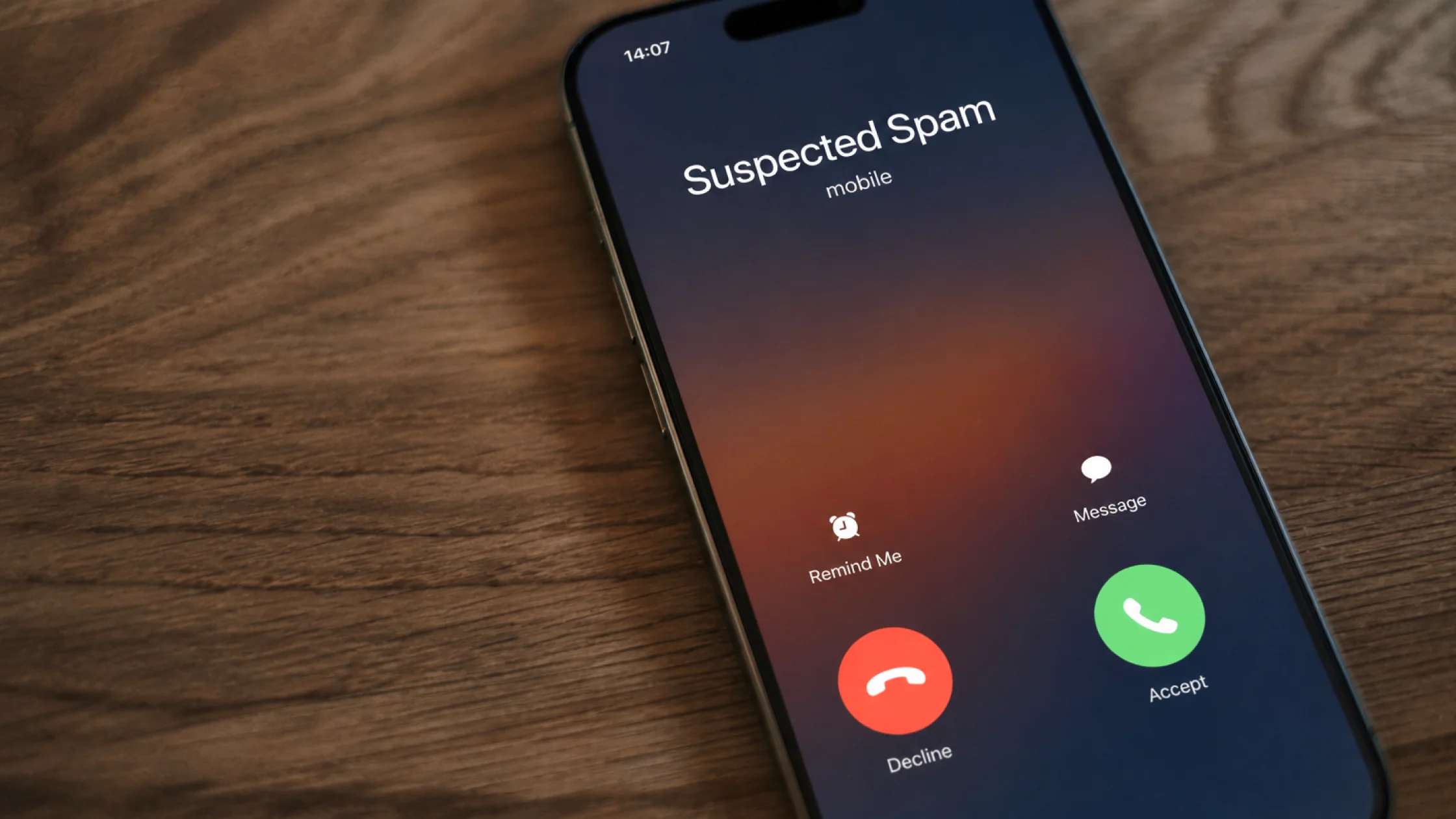

Here is the practical answer: if you want to know how to stop spam calls, the best move is usually not answering and arguing, or deleting numbers one by one. Use your phone's built-in blocking, carrier filtering, caller ID, and reporting tools together. FCC, Apple, and Google guidance all points in the same direction: reduce contact, block more aggressively, and give detection systems better signals.[1][2][3][4]
When spam calls become unbearable, it is tempting to answer and tell the caller to stop. In practice, that can confirm your number is active.
Use the full privacy review guide as the wider checklist: it connects this issue to accounts, devices, identifiers, and data-broker exposure.
If spam texts are also piling up, read how to stop spam texts on Android.
And if you mainly want to know whether an unfamiliar area code looks suspicious, Are area code calls scams? focuses more on recognition. This guide focuses on what to turn on, what to block, and how to report once the calls have already started.
Key Takeaways
- The safest order is usually: do not call back, block first, turn on system detection, then add carrier filtering and reporting.[1][2][3]
- iPhone and Android both include tools for unknown callers and suspected spam calls.[2][3][4]
- Google Phone supports caller ID and spam protection, and some devices can screen spam calls automatically.[3][5]
- Apple supports unknown caller screening, silencing, and filtering for some carrier-identified spam calls.[2][4]
- If your number is getting hit constantly, it may not be bad luck. Your phone number may be overexposed.[1]
Be especially cautious with one-ring calls, unfamiliar international codes, or numbers that appear to imitate a local area code. Some scams are designed to make you call back.
That includes your birthday, verification codes, card digits, address, or full name. Scammers often use “security verification” as a way to make you complete their profile.
The FCC repeatedly warns about caller ID spoofing. A caller ID that looks legitimate does not prove the caller is legitimate.[1]
If unfamiliar area codes keep calling you, also read Are area code calls scams?.
This is the lowest-effort step. On both iPhone and Android, you can block a number directly from your recent calls list.[3][4]
Open the number details from your call history and choose the option to block the caller.[4]
Google Phone supports Block/report spam from your recent calls.[3]
Apple lets you screen, silence, or filter calls from people who are not in your contacts. That is useful against high-volume sales and scam calls.[2]
Google Phone supports blocking unknown numbers and enabling spam call identification.[3][5]
This is different from manually blocking a number. The system uses known spam numbers and related signals to warn you during an incoming call, and in some cases filter the call automatically.[2][3][5]
The FCC identifies carriers as an important layer in reducing unwanted calls.[1] Many people only adjust phone settings and forget that their carrier may also provide anti-spam call features.
Banks, delivery companies, tax offices, courts, and support teams can all be checked by going back to the official website or app yourself. Do not use the number or link provided in the call.
For ongoing harassment, impersonation, or obvious scam calls, keep the call time, number, recording, or voicemail. The FCC provides a complaint path for unwanted calls and texts.[1]
If the caller pushed you to a fake login or refund page, your response should look more like the steps in What to do if you clicked a phishing link: 6 steps to limit the damage.
If you have used your main number for sign-ups, public profiles, giveaways, and store forms, spam calls can grow quickly. Separate your main number from public contact numbers, and consider how to get a virtual phone number when it makes sense.
If you are on a newer system version, Apple's call screening and spam filtering options are stronger than they used to be, so they are worth checking first.[2]
Block/report spam;Blocked numbers.[3][5]If your device supports more advanced automatic screening, turn that on too.
Do more than basic call blocking if you notice:
At that point, the problem looks less like a single random caller and more like broader exposure of your phone number.
If your number is also showing up in breach data or dark web lists, read what to do if your phone number is on the dark web.
Usually the risk is lower than if you shared information or pressed a transfer key, but it is still better to avoid answering or hang up quickly.
Not always. Avoid calling back unusual international numbers or one-ring calls.
It can screen or silence unknown callers and filter identified spam calls, depending on your system and carrier support.[2][4]
Yes. Google Phone caller ID and spam protection are a useful baseline defense.[3][5]
Not exactly, but many scams use spam calls as the delivery channel, so it is safer to treat them with higher caution.[1]
No. The important layers are your phone app, carrier filtering, reporting systems, and phone number separation.
Disclaimer
This article is for general digital safety education only and does not constitute telecom, legal, or fraud recovery advice. Call filtering features vary by country, region, carrier, and device.
A VPN cannot block a phone number at the carrier, report a caller, or prevent telephone-number spoofing.
Sources
Sources checked 8 May 2026.
Related Articles:
Sign up to experience all premium features at no cost.
*Available only to new users. Each user is limited to one trial.