Start your 3-day free trial
Sign up to experience all premium features at no cost.
*Available only to new users. Each user is limited to one trial.


online trackers are technologies that identify, record, and connect what you do online. They are not limited to cookies. Tracking pixels, browser fingerprints, bounce tracking, and third-party SDKs inside apps can all help recognize you and connect your browsing, clicks, dwell time, purchases, and device signals into a profile.[1][2][3][4]
The short version: trackers are not always malicious, but leaving them untouched usually means more targeted ads, more cross-site profiling, and more persistent recognition across devices and apps. The good news is that browsers, mobile operating systems, and network tools now give you practical controls.[2][4][5]
Key Takeaways
Online trackersinclude third-party cookies, pixel tags, browser fingerprints, bounce tracking, and mobile advertising identifiers.[1][2][3][4]- They are used for ad targeting, conversion attribution, user profiling, and cross-site recognition, not just simple traffic analytics.[2][4][5]
- Clearing cookies helps, but it is not enough because fingerprinting and app tracking do not always rely on cookies.[1][3][5]
- Blocking trackers can break a few site features when login widgets, chat tools, or analytics scripts are bundled with third-party resources.[2][6]
- The strongest approach is layered: browser blocking, tighter system permissions, account separation, and VPN protection for network-layer exposure.[5][7][8]
Think of trackers as identification parts embedded in websites, ads, emails, and apps. They may not announce themselves, but they collect signals that can help recognize a device or user: cookie IDs, browser configuration, screen size, language, visit order, and even app connections to third-party domains.[1][4][5]
For websites and ad platforms, the valuable part is not one visit. It is the ability to connect many visits to the same person. That is why trackers often appear in third-party scripts, ad networks, social sharing buttons, and analytics tools. When you read a review today and see a related ad tomorrow on another site, this is often the mechanism behind it.[2][4]
| Type | How it recognizes you | Common use | What to watch for |
|---|---|---|---|
| Third-party cookies | Reuse the same identifier across sites | Ad networks, embedded widgets | Strong cross-site linking; classic and easier for browsers to block[2] |
| Tracking pixels / web beacons | Load a nearly invisible resource and send a request back | Email open tracking, ad conversion | Page opens, email opens, and clicks may be recorded[4] |
| Browser fingerprinting | Combine device and browser traits | Ads, risk scoring, anti-fraud | Does not fully depend on cookies, so clearing cache may not stop it[1][9] |
| Bounce tracking | Briefly route you through a tracking domain before the destination | Affiliate marketing, ad attribution | Can work around some third-party cookie limits[3] |
| Third-party app SDKs | Collect identifiers and behavior inside apps | Ads, attribution, data sharing | You can be tracked even when you are not using a browser[5][8] |
MDN explains third-party cookies as cookies set by a domain other than the site you are visiting, then used to recognize activity across different sites.[2] This is why many browsers now block, partition, or restrict them by default.
Fingerprinting does not need to store a file on your device. It reads traits your browser already exposes. MDN and EFF both note that time zone, language, resolution, fonts, graphics capabilities, and plugin state can combine into a recognizable browser profile.[1][9]
That is the common mistake: deleting cookies does not mean no one can recognize you.
On phones, tracking does not have to come from a browser. Apple defines app tracking as linking information collected from an app with information from other companies' apps, websites, or data brokers for advertising or measurement.[5]
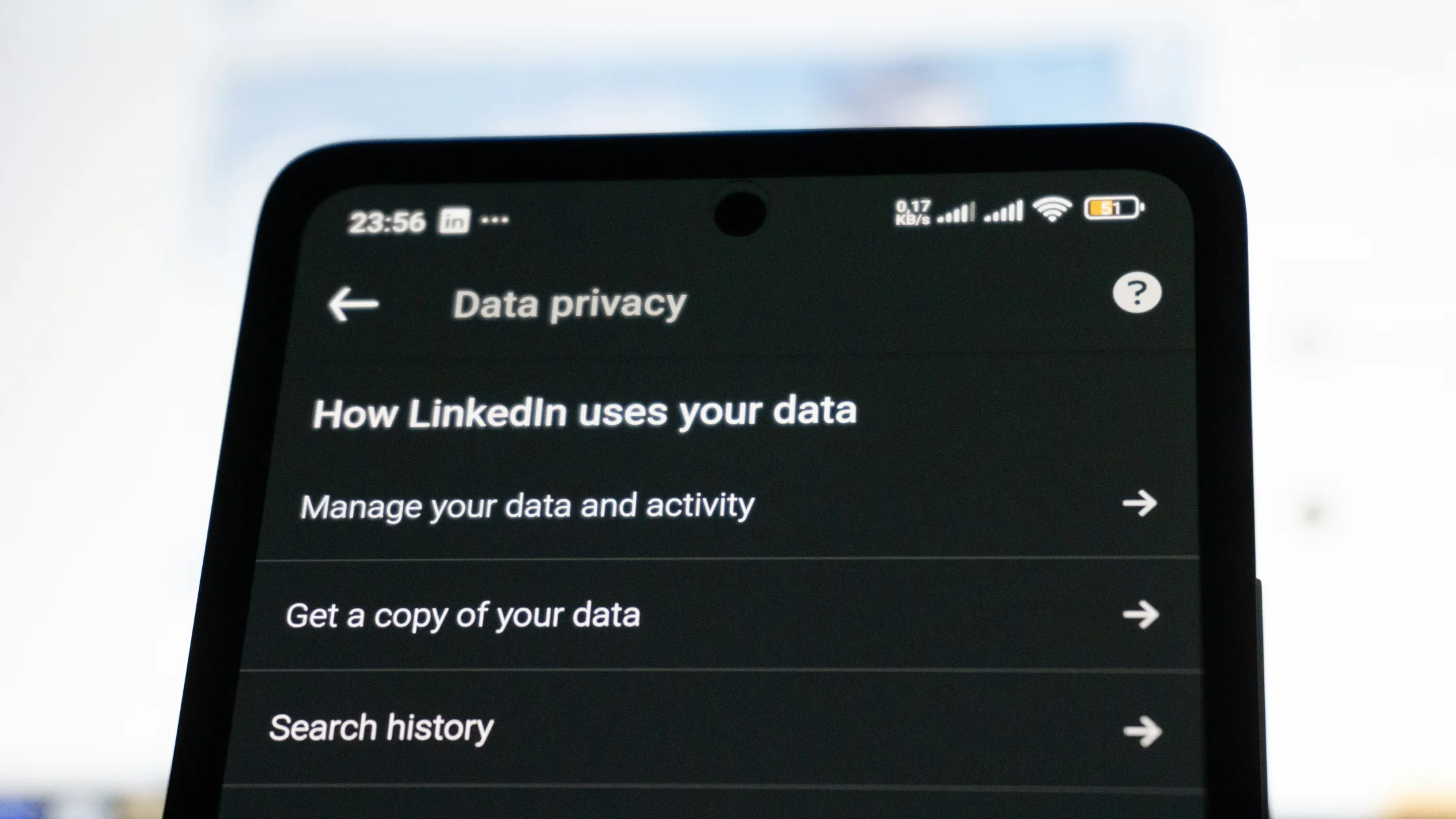
If you want to see which domains an app contacts, iPhone's App Privacy Report can make that visible.[8] This is worth reading alongside What do app permissions expose?.
Many platforms do not begin with obvious fields like your real name. They prefer low-friction data: visit time, dwell time, click path, device type, rough location, ad identifiers, search preferences, and purchase intent. If these signals are stable enough, they can support ad targeting, attribution, or data-set matching.[2][4][5] For the network-observer angle, read Can your ISP see your browsing history?.
The problem is not one sensitive field. It is whether ordinary fragments can be linked over time. That is the same logic behind What is data sharing?: one piece looks harmless; the combination becomes a profile.
This is the part many guides skip.
MDN notes that blocking third-party tracking resources can also affect parts of a page that rely on those resources, such as embedded login, chat widgets, callbacks, or analytics-related logic.[2][6] In plain terms, some sites bundle useful functions with tracking scripts.
That does not mean you should stop blocking. It means you should understand the side effect. When a page breaks, a safer approach is usually:
There is no magic plug-in. The better answer is layered control.
Modern browsers can remove a large portion of cross-site tracking. MDN explains that blocking third-party cookies, partitioning storage, and total cookie protection all aim to stop trackers from sharing identifiers across sites.[2]
If fingerprinting worries you, run EFF's Cover Your Tracks test to see how identifiable your browser is.[9] It is a useful baseline check.
On iPhone, go to Settings > Privacy & Security > Tracking to control app tracking requests. Apple says that when you deny tracking, developers should not use IDFA or other identifiable information for cross-company tracking.[5]
If you use Google services heavily, you can also turn off personalized ads in My Ad Center to reduce the use of account activity for ad personalization.[7]
Many people want not to be tracked while staying signed in to the same real-name account everywhere. That builds the bridge for trackers. Email aliases, separated accounts, and different browser profiles often help more than only clearing cache. For a practical next step, see What is an anonymous email account?.
A VPN can change your exit IP and encrypt part of the connection, but it will not clear cookies, erase fingerprints, or sign you out of accounts. Pair this with Can you be tracked with a VPN? to understand the boundary.
Where IP-based tracking is the part you want to reduce, AethoVPN gives trackers a different address to log: connect to a location from the in-app list, keep global mode on so app traffic uses the tunnel as well, and pair it with the browser and app-permission steps above. Scripts, cookies, app identifiers and anything shared after you sign in still need those other controls. Make this the last change you test, not the first: with steps 1 to 3 already in place, start the 3-day free trial and connect, so whatever differs afterward can be traced to the IP change alone.
No. Necessary cookies often support login status, carts, and language preferences. Trackers focus on recognition, analysis, attribution, and advertising. They may use similar technical shells, but the purposes are different.[2][4]
The phrase "cookie" is not what matters most. What matters is whether the technology identifies you across sites, whether it is shared with third parties, and whether you have a clear way to opt out.
No. Cookies are only one implementation. Trackers can also be pixels, browser fingerprints, redirects, or third-party SDKs in apps.[1][3][4][5]
Not completely. It mainly reduces local history, but it does not automatically remove third-party scripts, fingerprinting, or app-level tracking.
Not fully. Third-party cookies are affected, but browser fingerprints and some app tracking do not depend on cookies.[1][5][9]
Some page features may rely on third-party resources that are classified as trackers. MDN notes that tracking protection can affect page content or callback logic.[6]
Yes. Apple's path is Settings > Privacy & Security > Tracking. You can deny requests per app or stop apps from asking at all.[5]
No. A VPN mainly helps with connection and IP exposure. It does not erase fingerprints, cookies, or logged-in account state. Some VPNs can reduce known ad and tracker domains with DNS-level filtering.
Start with third-party tracking protection in your browser and app tracking controls on your phone. They are low-effort and high-impact. Then separate accounts and protect the network layer.
Disclaimer
This article is for digital privacy and cybersecurity education only. It does not constitute legal, compliance, or personalized technical advice. Browser, app, and regional privacy settings can change by version; refer to official documentation.
Sources
Sources checked 8 May 2026.
Related Articles:
Sign up to experience all premium features at no cost.
*Available only to new users. Each user is limited to one trial.