Start your 3-day free trial
Sign up to experience all premium features at no cost.
*Available only to new users. Each user is limited to one trial.
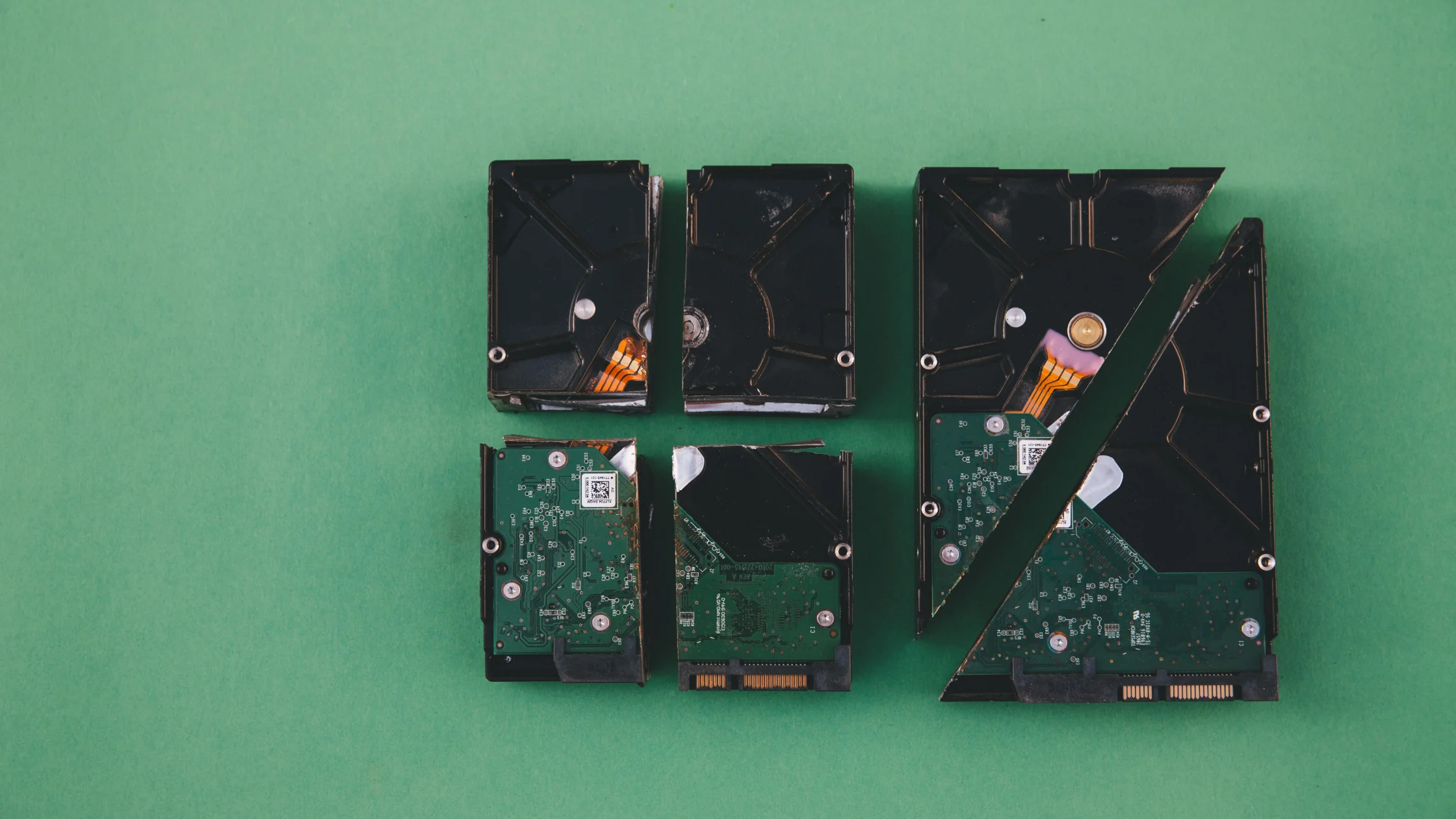

Data corruption means data has changed unexpectedly while stored, transferred, processed, or recovered, so content is inaccurate, unusable, unreadable, or present but no longer trusted.[1][2] When an app or game reports "data corrupted," it has found this kind of damage in a file, save, or download.
The most common causes of data corruption are failing or damaged hardware, power loss during writes, interrupted transfers, software bugs, malware, and human error.[1] The damage may have started minutes or months before you notice it, so the file can still exist while part of it is already broken.
Key Takeaways:
- Corruption is not the same as loss: the file can still exist while its content is no longer reliable.
- Typical causes are hardware, power interruption, transfer errors, malicious software, and user mistakes.
- Silent corruption is the most dangerous case because it can go unnoticed for a long time.
- Effective protection combines backups, test restores, updates, and safe habits rather than relying on recovery tools.
These terms are often confused, but they mean different things.
Data loss usually means the file is deleted, overwritten, or missing.
Data corruption means the file remains, but structure, content, checksums, or key metadata are damaged, so it cannot be read correctly.[1]
That is why people say: “The file is still there, but broken.”
IBM lists reliability risks including transmission errors, malware, hardware failure, disasters, and human error.[1]
In practice, corruption appears in four stages:
So the issue is not always at the moment you open a file; it may have started during save/copy/upload/backup.
If you regularly send sensitive files over the public internet, see How MITM attacks work and how to defend.
Visible corruption is explicit. Systems or apps report errors, for example:
It is annoying, but at least you know something is wrong.
Silent corruption is more severe. IBM case studies describe undetected corruption where backups appear healthy but fail during recovery.[2][4]
That is why you might misread “it seems fine” as “it is fine.”
Bad sectors, SSD controller issues, memory faults, and media wear can all cause read/write errors.[1]
IBM advisories also highlight power disruption as a trigger for unreported corruption or loss during writes.[4]
CISA notes ransomware can encrypt files and make them unusable.[3] From an end-user perspective, this resembles severe corruption.
Unstable links, interrupted downloads, or a checksum mismatch can produce an apparently complete but actually damaged file.
That is why teams treat secure transport and data protection together rather than waiting for failure. For the wider habits behind that, see the digital privacy guide.
Bugs during save, sync, compress/decompress, or DB writes can corrupt internal structure.
Ejecting hardware incorrectly, interrupting transfer, or accidentally overwriting files are very common causes.
Watch for these signs:
| Symptom | Possible meaning |
|---|---|
| File cannot open | Header, structure, or metadata is corrupted |
| Garbled content | Partial block damage |
| Archive extract fails | Incomplete package or transfer issue |
| Backup restore fails | Problem inside backup chain |
| Frequent crashes in specific files | File content or underlying media may be unstable |
| File size is 0 KB or abnormal | Incomplete write or broken structure |
If these appear, stop repeated saves and writes so you don’t overwrite what is still recoverable.
At least three copies, two media types, and one off-site copy.
Backing up is not enough; periodic restoration tests verify that data can actually be recovered.
Especially when writing big files across USB drives, external disks, or NAS.
Updates often fix low-level issues behind faulty file handling.
CISA recommends anti-malware controls to reduce ransomware and unauthorized tampering risks.[5]
Public Wi‑Fi and high-loss links raise corruption risk. For documents, backups, and database exports, validate after transfer.
People often panic and take three risky actions:
These can erase any recoverable data. A safer sequence:
If malware or ransomware is possible, see Ransomware protection guide: what to do before paying anything.
Neither is always worse; corruption is often more hidden because files may still appear present.
Sometimes. Recovery depends on corruption depth, media condition, and whether writes continue.
Ransomware deliberately encrypts or otherwise blocks access to files. That can make data unusable like corruption, but it is not the same as accidental file damage.[3]
Backup chains can contain undetected corruption or be corrupted during backup jobs.[2]
Stop saving over the same file and copy the original somewhere safe first. Then restore it from a backup, cloud sync, or a fresh download; if the error keeps appearing across different files, check the storage device before trusting it again.
Usually no. It does not self-heal like a transient network issue.
Build a verifiable backup process: not “I think it is backed up,” but a restore you have actually tested.
Disclaimer
This article is educational and not recovery, forensics, legal, or business-continuity advice. For critical, financial, or evidentiary data, involve professional teams promptly.
Sources:
Sources checked 4 October 2026.
Related Articles:
Sign up to experience all premium features at no cost.
*Available only to new users. Each user is limited to one trial.