Start your 3-day free trial
Sign up to experience all premium features at no cost.
*Available only to new users. Each user is limited to one trial.
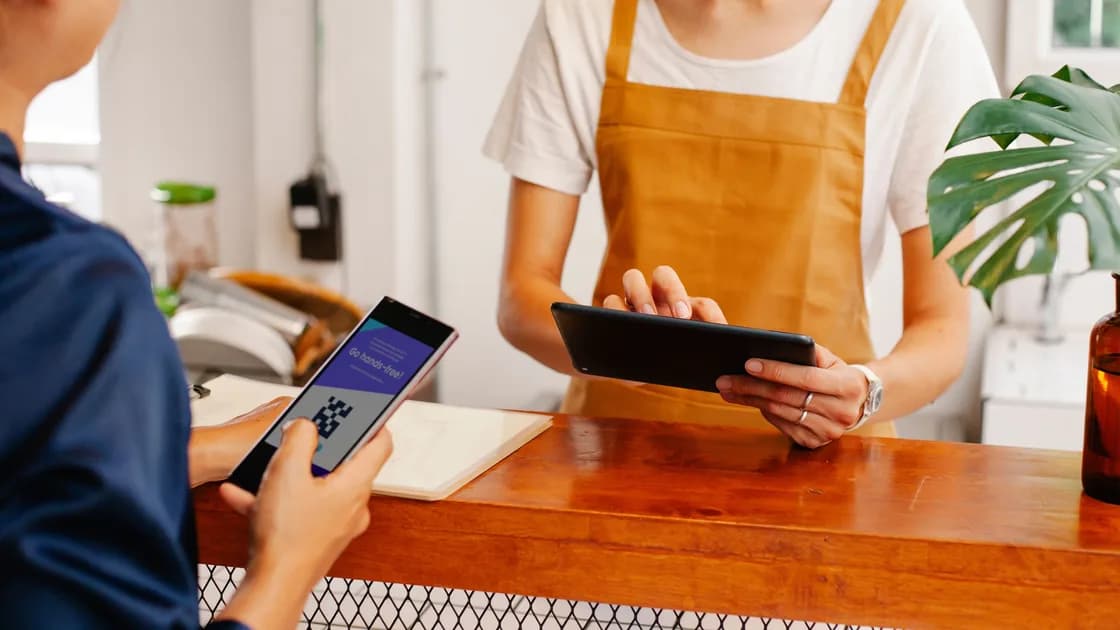

What is quishing? It is phishing delivered through a QR code. The code is not automatically dangerous: it is only a compact way to store a destination or instruction. The attack begins when a criminal uses that convenience to hide a misleading link, payment address, app download, or sign-in page and then pressures someone to follow it.
That hidden destination is the important difference. A normal link lets you inspect at least part of the domain before clicking. A QR image makes the destination less visible until a camera or scanner decodes it, and the resulting prompt may show only a shortened or truncated address. The FTC warns that scammers place their own QR codes over legitimate ones and send unexpected codes by email or text to create urgency.[1]
Key Takeaways
- A QR code is a carrier; the fraud happens at the destination or through the action it requests.
- Treat unexpected codes like unexpected links, especially when they mention a delivery, account problem, payment, refund, or urgent verification.
- Preview the destination, inspect physical stickers, and open the known official app or website independently.
- Your response depends on what happened after the scan: viewing a page is different from entering credentials, paying, or installing software.
Most attacks follow a short chain. First, the attacker creates a destination that supports the intended fraud. It might imitate a bank login, request card details for a small delivery fee, open a cryptocurrency payment page, ask for a work-account sign-in, or offer a file or mobile profile. Next, the attacker encodes that destination into a QR image. Finally, the image is placed in a believable context and paired with a reason to act quickly.
The context can be digital or physical. In email, a QR image may bypass habits and filters that focus on clickable text links. In a text message, it may be presented as a parcel update or account check. In a PDF, invoice, poster, parking meter, restaurant table, event sign, or mailed letter, the code can look like part of an ordinary workflow. A spearphishing campaign can also tailor the message to a particular organization or person; the FBI has documented malicious QR codes used in targeted email campaigns.[2]
Scanning does not prove the sender is legitimate. It merely converts the image into data. The decisive steps come next: opening the decoded URL, trusting the page, approving a browser or app prompt, typing secrets, authorizing a payment, or installing content.
| Stage | What the attacker relies on | What you can check |
|---|---|---|
| Placement | Familiar setting or trusted-looking message | Was the code expected, and does a sticker cover another code? |
| Scan prompt | Destination is harder to read than plain text | Expand the preview and inspect the full domain |
| Landing page | Branding, urgency, and a plausible task | Open the official app or site separately and compare |
| Requested action | Habit and time pressure | Stop if asked for passwords, codes, payment, or installation |
| Follow-through | Victim assumes the task is complete | Verify account, payment, and device activity independently |
Email and documents are common because a QR image moves the click to a phone. A message may say that company policy requires mobile verification, that an employee must review a shared file, or that a mailbox password is expiring. The page opened on the phone may then imitate a familiar cloud service. This is still phishing; the QR code only changes how the victim reaches the site.
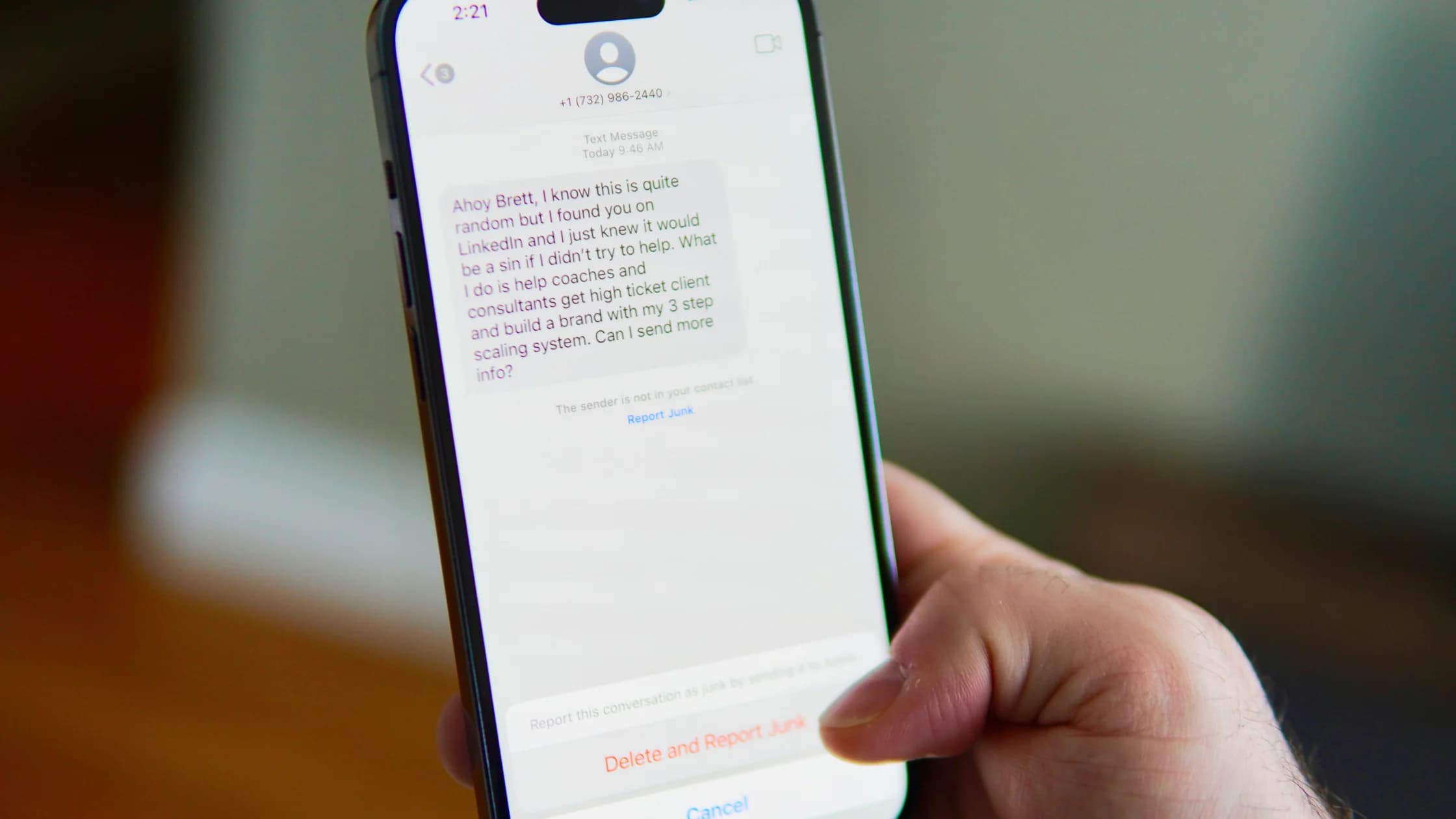
Text and chat messages may use the same delivery, toll, refund, or security-alert stories seen in smishing. A QR code in a message is not safer than a written URL. If the sender is unexpected, verify through a number, app, or website you already know rather than replying or scanning.
Physical placement adds another problem: the attacker does not need to control a company's website or email system. A printed sticker can cover a real parking or payment code, or a fake code can be added to a flyer, bill, table card, or public notice. Check whether the label is raised, misaligned, differently colored, or placed over another image. Those signs are useful, but a clean print is not proof of authenticity.
Ordinary phishing describes the broader attempt to steal information or induce an unsafe action through impersonation. Quishing names the delivery mechanism: the deceptive route is encoded in a QR symbol. Smishing identifies SMS as the message channel. One incident can fit more than one label—for example, a text containing a malicious QR code can be both smishing and quishing.
A fake QR code found while traveling is a setting-specific version of the same mechanism. Parking meters, transit notices, menus, ticketing, and public Wi-Fi instructions create believable reasons to scan. This article focuses on the general attack model across email, texts, documents, mail, workplaces, and public spaces rather than a destination-by-destination travel checklist.
The distinction matters mainly for prevention. Email-link training alone may not help when the link is an image. Physical inspection alone will not help when the code arrived in a trusted person's compromised mailbox. The durable habit is to verify the destination and the requested action, regardless of where the code appeared.
Start with expectation. Did you initiate a payment, sign-in, return, or account enrollment that normally uses a code? If not, pause. Urgency is not evidence. A message claiming that service will stop, a package will be returned, or a penalty will increase is designed to shorten your review.
Use the camera's preview without opening the page. Read the registered domain from right to left around the final dot, not just the brand-like word at the beginning. Watch for misspellings, extra subdomains, unrelated URL shorteners, unusual international characters, and an insecure http address. HTTPS protects transport to the chosen site; it does not prove the site belongs to the brand.
For payments or account work, close the prompt and open the known official app, type the bookmarked address, or use contact details from a statement or card. If a public code appears damaged or covered, tell the venue or operator. The FBI similarly recommends avoiding randomly found codes, confirming emailed or texted codes with the sender, and distrusting login requests after a scan.[3]
Respond to the highest exposure that actually occurred. Do not assume that a scan alone equals total compromise, but do not minimize any later action.
| Exposure level | Immediate response | Follow-up |
|---|---|---|
| Only scanned or previewed | Close the prompt or page; do not grant permissions | Clear any download started automatically and watch for unusual browser prompts |
| Entered credentials or a verification code | Change the affected password from a known device; revoke sessions; reset MFA if needed | Check recovery details, forwarding rules, linked apps, and recent sign-ins |
| Paid or entered card/bank details | Contact the bank or payment provider using a trusted number immediately | Lock the card or account as advised, preserve records, and dispute eligible transactions |
| Installed an app, profile, extension, or file | Disconnect the device from sensitive accounts; remove unknown content and run trusted security checks | Use a clean device to secure accounts; consider professional help or a reset if persistence is possible |
If you typed a password, follow the broader steps for a clicked phishing link. Change reused copies on other accounts too, starting with email. If money moved, speed matters more than investigating the website yourself. If software was installed, do not keep signing into important accounts on the possibly affected device.
Preserve the original message, sender, QR image, decoded URL, payment record, and approximate time. Report impersonation to the organization being copied, the platform that delivered the message, and the relevant fraud or cybercrime reporting service in your country. Avoid revisiting a malicious page merely to collect more evidence.
Individuals should combine destination checks with account protections. Use unique passwords and MFA, keep phones and browsers updated, and disable automatic downloads where practical. A password manager can provide a useful warning: it normally will not fill credentials on a lookalike domain. That is a signal to stop, not a problem to work around.
Organizations should make legitimate QR workflows predictable. Tell users when a code will appear, what domain it opens, and what information the page will never request. Avoid using QR codes as the only way to reach a sensitive task. Provide a written official address or in-app path, and give staff a simple reporting channel for suspicious images.
Defenders can inspect email images and decoded destinations, but controls will miss some attacks. Payment sites, shortened links, newly registered domains, and compromised legitimate services can all change the risk picture. Training should therefore teach an independent verification route, not a rule that certain colors, layouts, or scanner apps are always safe. The broader online security guide explains how this habit fits with account, device, network, and recovery controls.
No. An unfamiliar code is unknown, not automatically malicious. Preview its destination, consider whether the context makes sense, and use an independent official route for payments, sign-ins, or personal information.
Usually the larger risk comes from opening a destination and taking another action. Browser or operating-system vulnerabilities can exist, so keep the device updated, but respond according to what actually loaded, downloaded, or was approved.
No. HTTPS encrypts the connection to that domain. A scammer can also obtain HTTPS for a deceptive site. Verify the registered domain and the task itself.
The code does not read the vault by itself. A fake page may try to capture credentials you type or approve. If the manager does not recognize the domain, do not manually paste the password.
Not necessarily. Built-in cameras commonly preview destinations. A scanner's reputation and permissions matter, and no scanner can decide whether every legitimate-looking business request is honest.
Their account or document may be compromised. Confirm through another channel, especially when the code requests a login, payment, download, or urgent action.
Yes. A code can encode payment details, contact information, Wi-Fi configuration, an app-store route, or another command. Review the action shown by the device before accepting it.
Report it to the impersonated organization, the email or messaging platform, the owner of the physical location, and the appropriate national fraud or cybercrime service. Contact a bank separately if payment data or money was involved.
Security guidance cannot determine whether a particular device or account is compromised. If sensitive work data, large payments, or persistent malware may be involved, contact the responsible security team or a qualified incident-response professional.
Sources checked 28 August 2026.
Sign up to experience all premium features at no cost.
*Available only to new users. Each user is limited to one trial.