Start your 3-day free trial
Sign up to experience all premium features at no cost.
*Available only to new users. Each user is limited to one trial.
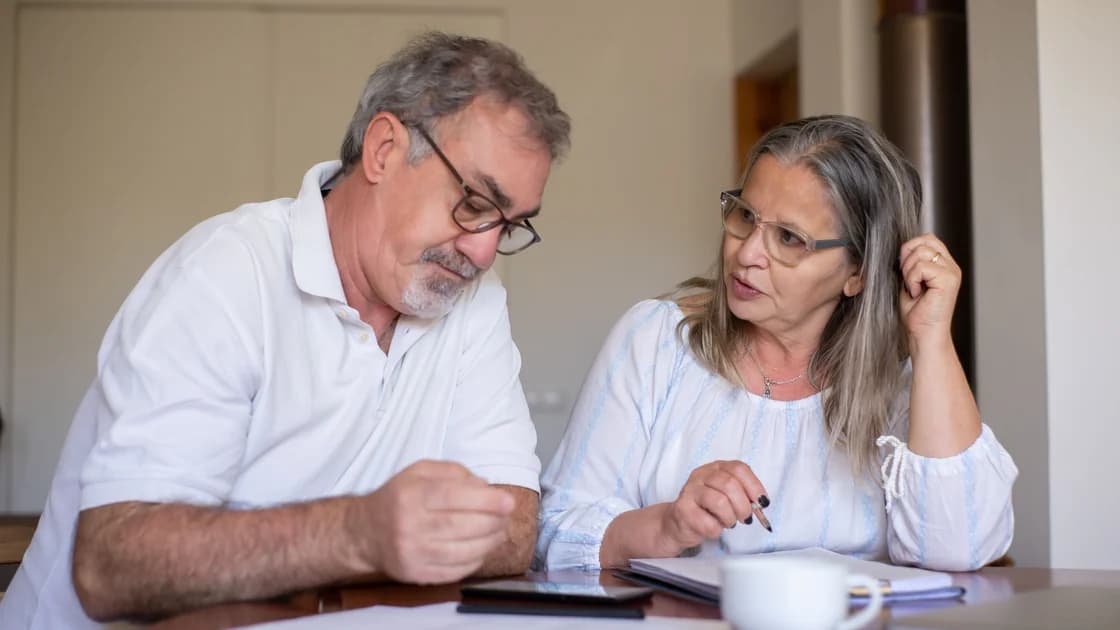

To change your PayPal country after moving abroad, PayPal generally requires you to close the existing account and open one in your new country rather than edit the old account's country. Check whether the move is permanent, resolve anything that blocks closure, and preserve transaction records before taking that irreversible step. A temporary trip and genuine residences in two countries need different decisions.
Key Takeaways:
- Changing an address within a country is different from moving account country.
- A remaining balance, limitation, or unresolved issue blocks closure.
- Export records and review recurring payments before closing.
- A closed account cannot be reopened.
- Use accurate residence details and the new country's current requirements.
Include account continuity in your international travel preparation. The goal is to avoid a gap in payments and records while following PayPal's country-specific rules.
PayPal's country-change help says you cannot change an account address to a country different from its registration country. It describes closing the existing account and opening a new one after moving abroad. It also allows two accounts when you maintain residences in two countries, provided only one is a business account. [1]
These are different situations, so identify yours before acting. A week overseas does not automatically require a replacement account. Two genuine residences are not the same as inventing a second address to obtain different services, and the exception should not be interpreted as permission to operate unlimited accounts.
Collect the original registration country, current residence, account type, and the service you need in the destination. Check the destination's official PayPal pages for that service. Being able to register does not prove that receiving payments, withdrawing money, merchant services, or a particular funding method works identically there.
If you cannot establish which account rule applies, ask PayPal support a narrow question before closure: “I registered in this country, now reside in this country, and need this service; should I close the old account or does the two-residence rule apply?” Keep the response and case reference. Do not present a travel itinerary as proof of permanent residence.
Make a private list of balances, recent payments, incoming payments you expect, recurring merchants, open cases, and any account limitation. Include the email address and phone used for recovery, without writing passwords into the list. This inventory tells you what must remain accessible while the old account is active.
| Item | Evidence to retain | Condition before closure |
|---|---|---|
| Balance | Currency balances and withdrawal records | Remove remaining money through a supported method |
| Pending or disputed payments | Transaction IDs, case references, and deadlines | Resolve or obtain explicit support guidance |
| Account limitation | Official notice and requested action | Address the restriction before closing |
| Recurring merchants | Merchant name, billing date, and replacement method | Coordinate the next payment with the merchant |
| Transaction records | Relevant exports, receipts, and confirmations | Save and check the files before losing access |
| Recovery access | Your own email and phone availability | Remain able to authenticate throughout the process |
Do not start at the close-account button. A forgotten annual renewal or expected refund can make a quick-looking move complicated. Review recent activity alongside your merchant list; the two records can reveal different obligations, particularly when a merchant bills infrequently.
Keep records in storage you control and can access after moving. Open the exported files to confirm that they contain the date range and information you need. An empty download folder or a browser shortcut to the old account is not an archive of your transaction history.
PayPal instructs you to remove money from the balance before closing and says that a remaining balance, account limitation, or other unresolved issue prevents closure. It also says an unauthorized payment should be reported promptly through the Resolution Centre. [2] Treat those as stop conditions, not obstacles to work around by creating replacement accounts.
Use an available, supported withdrawal or balance-removal method and wait for the relevant activity to settle. Do not assume that clicking withdraw makes every remaining obligation disappear immediately. Record the resulting transaction reference, and check the balance again before you continue.
If you have a dispute, pending payment, chargeback concern, or expected refund, ask support how your specific case should be handled. This guide cannot determine when a financial claim is settled or whether you should waive it. Keep the case deadline visible while arranging the move; changing accounts is not a substitute for responding to the case.
If support says the account is limited, follow the authenticated notice and provide information only through an official channel. A new account should not be used to evade that limitation. Stop if you cannot verify the request, if the receiving account is not yours, or if anyone asks you to disclose a one-time login code.
Review each merchant's recurring billing arrangements before you remove the old payment route. Decide whether you will cancel the service, change its payment method, or maintain it through a supported alternative. Confirm the change with the merchant rather than assuming that closing PayPal terminates the underlying contract.
For example, a software subscription and a travel booking may involve separate merchant obligations even when both use PayPal. The merchant can still expect payment under its own terms. Keep the merchant's confirmation, next billing date, and any cancellation reference alongside your account inventory.
Save records needed for returns, expenses, bookkeeping, or a complaint before closure. Retain the original amount and currency as well as the transaction ID; a converted summary can lose detail useful for reconciliation. Protect the archive because payment records can contain names, addresses, and other personal information.
Avoid unnecessary copies of identity documents. Use only the records required for your own bookkeeping or a verified support process, and redact information before sharing it. An account-migration checklist should help you keep control of sensitive records, not encourage publishing them in forums to obtain advice.
PayPal's web instructions point to Settings, then “Close your account” under Account options, followed by confirmation. Its help page states that a closed account cannot be reopened. [2] Interface wording can vary, so use your own authenticated settings and read the final warning carefully.
Before confirming, check the balance, unresolved activity, merchant arrangements, and saved records once more. If any item is uncertain, pause and ask support. Taking a screenshot of the closure screen does not preserve the old account's full history or prove that every merchant obligation has ended.
Do not ask another person to close the account on your behalf by sharing credentials. If you lose recovery access during the move, use the official account-recovery route first. If the closure option is unavailable, report that exact symptom; do not repeatedly modify residence information to make the button appear.
Retain the closure confirmation if PayPal provides one. Note the date and the email associated with the old account. Keep this separate from the new account's details so that a later support conversation does not confuse transactions belonging to different registrations.
Before closing, review PayPal transaction protection and dispute boundaries for the old account's region; do not assume a new account transfers protection for earlier payments.
Open the destination country's official PayPal site and review its current registration and service requirements. Supply your real details and the information requested for that account type. Do not assume that the old balance, verification, cards, recurring-payment permissions, or transaction records will automatically migrate.
Check the new account's service availability and accepted funding or withdrawal routes before directing customers or merchants to it. Complete any required verification, then confirm a small legitimate transaction only if it fits the service's terms and your own needs. This is a planning suggestion, not a claim that a test payment removes future restrictions.
Keep the old archive until your own legal, tax, bookkeeping, and dispute-retention requirements are satisfied. Those requirements vary, so this guide does not give a universal retention period. If you operate a business, obtain appropriate professional advice about customer invoices, tax information, and payment continuity.
If your destination is China, distinguish account relocation from the visitor QR route discussed in PayPal payments in China. The announced US-user merchant feature does not mean a new account in another country receives that same feature.
Country registration determines the account framework; network location is only one signal a service can observe. AethoVPN changes the network route and visible IP location, while a PayPal residence update still depends on truthful account details and PayPal's closure and registration process. Using a different location to misrepresent eligibility can conflict with platform terms and put the account at risk.
For connection preparation during a move, compare the options in our travel VPN selection guide. Keep connectivity troubleshooting separate from financial-account decisions: a page loading successfully cannot demonstrate that a balance has settled or a country change is allowed.
When contacting support, provide the original and destination country, account type, unresolved items, and desired service. Ask for the approved process rather than requesting a hidden country switch. Share transaction IDs through the authenticated support channel and redact the details if you keep a public troubleshooting note.
PayPal says you cannot change an existing account's address to another registration country. Moving abroad generally requires closing it and opening a new account.
Do not treat a temporary trip as a permanent move. Check the service and visitor conditions you actually need before considering an account replacement.
PayPal's help describes two accounts for residences in two countries, with only one business account. Verify that your real circumstances meet that rule.
No. PayPal lists a remaining balance, limitation, and other unresolved issues as closure blockers; resolve them through the official process first.
Do not assume that it cancels the merchant contract. Arrange cancellation or a replacement payment method with each merchant and retain the confirmation.
PayPal says a closed account cannot be reopened. Preserve the records you need and resolve uncertainties before confirming closure.
Do not rely on automatic migration. Keep your own verified archive and check the new account's details, verification, and payment arrangements independently.
Disclaimer: This article provides general information, not financial, tax, or legal advice. Follow PayPal's current country-specific terms and seek qualified advice for business or disputed transactions.
Sources:
Sources checked 4 October 2026.
Related Articles:
Sign up to experience all premium features at no cost.
*Available only to new users. Each user is limited to one trial.