Start your 3-day free trial
Sign up to experience all premium features at no cost.
*Available only to new users. Each user is limited to one trial.
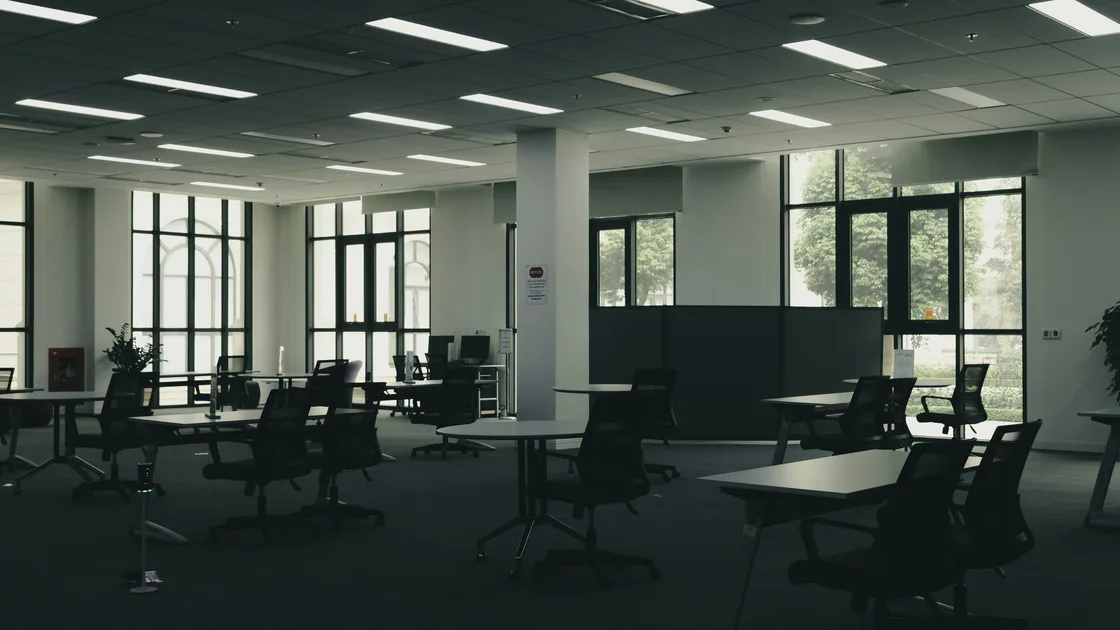

To choose a coworking space while living abroad, test a normal workday. Score privacy, comfort, power, access, internet, backup, and exit terms.
Key Takeaways:
- Start with work sensitivity, call frequency, concentration needs, schedule, and acceptable interruption—not décor.
- Verify opening hours, staffed hours, holiday access, guests, phone booths, storage, accessibility, and contract cancellation in writing.
- Use a non-sensitive trial day to test calls, uploads, crowding, power, temperature, noise, and support response.
- Network security is one layer; official SSID, employer-approved access, device controls, and an independent fallback remain separate.
- A fast speed test cannot prove privacy, stability, upload quality, or resilience during the hours you work.
This is a workspace-selection guide. For the steps to protect an individual session on shared premises, use the hotel and coworking Wi-Fi security guide.
List your recurring tasks and classify them by concentration, confidentiality, bandwidth, and interruption cost. Quiet writing, customer calls, regulated records, design uploads, pair programming, interviews, and workshops need different environments. Note your working hours and time-zone overlap; a building that is open late may not have staff, air conditioning, lifts, or phone rooms available late.
Ask your employer or client which data may be handled in a shared workspace, which devices are permitted, and what secure access is mandatory. If sensitive conversations require a private room, an open desk plus headphones is not equivalent. If policy prohibits public or member-shared networks, a good consumer speed test does not make the space acceptable.
Set pass/fail requirements before a tour: maximum commute, step-free access, guaranteed hours, number of calls, upload need, private storage, cellular signal, and maximum commitment. Then score preferences such as natural light, community events, kitchen, or neighborhood. This prevents an attractive lounge from hiding a failed essential requirement.
Travel the route at the time you would normally commute. Check walking safety, transit reliability, bicycle parking, building entry, lift access, and the route home after dark. A cheap desk with an unreliable two-hour round trip can cost more in missed work than a closer option.
Confirm the distinction between building hours, member access, staffed reception, and available services. Ask about weekends, holidays, maintenance closures, emergency evacuation, deliveries, guests, meeting-room booking, printing, lockers, lost property, and after-hours support. Obtain written terms rather than relying on a tour statement.
Observe how entry credentials and visitors are handled. Tailgating, propped doors, unattended delivery piles, and open meeting rooms matter when you carry a laptop or discuss private matters. Do not test physical controls by bypassing them; simply ask for the policy and watch normal operation.
OSHA's workstation checklist is a useful framework for neutral posture and adjustability, not a certification of any coworking space. During the trial, check whether chair height, back support, desk height, monitor position, keyboard and pointing device can suit your body. Bring ordinary equipment and work long enough to notice strain.[1]
Review lighting, glare, temperature, ventilation, washrooms, drinking water, cleanliness, and accessibility. Listen for calls, music, doors, kitchen noise, construction, and ventilation equipment. Check whether quiet zones are actually enforced and whether phone booths remain usable when busy.
Power outlets should be reachable without creating trip hazards. Ask how outages are communicated and whether emergency lighting, lifts, doors, and internet behave during a power event. Do not connect personal equipment to unknown wiring or open electrical enclosures.
Stand at the proposed desk and look at sightlines from walkways, windows, cameras, and neighboring seats. Check whether someone can read the screen or overhear calls. A booth may reduce sound but still have glass walls, poor ventilation, booking limits, or conversations audible outside.
Ask what the space records about members and guests, how long access and camera records are retained, and who handles incidents. Review the privacy notice and membership terms. Do not assume a premium membership creates confidentiality obligations for other members.
Use a privacy screen, lock the device when stepping away, keep badges and documents with you, and avoid leaving sensitive pages on printers. A locker helps only if its access, ownership, emptying schedule, and incident process are clear. For highly sensitive work, use an approved private location instead.
Ask staff for the official network name, onboarding method, acceptable-use terms, support channel, wired or private-network options, and whether client isolation is claimed. Verify the name with staff rather than choosing a similar-looking SSID. Do not interpret a password on the wall as proof that other members are trusted.
During a non-sensitive trial, test stability at your desk and in a meeting room. Make an ordinary call, upload a representative non-confidential file, and repeat at a busy time. Record latency symptoms, disconnects, upload performance, captive-portal interruptions, and support response. Avoid intrusive scanning or testing other users.
NIST's telework and BYOD guidance treats device security, remote access, and organization policy as distinct controls.[2] Use your employer-approved secure access where required, keep the device patched, and follow the shared Wi-Fi session guide. CISA's public-place guidance likewise supports treating physical surroundings, connectivity, and approved access as separate checks.[3] A personal VPN is not authorization to handle restricted data, and it cannot fix noise, power loss, weak cellular coverage, or a failed access point.
Check cellular service with your own phone at the desk, booth, stairwell, and nearby outdoor area. Confirm that hotspot use is allowed by your mobile plan and employer. A second coworking SSID may share the same router, internet provider, power, or building fiber, so it is not automatically independent.
List the failure domains: building power, local Wi-Fi, router, fixed provider, mobile network, device, account, and regional outage. Decide which interruption you can tolerate and which needs a second network or location. The backup internet guide explains how to avoid counting two names on one dependency as two backups.
Download essential contacts and directions for offline use. Know where you can relocate for a short call without exposing confidential work. A fallback is useful only after it has been tested within its data, battery, access, and policy limits.
Book the same desk type and hours you plan to buy. Tell the space you are evaluating normal service, then avoid sensitive data. Bring your usual laptop, charger, headset, adapter, and accessibility equipment.
Use a simple scorecard:
| Area | Trial evidence | Pass condition |
|---|---|---|
| Calls | Two ordinary calls at normal volume | Both sides hear clearly; room is available when needed |
| Upload and web | Representative non-sensitive task | Stable enough without repeated reconnects |
| Power | Outlet access and charging | Safe reach; no loose or overloaded arrangement |
| Privacy | Sightline and audibility walk-around | Work matches its approved sensitivity level |
| Comfort | At least one sustained work block | No immediate posture, glare, noise, or temperature barrier |
| Crowding | Busy-period observation | Desk, booth, washroom, and kitchen demand remain workable |
| Support | One normal question | Reachable channel and a useful response |
Record facts rather than mood: wait time for a booth, disconnect count, route duration, chair adjustment range, and observed noise periods. If a critical condition fails, retest only when the operator says the underlying condition has changed.
Confirm the legal entity, plan, included location or desk type, start date, minimum term, renewal, notice method, deposit, taxes, access-card replacement, meeting-room allowances, guest charges, suspension, price-change mechanism, and early-exit conditions. Do not rely on a verbal promise that you can “cancel anytime.”
Ask what happens if the building closes, internet is unavailable, your access credential fails, or the promised desk type cannot be used. Review any insurance, liability, equipment, mail-handling, and registered-address clauses relevant to your use. This guide does not assume a universal refund or cooling-off right.
Before signing, compare the final contract with your trial scorecard. Save the agreement and inventory of issued keys or cards. After the first full month, reassess actual availability, billing, incidents, and commute rather than letting convenience turn into an unsuitable automatic renewal.
At least tour once and complete a realistic trial during your working hours. If weekday and evening conditions matter, observe both before a long commitment.
No. Also test ordinary calls, upload stability, reconnection, portal behavior, busy periods, support, and a separate fallback without probing other users.
Only if the task, employer policy, device controls, network arrangement, and physical privacy all permit it. Otherwise use an approved private environment.
Not automatically. Check booking availability, glass sightlines, sound leakage, ventilation, time limits, and the sensitivity of the conversation.
Yes if your plan allows the required use, your employer permits it, and your own test confirms coverage, capacity, battery, and a genuinely different failure path.
Any failed non-negotiable: unsafe access, incompatible policy, unusable calls, inaccessible workspace, persistent power or network failure, misleading terms, or no acceptable exit.
Only after a realistic trial, written term review, verified fallback, and enough normal use to show that essential conditions remain reliable.
Sources checked 30 August 2026.
Workplace and public-sector guidance provides evaluation principles; your employer's policy and local contract remain controlling.
This guide provides general workspace-selection information. Workplace safety, privacy, access, employment, and contract requirements vary by organization and jurisdiction.
Sign up to experience all premium features at no cost.
*Available only to new users. Each user is limited to one trial.