Start your 3-day free trial
Sign up to experience all premium features at no cost.
*Available only to new users. Each user is limited to one trial.


To choose a VPN server location while traveling, set your VPN to the nearest practical server location first; browsing, messaging, and calls should all start there. Choose a specific country only when your task genuinely needs an IP from that region and the service permits it. Keep the location stable for sensitive accounts instead of jumping between countries.
Distance is a useful first filter because it contributes to network latency, but it is not the only factor. Congestion, internet routing, the hotel or mobile network, and the destination service can make a slightly farther server perform better.[1]
Key Takeaways
- Nearby is the best first choice for speed-sensitive travel tasks.
- Websites can use the public IP for coarse geolocation.[2] Choosing another VPN server changes that IP signal, not GPS, SIM, account country, billing address, or cookies.
- Use a stable server for banking, email, and accounts that may react to rapid location changes.
- Test at most two or three reasonable options; endless server hopping creates noise and may trigger risk checks.
- Follow local laws and service terms. A selectable location is not a promise that every service will accept it.
Use this order:
This rule avoids the most common mistake: picking a faraway country because it sounds private, then blaming the VPN when calls, maps, and downloads slow down.
In AethoVPN, the order above maps onto the server list in the app: start from the recommended server or a nearby location whose load indicator is green, and confirm that your real task works before you look farther away. When a permitted task such as testing your own site needs a specific country, select that location deliberately and stay on it for the session instead of cycling through the list. The location you pick changes the public IP that sites see, not your account country, content rights or a service's decision to accept VPN traffic. New users can start a 3-day free trial and compare two nearby locations before the trip.
| Travel goal | Recommended first choice | Main caution |
|---|---|---|
| Web browsing and messaging | Nearby server | Local network quality may still be poor |
| Voice or video calls | Nearby low-latency server | Stability matters more than country |
| Large downloads or cloud backup | Nearby uncongested server | Watch hotel limits and mobile data |
| Use a familiar personal account | One stable, expected region if permitted | Account history and device signals still matter |
| Test your own localized website | The country being tested | IP gives only one regional view |
| Banking or payment | Normal trusted connection first | VPN IP may trigger verification |
| Employer resources | Employer-approved gateway | Personal server choice may violate policy |
| Privacy on public Wi-Fi | Nearby trusted VPN server | Verify the hotspot before connecting |
For the broader setup around these choices, read the complete VPN for international travel guide.
Latency is the time data needs to travel between network points. Cloudflare explains that physical distance and the infrastructure along the route are major contributors. A longer trip also magnifies the many round trips required to establish connections and load an application.[1]
A VPN adds a gateway to the path:
If you are in Paris and choose a server in a nearby European city, that detour may be modest. If you choose one across an ocean for an ordinary call, every interactive exchange has farther to travel.
Nearby does not mean the same city at all costs. Internet routes do not follow a straight line, and a busy nearby location can be slower than a well-connected regional alternative. Treat the nearest server as the first test, not an absolute law.
It mainly changes the public IP that a website or app sees. IP addresses can be used to derive coarse country, region, and city information and to support routing or geographic reporting.[2]
It does not automatically change:
This explains why a site may still know where you are after you select another VPN country. For a full breakdown, read Why does Google still know my location with a VPN?.
Choose a nearby server. These tasks benefit from responsive connections and usually do not require a particular country. If the first server is unstable, try one nearby alternative before changing settings.
Prioritize low and stable latency. A speed test may show high download bandwidth while a call still stutters because delay, jitter, or packet loss is poor. Stay near your physical location unless the calling service has a specific permitted regional requirement.
Follow the service's terms and regional rules. A server in a country does not prove that your account is entitled to that country's catalog, and the service may reject VPN IP addresses. This article does not promise unlocking or access.
If a legitimate service expects your usual region, one stable server there may reduce IP changes. It still cannot override account, device, payment, or licensing checks. Rapidly switching between several countries can look more suspicious than simply using the travel connection.
Choose the target market, then test in a clean browser session. Treat the result as one IP-based view. Language, cookies, account settings, CDN behavior, and device location can produce different results for real users.
Do not choose a distant server merely to hide that you are traveling. These services may use IP reputation and geographic consistency as fraud signals. Start with a trusted cellular or known network and the official app or saved URL. If the service blocks the connection, follow its support process.
Use the gateway and method provided by your employer. A corporate gateway may be chosen for access control rather than speed. Do not add a consumer VPN in front of it unless IT explicitly supports that configuration.
Do not compare one server at breakfast on hotel Wi-Fi with another at night on cellular. Use the same device, base network, and task.
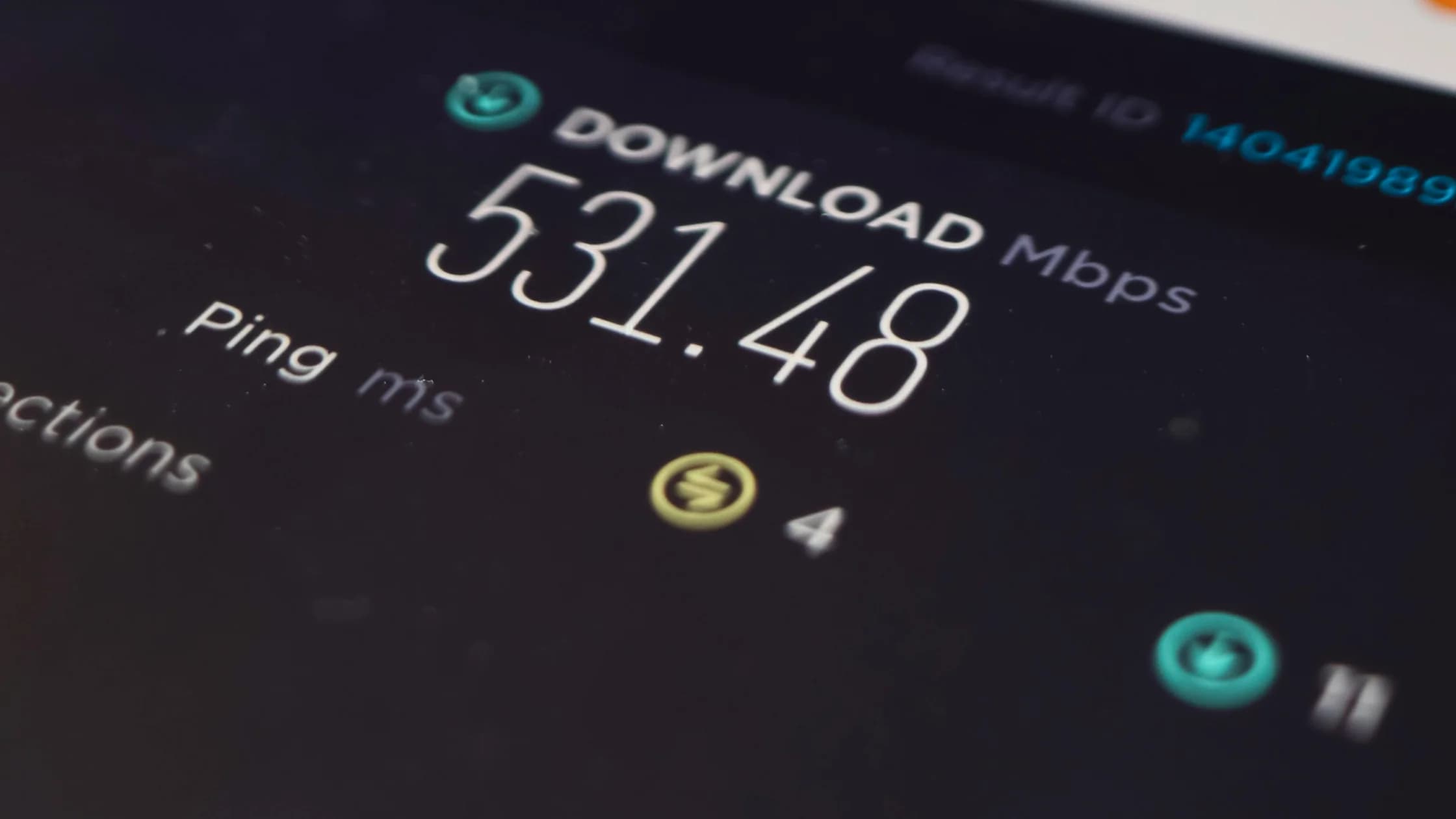
You can use latency and throughput tests as supporting evidence, but they do not replace the real task. A server with the highest download result may not produce the best call.
A country label in the VPN app is not, by itself, proof that the network path is working as expected. Compare the public IP, DNS result, and real task under the same conditions. Use the step-by-step VPN connection testing guide if any signal is inconsistent.
A target country can make sense when:
Before choosing it, ask:
If you cannot answer those questions, nearby is the safer operational default.
Stay on the current server when:
Server hopping is not a security feature by itself. It can interrupt sessions, change risk signals, and make troubleshooting harder.
Try a nearby server, stop background transfers, move closer to the access point, or compare cellular data. The hotel network may be the bottleneck. Distance is one cause of latency, not proof that the VPN service is the only cause.[1]
For a broader checklist, read How to speed up a VPN.
Websites can derive coarse location from an IP address.[2] Check whether the site also uses browser location permission, your account country, stored cookies, or device settings; changing the VPN server affects only the IP-based signal.
Stop switching locations. Return to one stable connection, use the official app or saved URL, and complete recovery through the service's normal channel. Do not approve unexpected authentication prompts.
Check the underlying connection. A hotel captive portal may need to be completed before the tunnel can pass traffic. Disconnect briefly, join the verified network through Wi-Fi settings, complete the portal, and reconnect the VPN. Apple describes this sign-in flow for captive Wi-Fi networks.[3]
The correct response may be to disconnect on a trusted connection or contact the service. Do not assume you are entitled to bypass the control. A different server is not a guaranteed or policy-compliant fix.
A nearby, uncongested server is the best first test because it usually adds a shorter network detour. Routing and server load still matter, so compare one nearby alternative with the same real task before deciding.
No. Use your home country only when a legitimate, permitted task specifically needs that IP region. For ordinary browsing, calls, maps, and messaging, a nearby server will usually be the better starting point.
No. It changes the public IP seen by websites and apps. GPS, Wi-Fi positioning, SIM country, device settings, account region, and billing details remain separate signals.
The site may use an outdated IP geolocation database or additional signals such as browser permission, cookies, account history, or device settings. Confirm your public IP first, then check which other location signals the site is allowed to use.
Switch only when the current server does not meet the task or a permitted regional requirement. Frequent changes can interrupt traffic and trigger extra verification, so keep one working server stable for sensitive accounts.
That depends on how the provider structures its plans, so check what a plan includes before you buy. For travel, a single fixed location is rarely the better fit: as you move between countries, the nearest practical server changes. If you truly need one fixed exit, a dedicated IP add-on or a cloud server you run yourself gives you that, but you take on the setup and maintenance.
Disclaimer: This article provides general privacy and network guidance, not legal, financial, compliance, or platform-rules advice. VPN laws and service terms vary by destination. A VPN exit location does not grant account or content rights.
Sources:
Sources checked 4 October 2026.
Related Articles:
Sign up to experience all premium features at no cost.
*Available only to new users. Each user is limited to one trial.