Start your 3-day free trial
Sign up to experience all premium features at no cost.
*Available only to new users. Each user is limited to one trial.

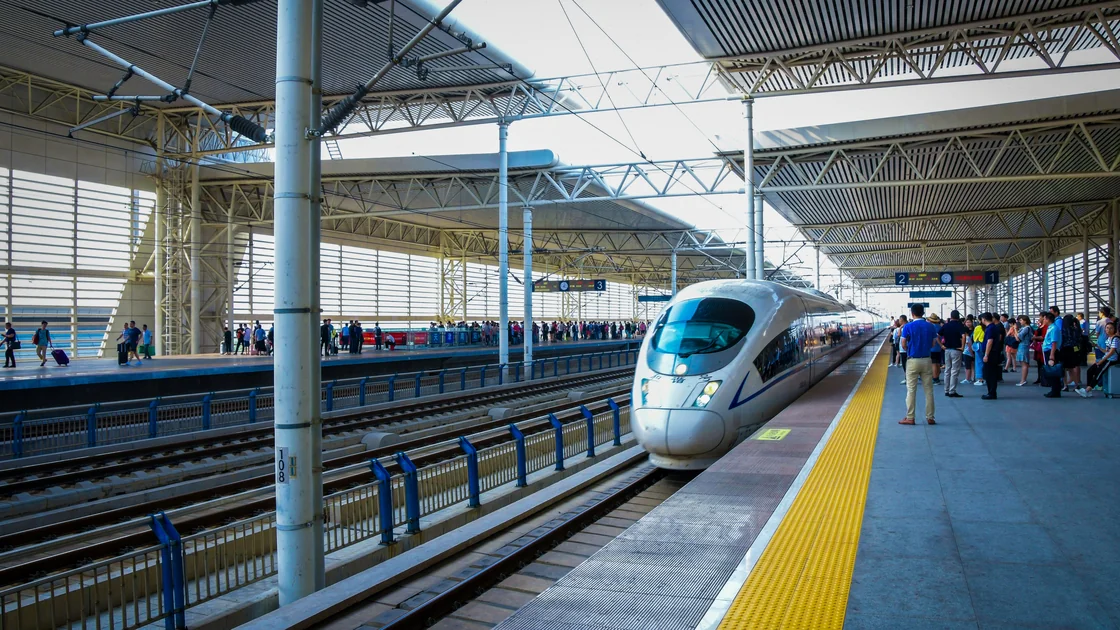
To change or refund a China Railway 12306 ticket, begin with the original order and original purchase channel. First identify whether you need an endorsement (change of date, train, seat, or berth), a separate change-of-destination operation, or a refund. Check the actions currently offered, ticket availability, cutoff conditions, fee disclosure, refund destination, and required document before submitting. Then confirm the final order state; a button press or payment message alone does not prove completion.[1]
Key Takeaways
- Open the original order before searching for a new train.
- A ticket change, change of destination, cancellation, and new purchase are different operations.
- Changes depend on available inventory and the ticket's current eligibility.
- Cash purchases and printed reimbursement receipts can require a station counter.
- Online refunds normally return to the original online payment method, not a new account.[1]
- Take the original identity document used for purchase when staff handling is required.
This guide assumes that a valid ticket already exists. For registration, identity verification, and first purchase, use the China Railway 12306 guide for international visitors. Network preparation in the Best VPN for China guide cannot change ticket inventory, identity rules, deadlines, or refund eligibility.
12306 describes endorsement as changing the travel date, train number, or seat or berth, subject to capacity. It separately describes changing the destination station and sets its own eligibility rules.[1] A refund ends the ticket rather than moving the passenger to a replacement service.
| Your intention | Operation to inspect | Main question before submission |
|---|---|---|
| Same trip, different train or date | Endorsement / ticket change | Is an eligible replacement ticket available? |
| Different eligible arrival station | Change of destination | Is this ticket and timing eligible for that operation? |
| No longer traveling | Refund | What fee, cutoff, and refund route apply now? |
| Railway changed the service | Disruption handling | What options does the current railway notice provide? |
| Another passenger will travel | Usually not a simple change | Real-name tickets cannot be casually transferred |
Do not cancel first just because you found another train in search results. Inventory can change between search and submission. Open the existing order, read the current available actions, and compare the full consequences.
Usually not through a ticket change. The 12306 FAQ says endorsement cannot change the departure or arrival station, except between stations in the same city.[1] A switch between two stations that serve the same city is therefore the case to look for in the change flow, while change of destination moves only the arrival end and follows its own conditions.
If you need to leave from a different city, treat it as a refund of the original ticket plus a new purchase. Check the refund amount shown for the old ticket and the live inventory for the new train before you cancel anything.
Keep the original order number, passenger name, original identity document, train/date/seat information, purchase channel, payment method, and any reimbursement receipt. If someone else bought the ticket, determine which account and channel hold the order and which passenger document was used.
Check whether the ticket was paid in cash, bought at a station or agency, paid online, or has already had a reimbursement receipt printed. Those details affect whether the whole process can finish online. The government visitor guide confirms that foreign travelers may use passports for rail tickets and may handle changes or refunds through 12306 or a station ticket office, while fees can depend on the circumstances.[3]
Ticket availability is a real condition, not a formality. 12306 states that endorsement can be handled only when capacity is available.[1] A search result seen earlier does not reserve a replacement seat.
Do not ask support to send the refund to an unrelated card or wallet. If the original account is closed or inaccessible, contact the payment institution and 12306 through official routes; do not substitute another person's account details.
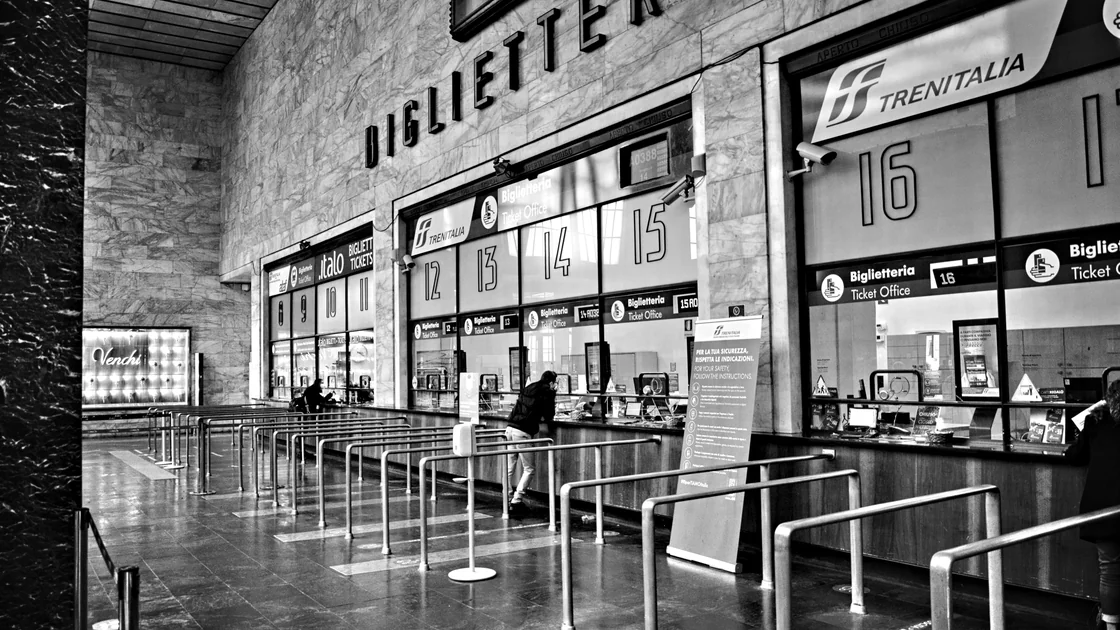
Online handling is not guaranteed for every ticket. Cash-paid e-tickets, tickets with a printed reimbursement receipt, certain orders bought through other channels, identity-document limitations, and system instructions may require a designated counter. Official FAQ specifically notes counter steps for cash purchases and printed reimbursement receipts.[1]
Take the original document used to buy the ticket. A foreign passport holder should not assume an automatic machine will read the passport or that a screenshot of it is enough. Bring the order information, payment evidence, and printed reimbursement receipt if one exists. Ask staff which operation is possible before buying a replacement independently.
The official FAQ distinguishes cash purchases from card or online payments. Depending on the operation, a traveler may pay a difference, receive a difference after applicable treatment, or pay the replacement fare while the original amount returns to the original payment route.[1] The important control is the transaction summary shown for your ticket, not a generic example.
Record these as separate states:
| State | Evidence to save |
|---|---|
| Original ticket valid | Original order and passenger details |
| Change submitted | Operation or payment reference |
| Replacement issued | New train, seat, and valid order state |
| Original canceled | Original order no longer valid |
| Refund initiated | Refund amount and original route |
| Refund posted | Bank, card, or wallet transaction |
If any state is unclear, stop before making another purchase or cancellation. Ask 12306 or the original seller to identify the valid ticket.
| Problem | Check first | Next action |
|---|---|---|
| Change button is absent | Original channel, order status, timing, ticket history | Use official support or the designated station counter |
| Replacement train appears unavailable | Live inventory and seat class | Choose another eligible option or keep the original ticket |
| Need a different destination | Whether “change destination” is offered | Read that operation's separate restrictions before submitting |
| Cash ticket cannot finish online | Counter instruction and original document | Complete the required cash handling at a designated window |
| Reimbursement receipt was printed | Whether it must be returned | Bring the original receipt and identity document to the counter |
| Refund completed but money is missing | Original payment account and refund reference | Allow the stated processing route, then contact 12306 and issuer |
| Passenger or document details do not match | Name, document number, and document used for purchase | Stop further submissions; ask the original channel or station staff which handling route is available |
| Request submitted but no final state appears | Current valid ticket, operation reference, and payment state | Do not submit again; ask 12306 or the original seller to identify the valid order |
| Foreign passport is not read by a machine | Original passport and order details | Use a staffed ticket window or service point |
| New payment succeeded but change failed | Both order states and transaction references | Do not retry; ask staff to identify the valid ticket and refund state |
Use the maps and navigation apps guide to locate the correct station, but follow station signs and railway staff for the actual ticket window.
No. Eligibility depends on the order, channel, ticket state, inventory, document handling, timing, and current rules. The page or station instruction for the specific ticket controls.
Endorsement changes the date, train, seat, or berth. Under the current FAQ, departure and arrival stations cannot change except between stations in the same city; the dedicated change-of-destination service has separate conditions. Read the operation shown in the order.[1]
Usually not. The current FAQ allows endorsement or change of destination only once per ticket, and the two cannot be combined; check the ticket's operation history before submission.[1]
12306 says a website refund returns to the original online payment method under applicable rules. Posting time at the bank or wallet may differ from the ticket cancellation time.
Expect possible station-counter handling. Keep the original purchase document and follow the current instructions for receiving cash.
You may need to return the original receipt at a designated station counter when changing destination or completing a refund. Keep it intact.
Carry the original valid identity document used for the ticket. Do not assume a copy or phone photo satisfies the identity check.
Only after understanding the inventory and financial risk. A separate purchase may protect a seat, but it also creates two transactions and does not guarantee the old ticket is refundable.
No. It cannot alter ticket inventory, identity verification, railway rules, deadlines, fees, or the refund destination.
Disclaimer: This guide provides general railway-process information. Current 12306 rules, the specific ticket state, station instructions, and railway disruption arrangements control.
A VPN cannot change a railway deadline or fee, amend a ticket on your behalf, or release a refund to the original payment method. Check the ticket’s current status before choosing the online flow or station counter.
Sources checked 4 October 2026.
Sign up to experience all premium features at no cost.
*Available only to new users. Each user is limited to one trial.