Start your 3-day free trial
Sign up to experience all premium features at no cost.
*Available only to new users. Each user is limited to one trial.

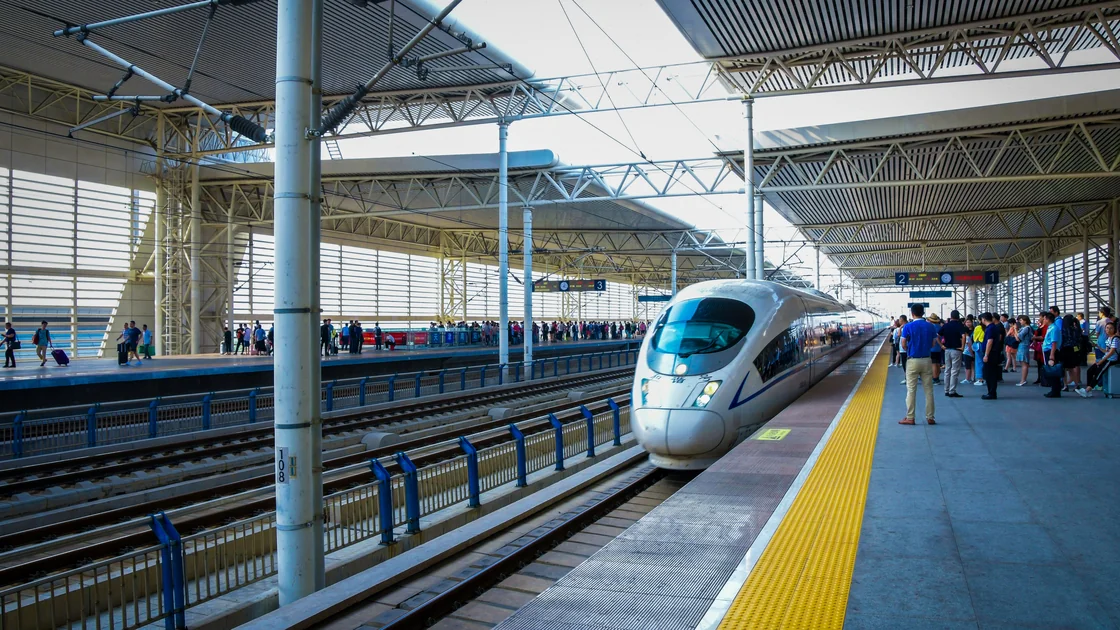
To navigate a high-speed rail station in China, first confirm the exact station and valid order, carry the original passport used to buy the ticket, and leave a practical buffer for transport, entrance queues, security, identity checks, and walking inside a large building. At the station, follow the sequence entrance → security → passport or ticket verification → waiting hall and gate → platform → carriage and seat → destination exit. If an automatic gate cannot read the passport, use the staffed manual channel and follow current displays, announcements, and railway staff.[1][2]
Key Takeaways
- Chinese city names do not identify one station; check the full station name and map pin.
- Carry the original identity document used for the real-name ticket.
- Build a route-specific time buffer instead of relying on one universal arrival time.
- Security, entry verification, and boarding-gate checks are separate steps.
- Use a staffed manual lane when an automatic gate does not accept the passport.
- Trust current station screens, announcements, signs, and staff over an old screenshot.
For buying and verifying a ticket, use the China Railway 12306 guide for international visitors. For changing an existing order, use the 12306 change and refund guide. This article starts after a valid order exists.
Read the complete station name in the order. “Beijing,” “Beijing South,” and “Beijing West,” for example, are different destinations for the passenger even though they serve the same city. Verify the station in a current map and compare the map's Chinese characters with the order. Use the maps and navigation apps guide to plan the route and a lawful transport fallback.
| Check | What to save | Failure it prevents |
|---|---|---|
| Station | Full Chinese and English name, map pin | Going to another station in the same city |
| Order | Train number, date, departure, arrival | Presenting an old or canceled trip |
| Identity | Original passport used for purchase | Failing the real-name identity check |
| Access | Likely entrance and current local transport | Losing time around a large station complex |
| Baggage | Current official prohibited/restricted-item guidance | Security delay or refusal |
| Contacts | 12306 and a local support contact | Being unable to explain a mismatch |
Do not copy a fixed “arrive X minutes early” rule. The correct buffer depends on city traffic, station size, entrance construction, holiday crowds, baggage, mobility needs, passport handling, and how familiar you are with the building. Add more margin when several of those risks apply.
The government visitor guide says foreign travelers can enter and exit stations through automatic or manual ticket-check gates with the original valid identity document used for purchase.[2] Manual processing is therefore a normal fallback, not proof that the ticket is invalid.
China's high-speed rail system uses real-name ticketing. The National Railway Administration states that passengers must present valid identity documents and that a mismatch between ticket identity and the document can lead to refusal of station entry.[3] Take the exact passport associated with the ticket.
At an automatic lane, follow the reader's current diagram and wait for the result. Do not force the passport into a slot or repeatedly block the gate. If it fails, collect the document and go to the staffed lane with the order ready. Staff may check the passport number and passenger record manually.
A translated copy, passport photo, itinerary sheet, reimbursement receipt, or payment record can help explain the order but does not replace the required original identity document. If the passport was replaced or lost, contact 12306 or station staff before the trip and use the official document route that applies to the current case.
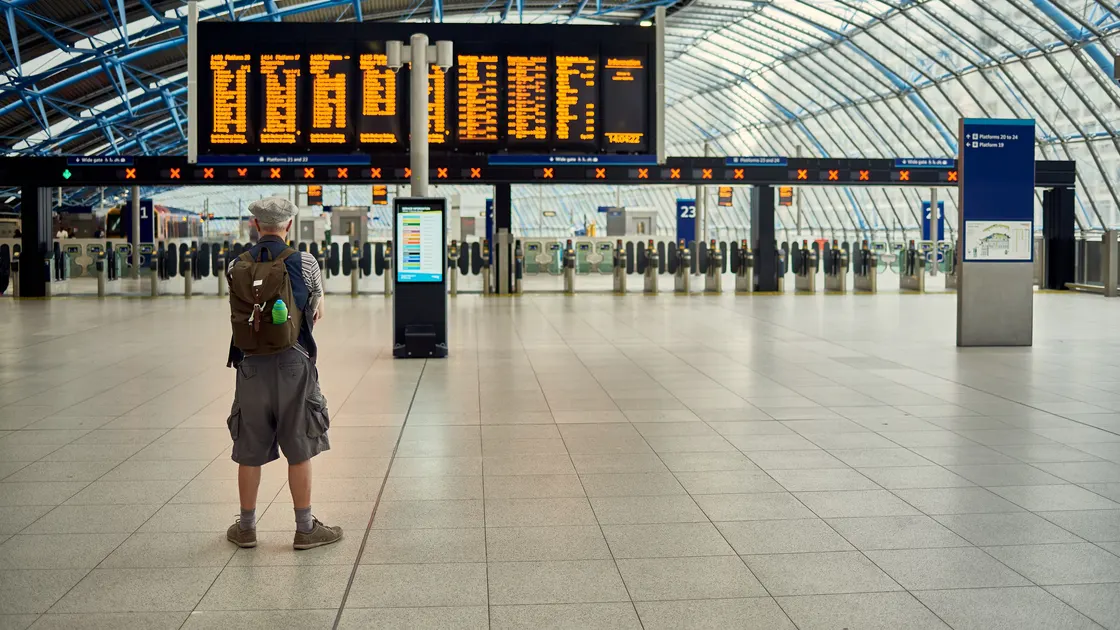
Focus on stable identifiers: train number, departure time, destination, gate, status, platform when released, carriage, and seat. A train may share a departure board with many services, and the destination shown may be the train's final destination rather than your stop. Match the train number first.
| Display status | Practical response |
|---|---|
| Waiting / gate not open | Stay near the correct gate and monitor the screen |
| Boarding | Join the correct passenger lane with passport ready |
| Gate changed | Move using station signs; verify the new gate on another display |
| Final call / closing | Ask staff immediately; do not run through barriers |
| Delayed or adjusted | Follow the current railway announcement and staff direction |
Machine translations can help with ordinary words, but do not let an app override a current railway display or staff instruction. Screenshot layouts become stale when gates, building zones, or software change.
Stay behind safety markings and use the platform position signs as guidance, not a promise that every door will stop at the exact same point. When the train arrives, let exiting passengers clear where applicable, board the correct carriage, and move away from the doorway.
The seat code combines carriage, row or number, and seat letter or berth. If someone occupies the seat, compare both tickets calmly or ask staff. Do not move into another class or unassigned seat merely because it looks empty. Keep the passport and ticket record available during the journey.
Watch the onboard display or announcements for the destination. If your train stops briefly, prepare your belongings before arrival without blocking the aisle. At the destination, follow exit, transfer, metro, taxi, or pickup signs only after leaving the platform flow.
| Problem | Check first | Next action |
|---|---|---|
| You reached the wrong station | Full station name and train departure point | Ask railway staff whether transfer is possible; do not assume the train stops there |
| Entrance queue is not moving | Whether it is the correct passenger entrance | Follow staff to another open entrance if directed |
| Automatic gate rejects passport | Original document, ticket state, reader instruction | Use the staffed manual lane |
| Train not shown at the expected gate | Train number, date, current display | Check another official screen or ask uniformed staff |
| Gate changes | New gate and walking route | Move promptly without bypassing controlled areas |
| Security questions an item | Current posted rule and staff instruction | Cooperate; use an official disposal or handling option |
| Cannot find carriage | Train number, platform, carriage display | Ask platform staff before boarding another carriage |
| Exit gate cannot validate passport | Original passport, arrival station, and current order | Use the staffed exit channel and follow railway staff instructions |
| Missed boarding | Current order state and staff instruction | Ask 12306 or station staff about available official options |
If the trip must change, do not improvise at an unattended machine. Open the original order or go to a designated ticket window and use the proper change or refund route.
There is no useful universal number. Base the buffer on local traffic, station size, crowds, baggage, mobility needs, and whether passport checks may require a staffed lane.
Do not rely on it. Carry the original valid identity document used to purchase the real-name ticket.
Use the staffed manual channel with the original passport and order details. This is an expected route for documents that automation cannot process.
No. 12306 states that an itinerary sheet and reimbursement receipt cannot be used as tickets. The valid real-name electronic ticket and identity document control.
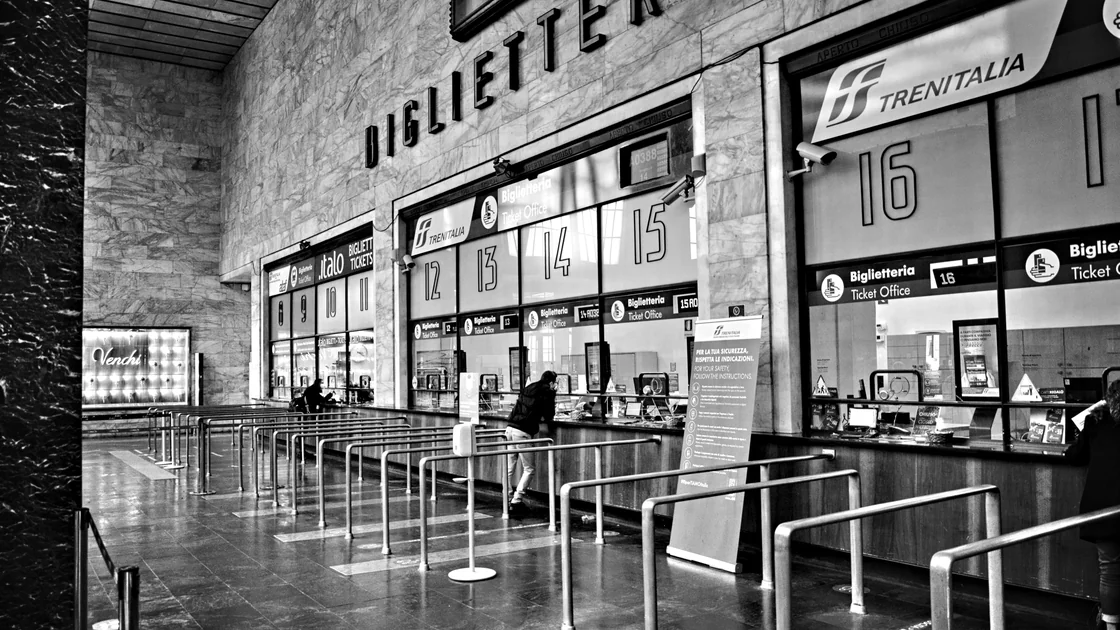
Station layouts vary. Follow the current passenger entrance and staff directions; security and waiting-area access may be arranged differently.
It may show the train's final destination. Match your train number, departure time, and stop sequence rather than destination text alone.
No. Check current official railway guidance and station notices. This guide intentionally does not reproduce an exhaustive list.
Use the designated carriage position where possible. Train configuration and access between cars can vary, and late cross-carriage walking can obstruct boarding.
No. Network access cannot change ticket identity, document validity, security screening, gate hardware, or railway procedure.
Disclaimer: This guide provides general station-navigation information. Current railway orders, station controls, security rules, displays, announcements, and staff directions control.
Sources checked 31 August 2026.
Sign up to experience all premium features at no cost.
*Available only to new users. Each user is limited to one trial.