Start your 3-day free trial
Sign up to experience all premium features at no cost.
*Available only to new users. Each user is limited to one trial.


Playwright traffic may use your local VPN when the process making the request actually runs on that computer and follows its VPN route. A remotely connected browser or CI worker needs separate verification, and a browser context's proxy can change the path you thought you were testing.
Key Takeaways:
- Locate the browser process and the API-request process separately.
- A remote browser-control connection is not the same as the page's network request.
- Proxy configuration and Service Workers can change what your observations mean.
- Verify an owned test endpoint's request evidence; a VPN icon or changed page language is insufficient.
Draw the small execution map before changing a network setting. Name the machine running the Node test process, the machine running the browser, and any proxy or network-sharing mechanism. “My laptop runs the script” does not establish where the browser was launched. A test using browserType.connect() attaches to a browser server rather than launching that browser locally.[2]
Check the launch and connection code privately. chromium.launch() starts a browser in the environment running that code; a container or remote development session is still that environment, not necessarily your desktop. Record the runtime versions and test configuration without exposing a connection endpoint containing credentials.
A control WebSocket connects the test client to the browser server. The browser's navigation requests are a separate flow. The official connect API offers exposeNetwork for explicitly exposing selected client-side networks to a connected browser, so the simple remote-path explanation has exceptions that must be recorded rather than ignored. Do not enable broad network exposure merely for this diagnostic.[2]
Use the general device troubleshooting steps if the entire execution machine has a connectivity problem. For this article, keep the question narrower: which component makes this particular request, and what evidence identifies its route?
Playwright can configure an HTTP(S) or SOCKSv5 proxy for the browser, and it can configure a proxy for an individual browser context. The official network guide also documents proxy authentication and bypass rules. Inspect the actual resolved configuration, not only a sample checked into the repository.[1]
Record whether the proxy is configured at launch, context creation, or through a separate client. Keep the server address and bypass scope in a private case record. Credentials belong in an approved secret mechanism, not a screenshot, shell history, trace archive, or exported environment dump.
| Request or component | Execution location to record | Verification needed |
|---|---|---|
| Local launched browser | Machine running the launch code | Browser request seen by the owned endpoint |
| Browser attached through connect | Browser-server host and network-sharing options | Page request path independent of the control connection |
| Browser context with a proxy | Browser location plus proxy exit | Configured proxy and any target bypass |
| APIRequestContext | Actual driver owning the API request context | Its own request and proxy evidence |
| CI or remote worker | Actual worker environment | Worker route, policy, and target access |
A reachable proxy is not necessarily the public exit the target sees. If the proxy sits elsewhere, the target can see that proxy's outbound address even though your computer uses a VPN to reach it. Keep these hops separate; changing a local tunnel may affect the connection to the proxy without changing the proxy's onward exit.
For the conceptual distinction, use the system tunnel and application proxy comparison. Do not silently remove mandatory organization settings. A test that succeeds only after disabling the required proxy is a different configuration, not proof that the original configuration was fixed.
page.request and browserContext.request expose an APIRequestContext associated with the browser context; the official API-testing guide explains their cookie sharing. An isolated context created with request.newContext() has its own cookie storage. Neither cookie relationship alone proves that an API request uses the browser process's network route.[3]
Locate the driver that owns the API request context and inspect its options. In the Playwright 1.62.1 implementation for Node.js used for this demonstration, a BrowserContext-associated request is dispatched through that context’s driver and inherits its context/browser proxy defaults. An isolated request.newContext() created in the local API runtime is a separate case; the script host alone does not locate every API request. Verify browser navigation, the associated API context, and any isolated API context independently.[5]
Use an endpoint you own that returns harmless request metadata and a predictable result. Make one safe browser request and one safe API request with distinct non-sensitive correlation IDs, then compare the operator's observations. Keep the authentication and intended target explicit; do not copy the browser's cookies into an unrelated request just to obtain a passing response.
The curl and browser comparison can help interpret a third client, but it is not a substitute for recording both Playwright flows. If a separate Postman client times out, note its runtime and proxy choices independently.
A Service Worker may answer a page request or issue its own network request. Playwright distinguishes requests owned by frames and requests owned by Service Workers; the official guide explains how the corresponding events and routing behave. A page rendering content does not prove that a new request reached your server.[4]
Inspect whether a response is served through a Service Worker and whether the test intercepts it. A route fulfilled with a fixture, a cached response, or an offline shell can succeed without the network path you intended to measure. Label those cases as application or interception evidence, not public-exit evidence.
For an approved diagnostic context, the network guide recommends blocking Service Workers when they prevent route interception from observing expected events. That changes the test configuration, so record it and do not silently apply it to a production-equivalence test that requires Service Worker behavior.[1]
Use a dedicated disposable browser context for the comparison; keep the original application's context intact. Verify a small uncached endpoint under your control, retain the expected response marker, and ensure your test does not fulfill that request locally. Do not disable TLS verification, expose an internal service publicly, or turn off security controls to make observation easier.
When the browser actually runs on a supported local computer, AethoVPN can be used to compare that machine's route for your owned test endpoint. Choose a currently available home-country or nearby position, enable global mode, and repeat the same browser request. Record the target-observed request evidence and expected result separately from the APIRequestContext result.
Use the Windows installer or Debian/Ubuntu x64 .deb on the execution host. On Mac, obtain a configuration through the website setup guide and use Pro or Premium. Check the current public exit, then verify the individual requests; a page opened in another browser is not proof of the test browser's path.
This comparison does not extend your local tunnel to a remote browser server, grant CI network permissions, or override a separately configured proxy's exit. If you need an account for the authorized local-route comparison, create an account for the 3-day free Pro trial, available once per user and beginning at registration.
For remote execution, ask the runner owner to provide an approved route and request observations from that environment. Use the tunnel checks for the test machine only on the relevant device. Keep network-sharing options explicit, and do not enable exposeNetwork: '*' or a new public listener as a shortcut.
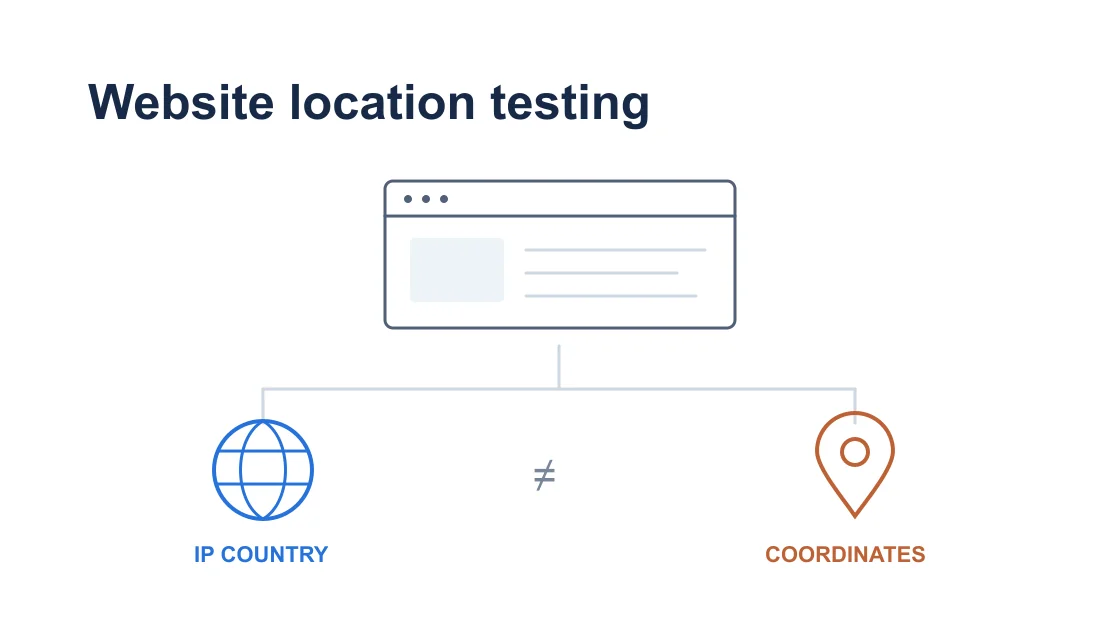
If your actual task is website regional behavior, continue with the IP versus browser-coordinate test procedure. Playwright geolocation emulation changes browser coordinates; it does not establish the request's public IP or country. Account preferences, language, and cache also need separate cases.
This guide's local demonstration launches a real Chromium browser through Playwright and separately sends a request through an isolated APIRequestContext. Both request an owned loopback diagnostic endpoint. The server records distinct case identifiers, and the report records each expected response and the executing process information.
The screenshot shows a live local report, not a fictitious browser settings panel or a production VPN result. Because the endpoint is loopback, its peer address cannot prove a public VPN exit. A same-host example also cannot reproduce the route of an independently hosted browser or CI runner.
In your own report, include where the browser was launched, where API requests ran, proxy configuration source, Service Worker handling, fixture interception, sanitized case IDs, and endpoint-observed results. Do not include a browser-control URL containing an access token, authentication storage, trace contents with secrets, or real user data.
Close the disposable API context and browser after the test, restore temporary settings, and stop attempts that add no evidence. If the page succeeds from cache while the owned endpoint receives no request, investigate caching or interception before drawing a route conclusion. The final claim should identify the exact process and attempt measured, not promise that every worker uses one tunnel.
Only a browser launched in that local runtime is local to it. A connection to a browser server can control a browser elsewhere, so inspect the launch or connect code and execution environment.
The control connection and page request are separate flows. Record browser location, proxy configuration, and any network exposure options before inferring where the target's request originates.
Cookie sharing is a storage relationship, not network-path evidence. Measure browser navigation and APIRequestContext requests separately, especially when their processes can execute on different machines.
A fulfilled fixture validates the behavior your test supplies locally. It does not show that the request reached the real server or establish the public network exit used by that server-bound flow.
Block them only in an explicitly recorded diagnostic context where it helps observation. Tests requiring the real application's Service Worker behavior must retain and separately verify that behavior.
A CI worker has its own network environment and permissions. Configure and verify an approved route on that worker with its owner; do not assume your desktop connection changes its requests.
It establishes that two distinct local clients completed the harmless demonstration requests. It does not establish a public exit, remote-browser routing, or improved performance through a VPN.
Disclaimer: Test only owned or authorized endpoints. Follow local law and organization policy, retain TLS checks, and do not use automation for unauthorized scraping or access-control evasion.
Sources:
Sources checked 7 October 2026.
Related Articles:
Sign up to experience all premium features at no cost.
*Available only to new users. Each user is limited to one trial.