Start your 3-day free trial
Sign up to experience all premium features at no cost.
*Available only to new users. Each user is limited to one trial.
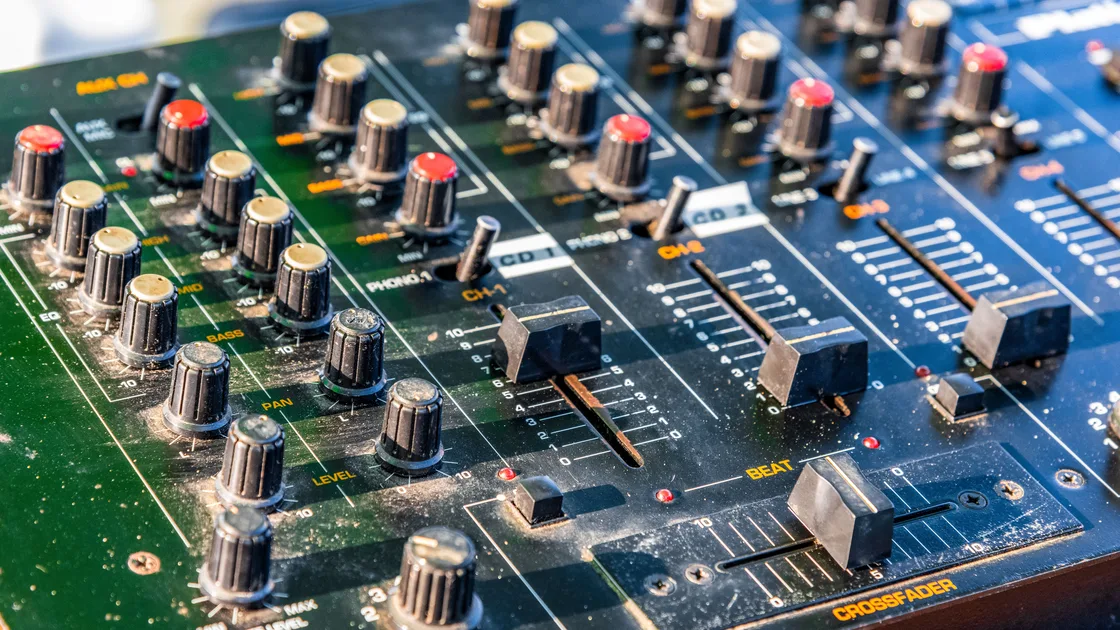

Gapless playback removes the silence an app might insert between tracks meant to run together, while crossfade deliberately overlaps the end of one song with the start of the next. With gapless playback or crossfade not working, first identify which of those transitions, or a platform-created mix, you expect. Then test a known track pair on the actual output device, because eligibility, queue order, content source, audio quality, and remote playback can all change the result.
Key Takeaways
- Gapless, crossfade, and automix describe different transitions.
- A random pair of songs is a poor test for an album designed to run continuously.
- Subscription, app version, device, and content source can change which controls appear.
- The phone showing the setting may not be the device producing audio.
- Preserve the queue and compare one streamed and downloaded test before resetting the app.
The streaming and listening pillar provides the broader playback context. This article stays with the boundary between consecutive music tracks; it does not diagnose video lip-sync, buffering, volume normalization, or podcast speed.
Start with the intended sound, not the name of a switch.
| Mode | Expected result | Useful test material |
|---|---|---|
| Gapless playback | No inserted silence between tracks already designed to join | Live album, classical work, DJ mix |
| Crossfade | End of one song fades while the next begins for a set duration | Two ordinary songs with clear endings |
| Automix | Platform chooses a beat-matched or dynamic transition | An eligible curated playlist |
| No transition | One track ends before the next starts | Control for comparison |
Spotify lists Crossfade, Automix, and Gapless playback as separate transition features and describes Automix as beat-matched transitions on selected playlists.[1] Apple likewise separates AutoMix from a fixed-duration Crossfade.[2] Do not use one label as proof that another mode should be active.
Pick two adjacent tracks and record their titles, album or playlist, order, source, and expected boundary. Replay the last 20 seconds of the first track without changing the queue. A vague report that “mixing sounds wrong” cannot distinguish silence, overlap, a natural quiet intro, or an editorial transition.
Check the current app version, operating system, subscription status, and device model. Open the official help page for that exact platform. A control that exists on one phone or desktop may be absent or limited on a television, watch, speaker, car system, or older computer.
Apple says AutoMix dynamically transitions Apple Music subscription content, while non-subscribers see only Crossfade as a transition option. It also documents device limits: AutoMix works on Apple-silicon Macs and Apple TV 4K (2nd generation or later), but not on Intel-based Macs, Apple Watch, Android, or Apple Music for Windows.[2] The page does not mention HomePod, so if a HomePod is the output, use the local-versus-remote test in section 4.
Apple also says AutoMix and Crossfade are not available with hi-res lossless, so a high-quality audio setting can make both controls unavailable.[2][3] Those limits are Apple-specific and may change.
Record whether the control is missing, disabled, enabled but ineffective, or effective only on one device. Those are four different cases. A disabled control often indicates eligibility; an enabled control that fails on one output points to session or device behavior.
Do not change subscription plans to test a transition. Confirm the published feature matrix and use an available mode on the current plan.
For gapless playback, use an album whose adjacent tracks are intentionally continuous. Confirm that shuffle is off and that the two tracks are consecutive in the album. A natural fade-out followed by silence in the master recording is not an inserted app gap.
For crossfade, choose two songs with audible endings and beginnings, set a clearly noticeable but reasonable duration, and place them next to each other in a short queue. Avoid a live album as the first crossfade test because its own continuous ambience can hide the overlap.
For automix, use a playlist the platform identifies as eligible. Spotify says Automix works on selected Spotify playlists, including with Shuffle.[1] It does not promise a dynamic mix for every album, personal playlist, or imported track.
Apple lists sequential album playback, uploaded library content, and songs purchased and downloaded from the iTunes Store among cases where AutoMix may not dynamically transition.[2] A sequential album may deliberately preserve its intended order and boundaries.
Save the original queue before rebuilding it. If a two-track control works, compare the original queue for inserted recommendations, unavailable tracks, different versions, or manual reordering.
Identify the controller and output device separately. A phone may show the queue while a speaker, television, desktop, car, console, or network receiver actually decodes and transitions the audio. Record both devices and the active account on each.
Stop playback, disconnect the remote output, and test the known pair locally. Then reconnect the same output and repeat without changing the tracks or transition setting. If local playback works but remote playback does not, the output path has become the useful boundary.
Spotify says you cannot set these transition features while Spotify Connect is in use.[1] Disconnect Connect, choose the transition setting on the local playback device, and test locally before reconnecting the remote output. A controller-side slider cannot override that limitation on the receiver.
Also check Bluetooth and casting handoffs. If playback moves between devices during the boundary, the new output may start a separate session or buffer. Test with the output fixed for the entire pair.
Avoid removing every device from the account. Update and restart the one failing output after preserving sign-in recovery details, then rerun the same local-versus-remote comparison.
Record the current transition mode and duration. Turn off other transition modes if the app presents them as alternatives, then select only the intended mode. Close the settings page, reopen it, and confirm the value before playing the test pair.
Apple exposes AutoMix, Crossfade, or Song Transitions off as explicit alternatives and lets a Crossfade user choose the duration.[2][3] Spotify provides a Crossfade length control alongside separate transition features.[1] Follow the app's current model rather than enabling every switch at once.
If the value resets, test whether the account, profile, device, or app session owns it. Sign into the same profile on one other supported device and compare the displayed setting, but do not assume the preference must sync. Some playback preferences remain device-local.
Update the app and restart the failing device before signing out. Reinstall only after recording the queue, downloads, equalizer, normalization, and transition values. A reinstall may reset preferences without explaining why they failed.
Download the same eligible track pair through the app if your plan and storage allow it. Keep the order and setting unchanged, then compare the boundary online and offline. This isolates delivery from content identity more cleanly than choosing different songs.
If streamed playback works but the downloaded pair has a gap, remove and redownload only those two local files after confirming they remain available in the library. If both modes fail on one device, focus on feature support, settings, or the output path.
If uploaded or purchased files behave differently from subscription catalog content, record the source. Apple explicitly lists uploaded library content and iTunes Store purchases as AutoMix exceptions.[2] Do not delete original local files or repurchase tracks to force a test.
Keep buffering separate. A pause caused by a weak connection is not the same as a consistent transition gap at the exact boundary. Repeat once with downloaded tracks; if the pause moves to another point, use a connection diagnostic rather than changing crossfade again.
Send a minimal reproduction:
Do not send account passwords, pairing codes, private library exports, or copyrighted audio recordings longer than support requests. A short description such as “two seconds of silence after track one at 3:42” is usually enough to locate the boundary.
If the list itself disappears or refuses edits, use the playlist diagnostic. For speech-speed persistence, use the podcast speed guide. If the sound is late relative to video rather than between songs, use the audio-video sync guide.
No. Gapless avoids an added pause between tracks designed to connect, while crossfade overlaps the ending and beginning for a chosen duration.
The second album may contain silence in the master, use different track versions, or pass through another output path. Test a known continuous album with shuffle off.
Spotify lists Gapless playback for all users, while Crossfade and Automix are Premium features.[1] These settings cannot be changed during Spotify Connect, so disconnect, turn on Gapless on the device that is actually playing, and test a continuous album with shuffle off.[1]
AutoMix depends on subscription and supported-device eligibility. Apple says non-subscribers and several device classes cannot use it, and that it is unavailable with hi-res lossless.[2]
No. Spotify describes it for selected playlists.[1] Use a known eligible playlist before diagnosing a personal queue.
The phone may be only the controller. The speaker or receiver may own the playback session and may not support or inherit the same transition setting.
It can expose a local-file or content-source difference. Compare the same pair streamed and downloaded instead of using unrelated tracks.
Use the app's current model. If modes are alternatives, select one and test it. Multiple active controls make the expected result harder to define.
No. It cannot add a player feature, change subscription eligibility, alter the track master, or force an output device to support transitions.
Sources checked 4 October 2026.
Sign up to experience all premium features at no cost.
*Available only to new users. Each user is limited to one trial.