Start your 3-day free trial
Sign up to experience all premium features at no cost.
*Available only to new users. Each user is limited to one trial.
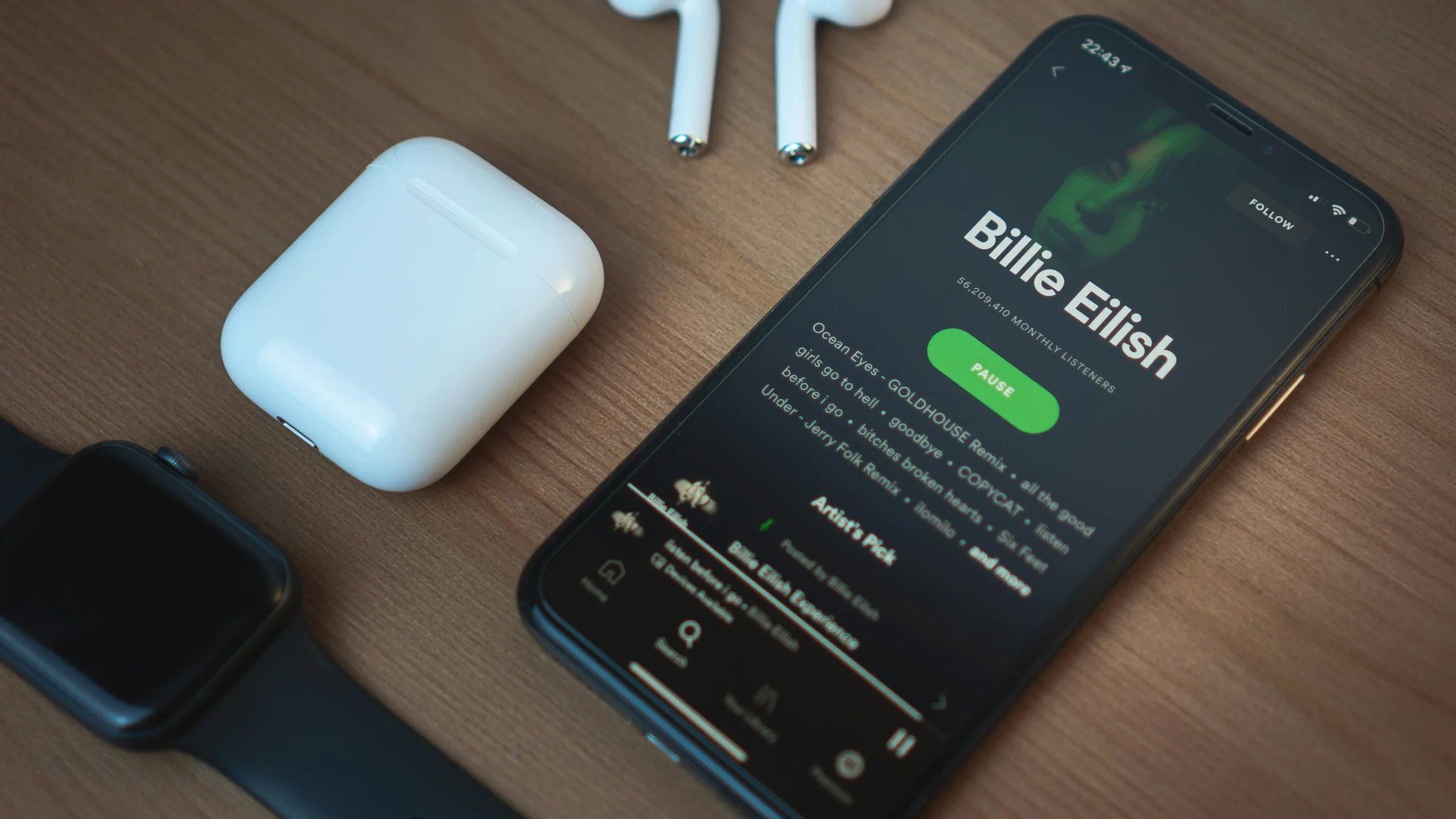

Spotify unblocked should not start with a random proxy. If Spotify will not open, the cause may be a school or workplace network filter, your account country, payment settings, app cache, or local service availability. Spotify says users can view and update country or region settings in their account, but availability depends on location and payment method.[1]
The most reliable first step is to identify what is blocking access: the current network, your Spotify account, or the device.
Spotify problems often look like app issues, but they can also come from travel networks, DNS, or account-region friction; the best VPN for streaming in 2026 guide helps you separate those network factors from the music app itself. If the problem is SoundCloud instead, the SoundCloud unblocked guide is closer to that workflow.
Key Takeaways
- Spotify being blocked is not always a region issue; schools and workplaces may filter music services.
- If mobile data works but Wi-Fi does not, the current network is probably the cause.
- A VPN can protect your connection and test another network exit, but it does not override school or company rules.
- Unknown proxies, cracked apps, and unofficial APKs create unnecessary account risk.
The cause usually falls into four buckets.
| Type | What it looks like | What to check |
|---|---|---|
| Network filtering | Spotify fails on school or work Wi-Fi | Test with mobile data |
| Region limits | Login or subscription issues | Check account country/region |
| App problem | Only one device fails | Clear cache and update the app |
| Account issue | Payment, plan, or Family account errors | Check your Spotify account page |
Schools and workplaces often use DNS filtering, firewalls, or content categories to manage entertainment sites. Cloudflare has a plain-language explanation of DNS filtering.[2] The same kind of filtering can affect YouTube region access or Instagram access.
This is the fastest dividing line. If Spotify works on mobile data but not on Wi-Fi, the block is probably on the school, workplace, or public network.
CISA warns that open public Wi-Fi can expose sensitive information and recommends cellular data for sensitive activity.[4]
After travel or a move, account region and payment method can affect what works. Spotify’s help page says country and region settings are tied to your current location and payment method.[1]
Install Spotify only from Spotify’s website or official app stores. Do not install a cracked Spotify app just to “unlock” access.
If only one device fails, update the app, clear cache, sign in again, and restart the device before changing network settings.
A VPN can encrypt the connection, reduce local network visibility on public Wi-Fi, and test a different network exit. It cannot make it acceptable to violate school or workplace policy.
Where a VPN is allowed and step 1 showed that Spotify works on mobile data but not on this Wi-Fi, AethoVPN gives you that different exit without leaving the network. Connect in the Windows or Android app, or through the setup-guide configuration on an iPhone or Mac (Pro or Premium), choose a location in the country your Spotify account is set to, and play the same track again. Download AethoVPN for this Spotify test If playback still fails, look at the account and region checks in step 2; a disabled account or a licensing gap is not a network problem.
Read the network policy first. Schools and companies usually block Spotify for bandwidth, focus, or security-audit reasons. Reasonable options include:
If policy clearly forbids it, bypassing the restriction may create account, device, or disciplinary risk.
If you only want music on a TV device, first confirm that the device app works normally. For living-room setups, see our Fire Stick app guide.
A VPN can help, but it is not magic.
It can help you:
It cannot guarantee that it will:
If the core issue is account country or region, fix it in Spotify’s official account settings before repeatedly switching VPN locations.
If the core issue is slow playback or buffering, treat it as a connection-quality problem and work through Wi-Fi, latency, and routing checks in our lower ping guide.
If you play Spotify or YouTube on a TV and also stream shows, compare your subscriptions and device entry points with our Netflix alternatives guide.
Cracked apps can bring malware, account bans, and privacy exposure. A music subscription is not worth trading for account safety.
Spotify sign-in can involve account and payment information, so unknown proxies are a bad place to submit credentials.
Extensions with page-reading permissions may see sign-in pages. Use only trusted sources and the permissions you actually need.
Spotify unblocked starts with identifying whether the issue is network, account, app, or region related.Schools may block music and entertainment services through DNS, gateway controls, or content categories to manage bandwidth and reduce classroom distraction.
Test mobile data first, then check your Spotify country or region and app cache. If the rules allow it, use a trusted VPN to protect the connection.
A VPN may help you test a different network exit and protect the connection, but it cannot guarantee a fix for account region, payment method, or institutional policy restrictions.
Spotify says you can view and update country or region settings in your account, usually subject to your current location and payment method.[1]
No. Unknown proxies may log requests or inject page content, so you should not enter your Spotify password through them.
Check your account country or region, payment method, app cache, and current network. If the problem is public Wi-Fi, then consider a VPN.
Disclaimer: This article is for network troubleshooting and lawful access only. It does not encourage bypassing school, workplace, or platform rules. Follow your institution’s policies and Spotify’s terms of service.
Sources:
[1]Spotify Support — Change country or region settings: https://support.spotify.com/article/country-region-settings/
[2]Cloudflare — What is DNS filtering?: https://www.cloudflare.com/learning/access-management/what-is-dns-filtering/
[3]Spotify Support — Listen offline: https://support.spotify.com/article/listen-offline/
[4]CISA — Holiday Traveling with Personal Internet-Enabled Devices: https://www.cisa.gov/news-events/news/holiday-traveling-personal-internet-enabled-devices
Sources checked 8 May 2026.
Related Articles:
Sign up to experience all premium features at no cost.
*Available only to new users. Each user is limited to one trial.