Start your 3-day free trial
Sign up to experience all premium features at no cost.
*Available only to new users. Each user is limited to one trial.


If you want to know how to delete incognito history, the short answer is to close every incognito window or private tab. Once the private session ends, Chrome, Safari, and Firefox do not keep its browsing history, cookies, or site data, so there is no separate incognito history list to clear.[1][2][3] What can remain is everything outside that session: downloads, bookmarks, the local DNS cache, Google Account activity if you signed in, and records held by your network or the sites you visited.[1][4]
Incognito mode was never designed to leave no trace anywhere. If you think "incognito = nobody can see anything," reset that expectation before you start cleaning. Incognito is closer to "do not let the next person using this same device immediately see my browsing history" than "make me disappear from the internet."
For a broader look at the difference between private browsing and real privacy protection, start with What are web trackers? How they follow you and how to turn them off.
You can also place this topic inside a wider personal privacy framework with our digital privacy guide for everyday users.
Key Takeaways
- Incognito mode mainly reduces locally stored browser records. It does not make you anonymous online.[1][2][3]
- Chrome, Safari, and Firefox all warn that your ISP, school, workplace network administrator, and websites may still see activity.[1][2][3]
- Downloaded files, bookmarks, DNS cache, and other temporary data may still remain on the device, and signed-in activity can stay in your Google Account.[4]
- The cleanup target is not just "browser history." It also includes cache, downloads, and local network traces.
- If your goal is to reduce network-side visibility, incognito mode alone is not enough.
Chrome is a useful example. Google says that after you close all Incognito windows, Chrome does not save the site data or browsing activity from that session. Safari and Firefox describe a similar idea: private browsing does not keep visited pages, search history, or autofill information in your local browser history for the long term.[1][2][3]
In plain terms, incognito mode mainly reduces:
This is where many people get tripped up.
Google and Mozilla both warn that your ISP, school, or workplace network administrator may still know which websites you visited.[1][3]
Files you download in an incognito window still remain on your device. Bookmarks you create also do not disappear just because you were using private browsing.
This is why people sometimes say, "I used incognito, so why can I still find traces on the device?" The browser may not save history, but that does not mean every temporary layer of the operating system is blank.
Many browsers only release the temporary site data for a private session after the entire private session ends.[1]
This is the easiest layer to miss and the easiest to check. The browser not saving history does not mean PDFs, images, or zip files vanish automatically.
If you switched between private and normal windows, or the browser kept temporary content elsewhere, clearing the cache is a safer cleanup step.
Temporary DNS resolution records are not full browsing history, but in some situations they can show recently resolved domains.
If you are worried about traces on the device itself, clearing DNS cache or restarting the device is more thorough.
On Windows, ipconfig /displaydns shows the DNS client resolver cache and ipconfig /flushdns clears it.[5] On a Mac, iPhone, or Android phone, a restart is the simplest way to drop cached lookups.
If you are signed in to a browser account, sync service, or bookmark system, the real place to check may not be this device alone.
The usual priorities are:
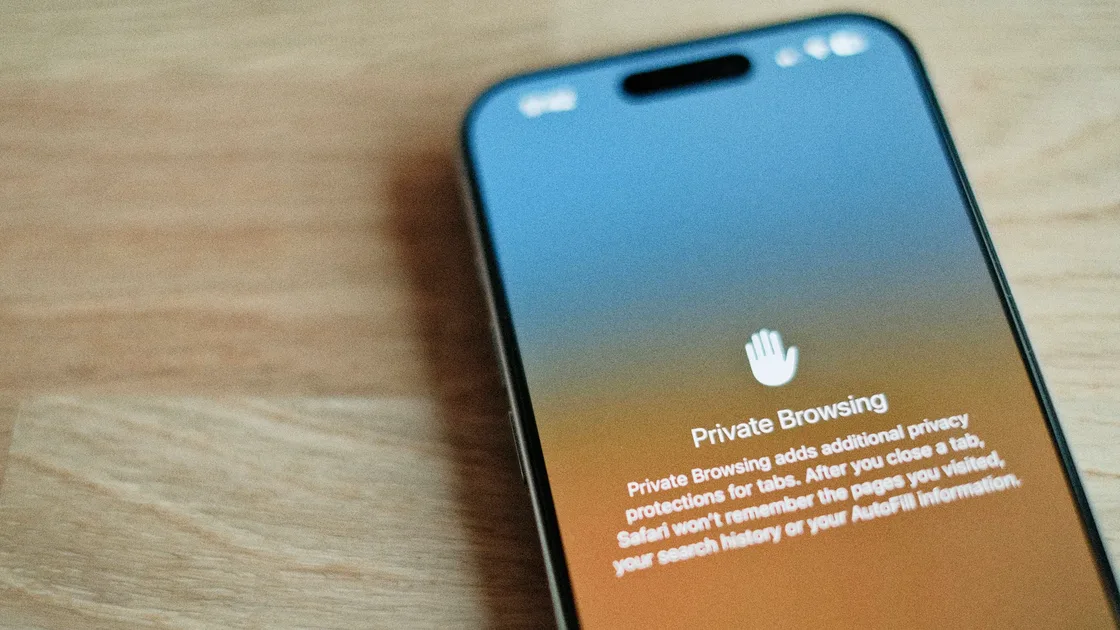
Safari's private tabs do not appear in History on your iPhone or in the tab list on your other Apple devices.[2] Leaving Private Browsing does not close those tabs: Apple says they stay open and lock when your iPhone has a passcode.[2] To clean up, close the private tabs themselves, then delete any downloads.
Chrome ends an Incognito session after all Incognito windows are closed.[1] If you still worry about device-side traces, clear cache and also check the Downloads folder and file manager.
If you often use private browsing on your phone for sensitive pages, also read How to use private browsing on iPhone.
Closing incognito does not touch data stored in an online account. Google says that if you sign in to your Google Account in a private window, your search activity may be stored in that account.[4] Chrome adds that signing in does not change how the sites and services you visit, including Google, collect data.[1]
To remove that activity:
Google also says it may keep some data longer for business or legal reasons, so this step clears your account history, not every log the service holds.[4]
This layer is outside your local browser's control. Google and Firefox both state this clearly.[1][3]
If you logged in, submitted a form, or clicked a download, the website may still have logs.
Incognito mode reduces local storage. It does not automatically erase network-side identifiers, server logs, or external tracking. If you are trying to understand whether someone on the same Wi‑Fi can know what you viewed, continue with Can a Wi‑Fi owner see what sites you visit?.
Closing private windows, clearing cache, and deleting downloads usually solves most of this.
That cannot be fully solved by deleting local records. It involves the network path, login state, site logs, and external tracking.
Once you separate those two questions, the confusion drops quickly.
No. Google's Chrome documentation makes clear that Incognito mainly limits local information storage. It does not make you anonymous at the network layer.[1]
For local browser history, it usually is not kept long term. But downloads, bookmarks, and other system-level temporary traces may still exist.[1][2][3]
Possibly. Network administrators and ISPs do not become blind because you used incognito mode.[1][3]
It is important for local browser traces. But if you downloaded files, logged in to websites, or left other system traces, you still need extra cleanup.
You may be logged in, or the site may still use your IP address, device signals, network path, and other identifiers. Incognito mode is not anonymity.[1][3]
No. Incognito mode mainly controls what the browser stores locally. A VPN mainly protects network transmission and IP exposure. They solve different problems.
Disclaimer
This article is for general digital safety education only and does not constitute forensic, legal, or corporate network compliance advice. Private session behavior can differ by browser and operating system version.
A VPN cannot erase downloads, bookmarks, account activity, or records held by a visited service.
Sources
Sources checked 4 October 2026.
Related Articles:
Sign up to experience all premium features at no cost.
*Available only to new users. Each user is limited to one trial.