Start your 3-day free trial
Sign up to experience all premium features at no cost.
*Available only to new users. Each user is limited to one trial.
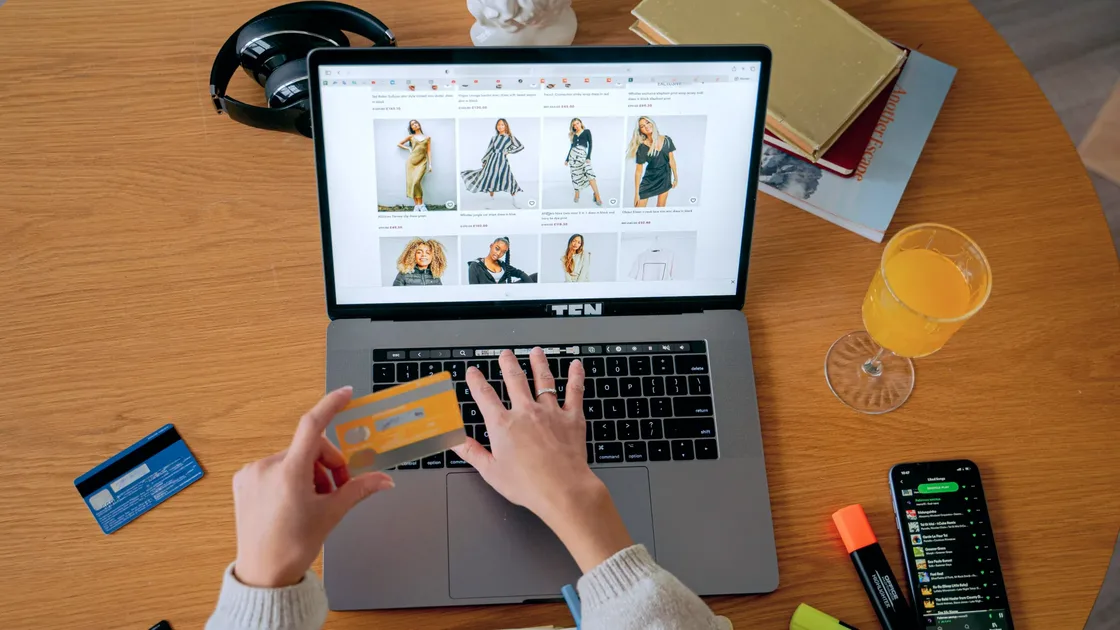

Yes, you can do online shopping with a VPN, and it helps most when you buy on public Wi‑Fi: the VPN encrypts the path from your device to its server, so the café or hotel network cannot easily watch or tamper with your checkout.[2] On a trusted home network with a legitimate store, a VPN for online shopping is optional; it hides shopping activity from the local network and helps with regional price checks, but it does not vet merchants or payments.[1]
The better answer is not “always use one.” It is “use one in the situations where it actually helps.”
Key Takeaways
- The strongest reason to use a VPN for online shopping is connection protection. Price comparison comes second.
- The FBI explicitly warns against making sensitive transactions on public networks.[2]
- If you need to compare how a page looks from different regions or network exits, a VPN is more useful than clearing cookies alone.
- A VPN cannot identify fake merchants for you, and it cannot guarantee the lowest price.
Five situations cover most of the value. The first, buying on a network you do not control, is the strongest reason; the others are narrower. For each one, note what the VPN changes on the connection and what the store, platform, or card issuer still decides.
Airport, hotel, mall, and cafe networks are risky because you do not control who runs them or whether traffic is being manipulated. FBI guidance directly says not to conduct sensitive transactions, including shopping, on public networks.[2]
A VPN helps here in a straightforward way: it encrypts the path from your device out of the local network, reducing snooping, session hijacking, and man-in-the-middle risk.
With AethoVPN, the order is simple: on a café, hotel, or airport network, connect in the app before you open the store or payment page, then confirm the tunnel is active; iPhone and Mac setups need Pro or Premium. It cannot tell a fake merchant from a real one or make a phishing checkout safe, so the store and payment checks below still apply. Create an account with your email before the trip rather than at the checkout counter.
If you travel often, also read Should You Use a VPN on Public Wi‑Fi? Here Is the Safer Way.
Some shopping or subscription pages may show different prices or promotions based on location, marketing tests, or user profiling. In preliminary findings from 2025, the FTC noted that location, browsing history, and user behavior may be used in individualized pricing.[1]
The VPN does not “automatically save money.” It helps you view the page from different exits for comparison.
Even with HTTPS, the local network may still see which domains you contact. A VPN can reduce direct visibility into shopping, payment, and comparison pages at the network layer.
For the bigger tracking picture, read Who Is Tracking You Online?.
When you travel, merchant sites, payment checks, and fraud systems may trigger extra verification because your network environment keeps changing. A VPN cannot guarantee a fix, but a stable and trusted exit can be less noisy than random public networks.
Many people log in to email, shopping accounts, and payment services first, then start browsing. Reverse the order: check the network first, then log in.
First, a VPN is not an anti-scam engine. It protects part of the network layer, but it cannot decide whether a merchant is legitimate or identify a polished fake page.
Second, it is not a lowest-price guarantee. Inventory, taxes, promotions, account history, payment region, and exchange rates can all affect the final price.
Third, it does not replace HTTPS, account security, or payment fraud controls.
| What a VPN can do | What it cannot do |
|---|---|
| Protect the path from local network to VPN server | Identify fake merchants |
| Reduce public Wi‑Fi risk | Guarantee a lower price |
| Help compare pages from multiple exits | Delete shopping data saved by platforms |
| Reduce local visibility into shopping domains | Replace strong passwords, 2FA, and safe payments |
On unfamiliar Wi‑Fi, connect to the VPN before opening the store or payment page.
Logged-in prices and promotions may already reflect membership tier, order history, coupons, or account data.
A VPN cannot protect you if you type card details into a phishing page. Before paying, check that the address starts with https, read reviews of the seller on several sites, and open the store from its official site or app. Paying by credit card also gives you more protection if the order goes wrong.[3]
Do not stop at the product page price. Check taxes, shipping, service fees, and exchange rates.
The base logic is similar: protect the connection layer first. Shopping also adds a price-comparison and profiling angle.
If you care more about payment and banking, read Is Online Banking Safe With a VPN? What It Can and Cannot Protect. For travel, pair this with Is Hotel Wi‑Fi Safe? A Safer Travel Internet Routine. To place these habits in a full framework, read a practical digital privacy plan.
If you are on a trusted home network, using a reputable major platform, your device looks healthy, and you do not need regional price checks, skipping the VPN is usually not a big issue.
Use one if any of these apply:
No. If you are on a trusted home network, using a legitimate platform, and not comparing regions, you can shop without one.
It is strongly recommended. It protects the connection from the local network outward and lowers snooping and hijacking risk.[2]
Sometimes it helps reveal price differences from different exits, but it cannot guarantee lower prices.
No. You still need to check the URL, seller reputation, certificate, and platform details.
Connect the VPN first, especially on unfamiliar networks. Protect the connection before logging in to email, payment, or shopping accounts.
Some platforms add verification or decline a card payment when they see unusual region changes or proxy traffic. If that happens at checkout, turn the VPN off and finish the payment on a trusted network, or contact your card issuer to confirm the transaction. Do not use a VPN to evade platform rules.
Check that it has apps or setup guides for the phone and computer you shop on, how many devices can connect at once, what its privacy policy says about logs, and its trial and refund terms before you pay. Buy it on the provider's official website rather than through a reseller link.
Disclaimer
This article is for general cybersecurity and consumer information only. It is not payment, security, or legal advice. Platform rules for proxies, cross-region access, and payment verification vary. Follow each platform’s terms and fraud-control requirements.
Sources:
Sources checked 4 October 2026.
Related Articles:
Sign up to experience all premium features at no cost.
*Available only to new users. Each user is limited to one trial.