Start your 3-day free trial
Sign up to experience all premium features at no cost.
*Available only to new users. Each user is limited to one trial.
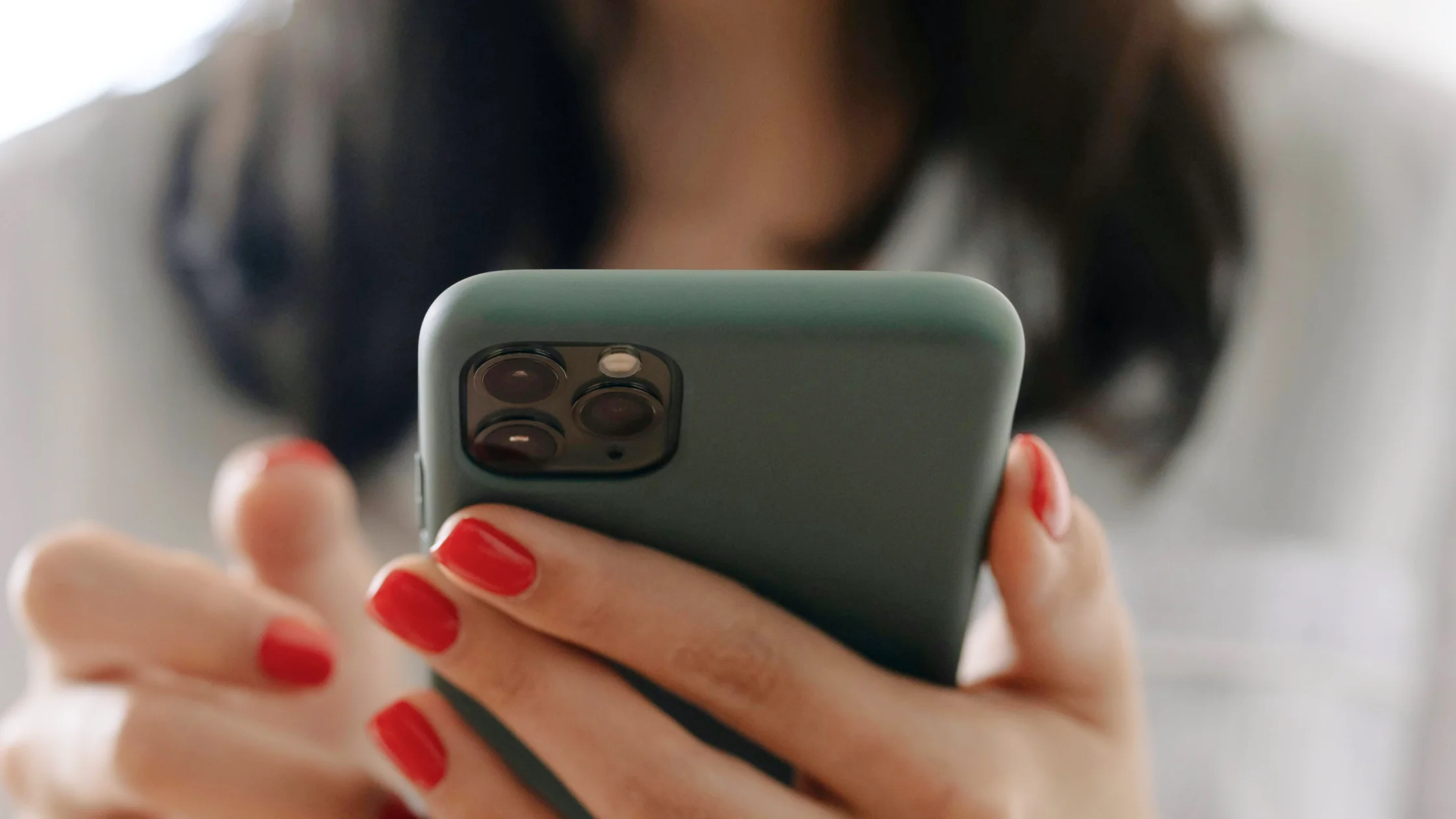

do privacy screen protectors work? Yes, but only for a specific problem: reducing what people beside you can read from an angle. They are not a universal phone privacy shield, and they do not stop app tracking, network monitoring, or account theft.
If you often handle verification codes, chats, banking apps, work email, or customer data on a train, plane, in a cafe, or in an open office, a privacy screen protector can be useful. It protects against the eyes next to you, not attackers on the other end of the internet.[1]
For a fuller phone privacy setup, start with the digital privacy guide and then review the iPhone privacy settings worth checking first.
Key Takeaways
- Privacy screen protectors limit viewing angles and reduce side-view shoulder surfing.
- They are most useful on public transport, in shared offices, during travel, and while paying in line.
- They do not hide your IP, stop app tracking, or protect you from phishing sites.
- Check viewing angle, brightness loss, touch feel, Face ID/fingerprint compatibility, and glass strength.
- The strongest setup combines a privacy screen, screen lock, 2FA, and careful notification settings.
Most privacy screen protectors use a micro-louver structure that limits the direction of light. From the front, the screen looks normal. From the side, it becomes dark or nearly unreadable. 3M describes privacy filters as a way to restrict side viewing and reduce visual hacking risk.[1]
The goal is not to make the screen absolutely invisible. It is to narrow the readable range. In a public place, an attacker may not need to photograph or compromise your device. Seeing one code, email address, order number, or internal document title may be enough.
| Scenario | How it helps | What still matters |
|---|---|---|
| Subway or bus | Makes chats, payment codes, and verification codes harder to read from the side | Hide sensitive lock-screen notifications |
| Cafe work | Reduces what nearby tables can see in email, dashboards, and spreadsheets | Lock the device when you leave |
| Airport or train | Limits side viewing during travel | Lost devices still need passwords and remote wipe |
| Paying in line | Reduces exposure of payment amounts, profile photos, and delivery details | Do not leave QR codes on screen too long |
CISA travel safety guidance also reminds users to consider device screens and information exposure in public places.[2]Privacy screens fit that low-tech but practical category.
They do not stop:
A privacy screen protects physical line of sight. If your concern is what browsers, advertisers, ISPs, or websites can see, read how to protect online privacy with high-impact habits.
If you check work messages, client data, bank notices, or verification codes on the move, the benefit is real. It does not require a major habit change, but it reduces direct visual exposure.
In a crowded train, your phone may be less than half a meter from someone else. You may not be reading confidential files, but chats, health apps, photos, and order details are still private.
Open offices, shared desks, conference backrooms, reception desks, and client sites often make laptop privacy filters more useful than phone protectors. NIST physical and environmental controls also include limiting visibility of information displayed by systems.[3]
If you use your phone in public every day, prioritize low brightness loss, two-way privacy, and stable brand reviews. If you mostly review documents at a fixed desk, a laptop privacy filter may deliver more value.
If you worry about search and browsing history visibility, read who can see your search history beyond incognito mode.
Usually, side readability drops significantly, but it is not absolute. Bright light, screen brightness, angle, and protector quality all matter.
The protector itself does not damage your eyes, but it may darken the screen. If you compensate with extreme brightness or poor posture, comfort suffers.
It can. Check model compatibility, especially around the front camera, speaker, and sensor cutouts.
If you often open work documents in shared offices, airports, trains, or client sites, laptop privacy filters are worth considering.
No. It limits outside viewing only. It cannot stop internal screenshots, screen recording, malware, or apps reading data.
No. A privacy screen protects screen visibility. A VPN protects IP and network path privacy.
They solve different problems. Incognito reduces local browsing history; a privacy screen reduces what people near you can see.
Disclaimer
This article is for general digital privacy education only and does not guarantee the quality or security of any screen protector brand or device model. Review specific product compatibility before buying.
Sources
Sources checked 8 May 2026.
Related Articles:
Sign up to experience all premium features at no cost.
*Available only to new users. Each user is limited to one trial.