Start your 3-day free trial
Sign up to experience all premium features at no cost.
*Available only to new users. Each user is limited to one trial.
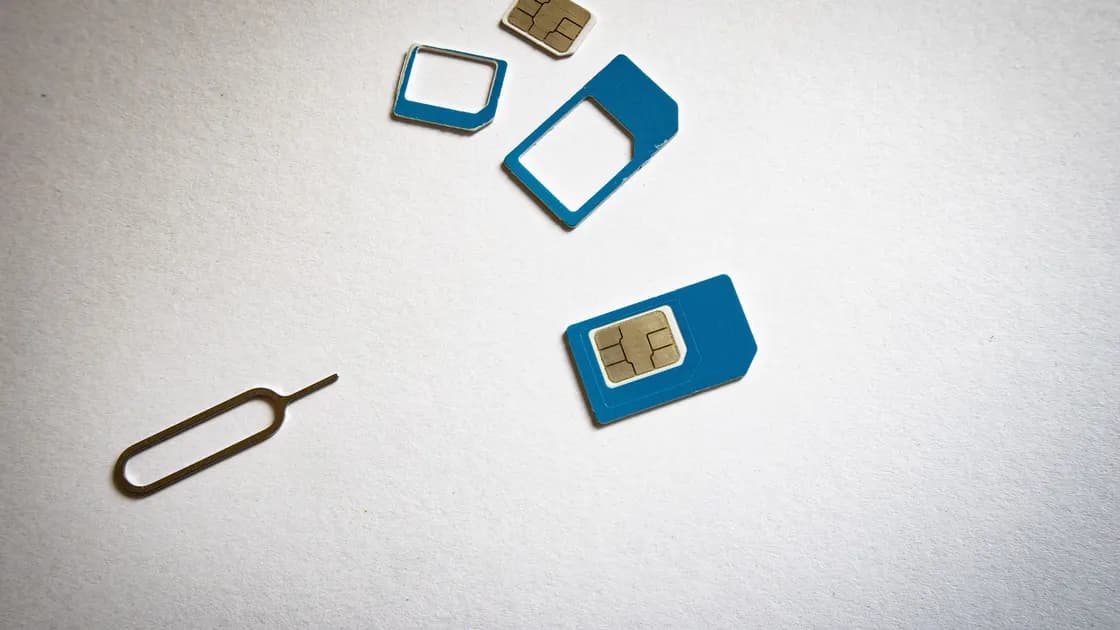

SIM swapping is an account-takeover attack in which a criminal convinces or compromises a mobile carrier into activating your number on a SIM or eSIM they control. Calls and texts may then reach the attacker, which can disrupt account recovery and SMS-based multifactor authentication even though your physical phone was never stolen. FTC consumer guidance recommends contacting the carrier immediately after an unexpected loss of service and checking financial and other accounts for unauthorized changes or charges.[1]
Key Takeaways
- SIM swapping changes the active SIM on the same carrier account; port-out fraud moves the number to another carrier.
- Sudden loss of mobile service plus an unexpected carrier notice is more meaningful than either clue alone.
- A carrier PIN or transfer lock can help, but the exact protections and names vary by provider and country.
- Protect primary email and financial accounts with an authenticator or security key where possible, and keep recovery codes offline.
- During an incident, restore carrier control first from a trusted device, then secure email and money accounts before lower-value services.
The online security guide explains the broader account dependencies; this page focuses on control of the phone number itself.
Both attacks target the carrier's authority over your number, but they change different records. The FCC distinguishes SIM swap fraud, where service is transferred to a different SIM on the same carrier, from port-out fraud, where the number is moved to an account at another carrier.[2] That distinction matters when the provider investigates and reverses the change.
| Event | What changes | Typical first contact | What it does not prove |
|---|---|---|---|
| SIM swapping | The active SIM or eSIM for your existing carrier line | Your current carrier's fraud team | That the attacker has your physical device |
| Port-out fraud | The number moves to another carrier or provider account | Your former/current carrier and its porting or fraud team | That your current SIM card was copied |
| Lost physical SIM | The card is missing, damaged, or taken | Your carrier for suspension and replacement | That the carrier account was socially engineered |
| Stolen phone | The device and possibly its unlocked apps are gone | Carrier plus device, account, and law-enforcement channels as appropriate | That the number was transferred away |
A phone can show “no service” after an outage, roaming issue, damaged SIM, or device fault. Use carrier records, alerts, and account activity rather than one symptom.
Control of a number can let an attacker receive calls or SMS sent to that line. If a service uses text messages to reset a password or approve a login, the number becomes part of the account's recovery chain. An attacker still may need a username, password, personal details, or access to another account, but the transferred number can remove an important barrier.
NIST SP 800-63B-4 classifies authentication over the public telephone network, including SMS and voice, as restricted and advises services to weigh risk indicators such as a device swap, SIM change, or number porting before sending codes that way.[3] Higher-value accounts should not depend on the number as their only recovery and MFA path.
Prefer an authenticator app that generates codes locally or a hardware security key when the service supports it. Passkeys can also reduce reliance on SMS when implemented with a secure recovery process. Keep recovery codes somewhere the phone attacker cannot reach, such as an offline record stored securely.
The strongest pattern is unexplained loss of cellular service paired with evidence of an account change. Watch for:
Do not call a number from an unexpected message. Use the official app, a number on a statement, or a verified support channel from another phone.
No single setting prevents every carrier-side mistake or account compromise. Build independent layers so failure of one does not expose every account.
Set a unique password and a carrier account PIN or passcode that is not based on a birthday, address, or reused banking PIN. Ask which protections are available for SIM changes and number transfers, such as a port lock, transfer freeze, in-person verification, or additional notice. The names and coverage differ by carrier and region, so verify the exact behavior with your own provider.
Attackers may combine a phone number with a full name, address, date of birth, billing clue, or leaked credential. Limit public profiles that connect these facts, and be wary of callers asking you to “confirm” information they already know. If you are concerned because a scammer has your phone number, focus on the linked identity and account controls rather than changing the number automatically.
Use unique passwords for the carrier and primary email. A number appearing in a breach does not by itself mean a transfer occurred; the phone number exposure guide explains that signal.
Start with primary email, banking, payment, cryptocurrency, password manager, cloud, and work accounts. Add an authenticator, passkey, or hardware security key where supported. Then inspect recovery settings: an account may still allow SMS reset even after stronger MFA is enabled.
Store recovery codes separately from the phone and test that you know how to reach the official recovery process. Do not keep the only copy as a screenshot in cloud photos protected by the same email account.
Follow the dependency order. If you start by changing dozens of low-value passwords while the attacker still controls the number and primary email, they may simply reset them again.
| Exposure level | Evidence | Response priority |
|---|---|---|
| Suspicious message only | An unsolicited code or transfer lure, but service and carrier account are normal | Do not share the code; check the carrier account through its official channel |
| Service loss without confirmed change | Phone loses service; no carrier record yet | Rule out outage or device fault quickly, then contact the carrier if unexplained |
| Confirmed SIM or port change | Carrier verifies an unauthorized activation or transfer | Freeze/reverse the change and lock the carrier account immediately |
| Number control plus account activity | Email, bank, or other sessions and recovery details changed | Recover the number, then protect primary email and financial accounts from a trusted device |
Use another phone or the official app/site over a network you trust. Ask the fraud team to suspend unauthorized changes, restore the number, secure the account, preserve relevant records, and explain whether the event was a SIM change or port-out. Request a case or reference number.
When service returns, change the carrier password and PIN, inspect authorized users and recovery details, and confirm which transfer protections remain active.
From a device the attacker did not control, secure the primary email first. Change an exposed or reused password, revoke unknown sessions, inspect forwarding rules and recovery methods, and strengthen MFA. The detailed email protection checklist covers this dependency.
Contact banks, payment services, and cryptocurrency providers through official channels if there is any unauthorized activity. Ask them to block transfers, review new payees or devices, and note the telecom takeover. Do not approve a code or transfer to “reverse” fraud.
Review important cloud, work, shopping, social, and government accounts. Sign out unknown sessions, remove unfamiliar devices or connected applications, correct recovery details, and change reused credentials. Upgrade from SMS where practical, but do not remove the only working recovery method until a replacement has been tested.
Review statements, credit or identity records available in your country, mobile billing, and messages sent from your accounts. Save carrier and provider case numbers, alerts, times, and transaction details. Report the incident through applicable official channels if money, identity records, or impersonation were involved; the identity theft overview helps classify the wider exposure.
Continue monitoring after service is restored. Follow-up scammers may impersonate the carrier, a bank investigator, or a recovery company. Never read one-time codes to an inbound caller or allow remote access to “repair” the SIM. Keep number recovery, account recovery, and device investigation as separate questions.
Yes. The attacker targets the carrier account or transfer process, so your physical phone can remain in your hand. The device may suddenly lose cellular service when the number activates elsewhere.
No. SIM swapping usually means the carrier activates the number on another SIM or eSIM after an account or identity failure. Cloning refers to copying technical SIM credentials and is a different mechanism.
No. It adds a useful layer, but provider processes, insider abuse, compromised accounts, and recovery exceptions can still matter. Ask your carrier what the PIN protects and whether separate transfer controls exist.
Use a stronger option for high-value accounts when one is supported, but SMS may be better than no MFA at all. Review account recovery too, because SMS reset can remain enabled after you add another factor.
Check for a local outage, restart or reseat only if appropriate, and look for carrier notices through a trusted connection. If the loss is unexplained or paired with an account-change alert, contact the carrier's official fraud channel immediately.
Not by itself. The carrier account, primary email, recovery settings, and exposed identity information may remain vulnerable. First recover and secure the existing account, then discuss a number change with the carrier if there is a specific ongoing need.
Restore or freeze number control first when a takeover is active, then secure primary email and financial accounts from a trusted device. If an account is being drained in real time, contact the financial provider in parallel through an official channel.
There is no universal period because the data and accounts exposed differ. Continue until carrier settings, sessions, recovery methods, financial activity, and identity records remain stable through the relevant statement and alert cycles.
Disclaimer: This article provides general cybersecurity education and does not replace advice from your carrier, financial provider, identity-protection service, or a qualified incident responder.
Sources
Sources checked 4 October 2026.
Related articles:
Sign up to experience all premium features at no cost.
*Available only to new users. Each user is limited to one trial.