Start your 3-day free trial
Sign up to experience all premium features at no cost.
*Available only to new users. Each user is limited to one trial.

If you are confused about web browser vs search engine, the short answer is: a browser is the software that opens and displays web pages, while a search engine is the service that helps you find content online. In practice, Chrome is a browser, and Google Search is a search engine you can use in Chrome or any other browser. Mozilla explains that a browser retrieves and displays web content. Google explains that Search crawls, organizes, indexes, and ranks pages before showing results.[1][2][3]
Use the digital privacy guide as the wider checklist: it connects this issue to accounts, devices, identifiers, and data-broker exposure.
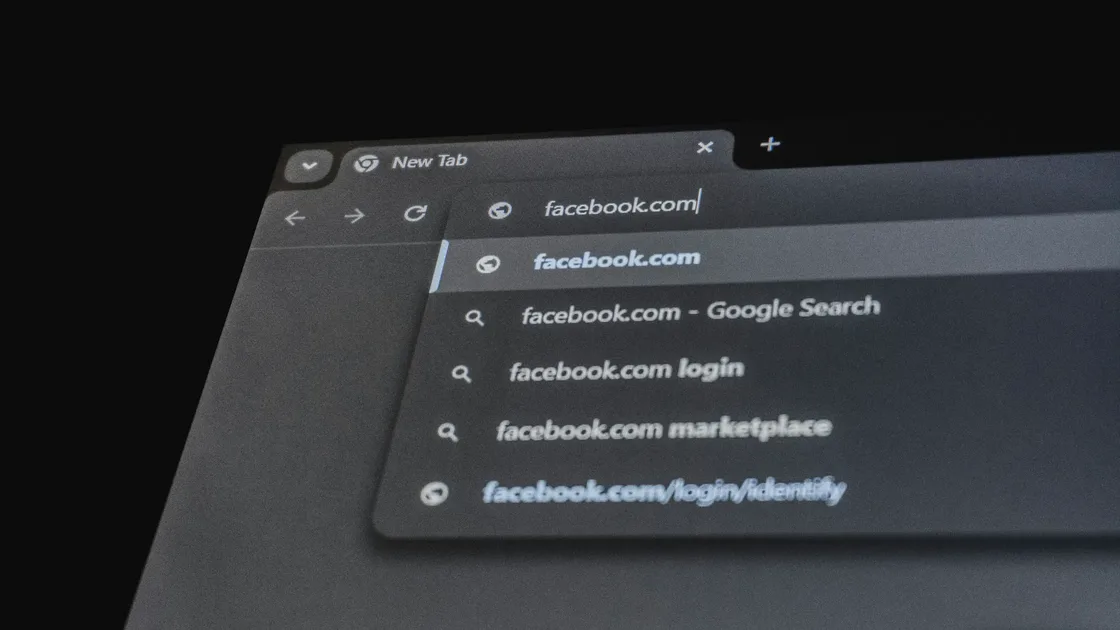
People mix them up because they almost always appear together. You open a browser and often see a search box. You type into the address bar and the browser may send the query to your default search engine.
If you are also wondering who can see your searches, read who can see your search history? Do not focus only on incognito mode.
Key Takeaways
- A browser is software that opens and displays pages; a search engine is a service that helps you find pages.[1][2]
- Chrome, Safari, Firefox, and Edge are browsers. Google, Bing, and DuckDuckGo are search engines.
- You can use different search engines inside the same browser, so they are not locked together.
- Address bars make “enter a URL” and “search the web” feel like one action.
- Both layers affect privacy, but not in the same way: browsers are more about local sessions, while search engines are more about queries and account activity.
Mozilla explains that a browser gets information from the web and displays text, images, and video on your device.[1]
A browser mainly handles:
Common browsers include Chrome, Safari, Firefox, Edge, and Tor Browser.
Google’s Search documentation focuses on a different job: crawling pages, building an index, and ranking results for your query.[2][3]
A search engine mainly handles:
Common search engines include Google, Bing, DuckDuckGo, and Yahoo.
Chrome is a web browser made by Google, while Google Search is the search engine that finds pages for your query. The shared brand is the main reason people treat them as one product. Chrome Help says Google Search is the default search engine in some countries, users elsewhere may be asked to choose one, and you can change the default at any time.[5]
So when Chrome opens a Google results page, two products are working together: Chrome displays the page, and Google Search produces the results. Google's Web & App Activity setting can also include Chrome history if you turn that option on, so review both the browser and the account when you check what is saved.[4]
If you type openai.com, the browser treats it as a web address. If you type “how to delete spam emails,” the browser sends it to the default search engine. That can make it feel like the browser is the search engine, but it is only forwarding the query.
Seeing Google inside a browser does not make Google the browser. More precisely, your browser opened Google Search.
| Item | Browser | Search engine |
|---|---|---|
| What it is | Software | Online service |
| Main job | Open and display web pages | Find pages and information |
| Examples | Chrome, Safari, Firefox | Google, Bing, DuckDuckGo |
| Can it work without the other? | Yes, if you know the URL | Usually needs a browser or app as the entry point |
They expose different layers of information.
This is more about local history, cookies, tabs, downloads, and private/incognito window behavior.[1]
Here, check the service’s account activity and privacy controls separately from browser history. Google, for example, distinguishes account activity from browser history and warns that its Search privacy settings are being updated. Check the controls shown in your own account rather than assuming every search service keeps the same records.[4]
That is why “I used incognito, so can anyone know what I searched?” often gets answered at the wrong layer. For the boundary, read does incognito mode hide your IP address? No, it mostly handles local history.
Google Search is a search engine. Google Chrome is a browser.
No. You can use Bing or DuckDuckGo in Chrome, or Google in Firefox.
Yes. If you know the exact URL, you can type it directly.
Usually it still needs a browser or app as the interface.
It is a browser feature. It mainly handles local traces; it does not mean the search engine records nothing.[1]
Disclaimer: This article is for general internet literacy and privacy education only. It is not technical advice for a specific browser, search service, or enterprise environment.
A VPN cannot turn a browser into a search engine or change how a search provider ranks results.
Sources:
Sources checked 4 October 2026.
Related Articles:
Sign up to experience all premium features at no cost.
*Available only to new users. Each user is limited to one trial.