Start your 3-day free trial
Sign up to experience all premium features at no cost.
*Available only to new users. Each user is limited to one trial.

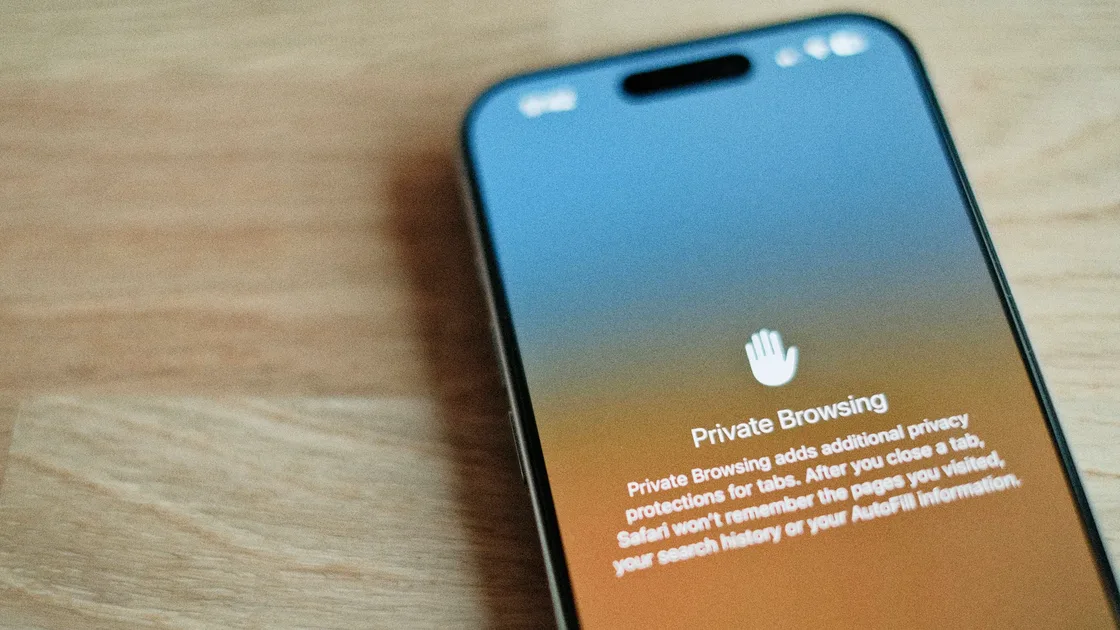
Does incognito hide your IP address? No. When you browse in a Chrome Incognito, Safari Private Browsing, or Firefox private window, websites can still see your IP address, and so can your internet provider and any school or workplace network you use. These modes keep less history, cookies, and form data on your device; they do not hide your network identity.[1][2][3]
Many people hear "incognito" as "anonymous," and that is where the mistake starts. It can help you leave fewer local records, but it does not change your IP address, change your network exit point, or erase what a website has already seen.
Use the privacy exposure review as the wider checklist: it connects this issue to accounts, devices, identifiers, and data-broker exposure.
If you first want to understand what incognito can still leave on a device, read Does incognito history really disappear? How to clear private browsing traces.
You can separate the two articles this way: this one answers whether incognito hides your IP and network identity. The other one focuses on what remains on the device after the session ends and how to clean it up.
Key Takeaways
- Incognito mode mainly reduces locally stored browser records. It does not make you anonymous online.[1][2][3]
- Your IP address can usually still be seen by websites, ISPs, schools, and workplace networks.[1][3]
- Chrome documentation clearly says Incognito does not change how websites and services collect data.[1]
- Google tested IP Protection for some third-party traffic in Incognito, then retired it in October 2025, so incognito still does not hide your IP.[4]
- If your goal is to hide a network exit point or reduce IP exposure, incognito mode and a VPN solve different problems.
Using Chrome as the example, after an incognito session ends, the browser does not keep that session's history, cookies, and site data on the device long term. Firefox and Safari private browsing modes follow a similar logic.[1][2][3]
These modes are good for:
In other words, incognito handles local traces, not network anonymity.
Because an IP address is not browser history. It is information exposed by the network connection itself when you visit a website.
When you open a site, the site and the network path between you and it can usually see where the request came from. Incognito does not reroute your request through another exit point or automatically add an anonymity relay.[1][3]
These parties can usually still see activity:
If you care about the Wi‑Fi layer, continue with Can a Wi‑Fi owner see what sites you visit? How much they can actually see.
This is one of the easiest recent details to misunderstand.
Google worked on IP Protection as part of Privacy Sandbox: in some Incognito cases, Chrome would mask the IP address seen by specific third-party domains. On 17 October 2025, Google announced that it is retiring IP Protection along with other Privacy Sandbox technologies.[4] Even the planned version was narrow:
So it should not be simplified to "Chrome incognito hides your IP." The accurate statement is: Chrome incognito does not hide your IP address, and the narrow IP Protection add-on that Google tested is being retired.
If you log in, the website knows it is you. Even without a login, IP address, device signals, and other identifiers may still be used.[1][3]
For website-side identification, compare this with What are web trackers? How they follow you and how to turn them off.
Google and Mozilla both make clear that this layer does not disappear because you used incognito mode.[1][3]
Anything you download in incognito still remains on the device. Bookmarks do not disappear automatically either.[1][2]
If you mainly use Safari private browsing on mobile, also read Safari private mode on iPhone.
The simplest split is:
They are not replacements for each other. They operate at different layers.
If you borrow someone else's computer and log in temporarily, incognito mode is useful. But if you are worried about websites, ISPs, workplace networks, or public Wi‑Fi seeing your real IP, incognito alone is not enough.
Many people then ask whether they can still be tracked after turning on a VPN. For that boundary, read Can you still be tracked with a VPN? The truth about online anonymity.
It is useful when you:
It is not a good stand-in for:
It is not useless. Its value is mainly on the device side, while many people are trying to solve a network-side problem.
Once you separate those layers, questions like "I used incognito, so why does the site still recognize me?" become much easier to understand.
For a useful comparison, connect AethoVPN to any listed location and compare the visible IP in ordinary and private windows. Record the connection state so the result is not mistakenly attributed to incognito mode. Incognito controls local browser history, while AethoVPN may affect the IP visible to a site; neither erases a signed-in identity or guarantees that the network operator cannot infer any activity. Open one ordinary and one private window side by side, start a 3-day free trial, and reload both after connecting; they should show the same new IP, which is exactly the point of the comparison.
Usually, yes. Incognito does not automatically send your request through another network exit point.[1][3]
Usually, no. A network administrator sees the network connection layer, not just local browser history.[1][3]
No. It was a narrow plan to mask some third-party traffic in Incognito, and Google announced its retirement in October 2025.[4] Do not rely on it to hide your IP.
Not from the websites you visit. Private Browsing mainly reduces local records. Safari's separate Hide IP Address setting automatically protects your IP from known trackers, and only eligible iCloud+ subscribers using iCloud Private Relay also get it hidden from websites. If that setting is off, your IP is not hidden.[2]
Yes. They solve different problems. Incognito focuses on local traces; a VPN focuses on network transmission and exit exposure.
You may be logged in, or the site may connect signals from your IP, device characteristics, and other identifiers.[1][3]
Disclaimer
This article is for general digital safety education only and does not constitute legal, corporate network compliance, or forensic advice. Browser features and regional rollout schedules can vary.
Sources
Sources checked 4 October 2026.
Related Articles:
Sign up to experience all premium features at no cost.
*Available only to new users. Each user is limited to one trial.