Start your 3-day free trial
Sign up to experience all premium features at no cost.
*Available only to new users. Each user is limited to one trial.

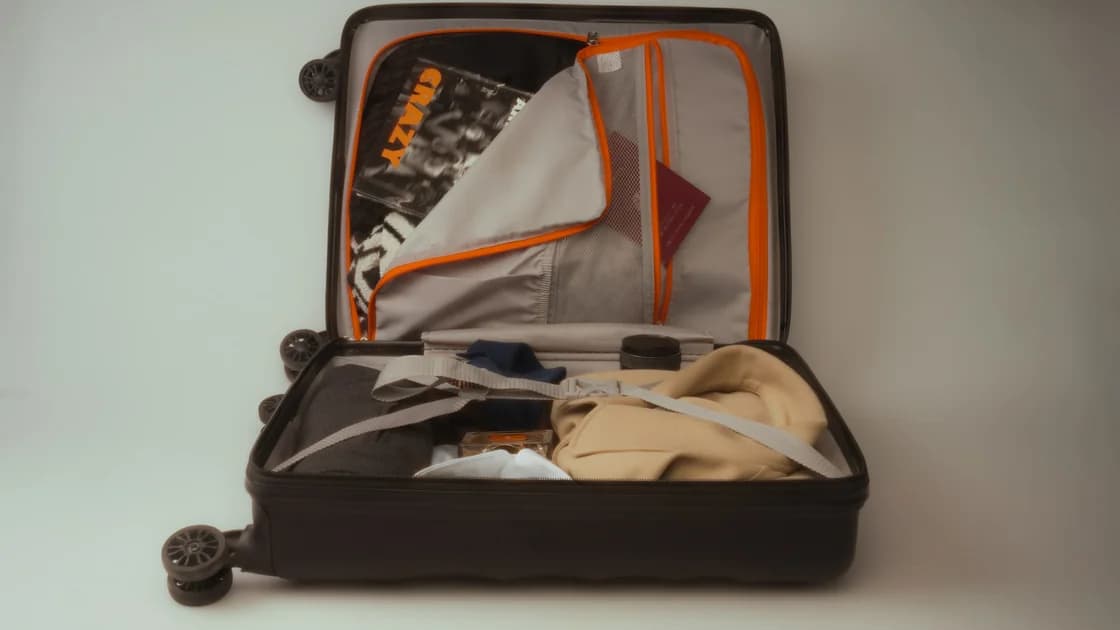
When you hand over a gate-checked carry-on, remove spare lithium batteries, power banks, and electronic cigarettes before it leaves the cabin. Also move passports, medicine, keys, money, valuables, fragile essentials, and anything needed during the flight into a small cabin item. Then verify the bag tag, collection point, and condition before handoff.
Key Takeaways:
- Separate mandatory battery removals from prudent risk-management removals.
- Spare batteries, power banks, and vapes must not remain in a checked bag under FAA rules.
- Keep documents, medication, keys, valuables, and essential fragile items with you.
- Fully switch off and protect any permitted device that remains in the bag.
- Read the destination on the tag and ask exactly where the bag will be returned.
Build a small “never check” pouch into your international travel packing plan. It should fit under the seat and be ready before boarding so a last-minute handoff does not force decisions in a crowded jet bridge.
Ask why the bag is being checked and whether the check is voluntary or required. A crowded flight, a small aircraft, a cabin-size failure, or an item that cannot be safely stowed can lead to different tagging and collection procedures. Do not assume “gate check” always means the bag returns beside the aircraft.
Before attaching the tag, read the airport code and final destination. Confirm whether the bag will be delivered at the aircraft door, on the normal baggage carousel, at an oversize area, or only at the ticketed final airport. On an international connection, ask whether customs requires you to collect and recheck it.
Remove old baggage tags and barcodes that could confuse routing. Keep the receipt portion of the new tag and photograph the complete tag while it is attached. Record the bag's exterior, wheels, handles, pockets, and existing marks. Close external straps and secure loose items that can catch on equipment.
If the bag contains something that cannot legally or safely travel in checked baggage, say so before surrendering it. The answer is not to hide the item or rely on the gate agent to remember it later. Open the bag in a safe place, complete the removal list, and repack deliberately.
Take out every power bank and spare lithium battery, including small camera, drone, game-controller, laptop, phone, and rechargeable-tool batteries. Put each spare in its retail package, individual pouch, or terminal cover so metal objects cannot create a short circuit. Do not leave loose cells among keys or coins.
FAA guidance says spare lithium batteries and power banks are prohibited in checked baggage and must remain with the passenger in carry-on baggage. Electronic cigarettes and vaping devices also belong in the cabin and must be protected against accidental activation; charging them onboard is prohibited.[1][3] These are safety requirements, not merely theft advice.
Distinguish a spare battery from one installed in a device. Some installed batteries may remain in checked baggage within applicable watt-hour and device rules, but the equipment must be completely switched off and protected from damage and accidental activation. FAA guidance for portable electronic devices describes that distinction.[2] The airline can impose stricter limits.
Check smart luggage separately. If its battery is removable and the bag will be checked, remove the battery and carry it in the cabin. If the battery cannot be removed, the bag may be unacceptable. Ask the operating carrier rather than assuming that a USB port means the battery is permitted.
Tell the crew immediately if a battery is damaged, swollen, unusually hot, smoking, leaking, recalled, or involved in an impact. Do not pack it as a spare, place it in a bin, or improvise insulation. Follow the airline's safety instructions.
Move passports, identity cards, visas, residence permits, boarding documents, customs papers, and travel authorizations into the cabin item. Add house and vehicle keys, wallet, cash, payment cards, jewelry, and irreplaceable personal records. Losing access to these items can create a larger problem than a delayed suitcase.
Keep necessary medicine, prescriptions, medical information, and small assistive-device accessories with you, subject to security rules. Include what you may need during the flight, a delay, a missed connection, or the first day after arrival. Temperature-sensitive or medically critical items need a specific safe transport plan rather than ordinary baggage handling.
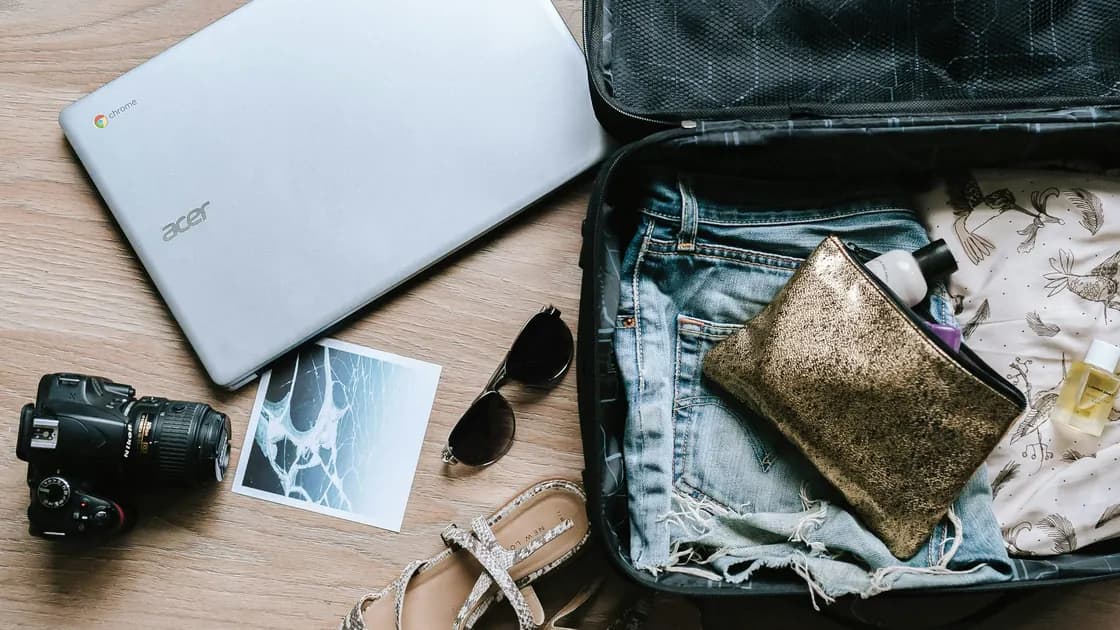
Move laptops, tablets, cameras, external drives, hearing devices, spectacles, musical accessories, and fragile electronics when they fit the permitted cabin item. This is risk management: it does not mean every electronic device is legally forbidden in checked baggage. Separate the mandatory battery rule from the recommendation to protect valuable or delicate equipment.
Keep confidential work papers, unencrypted storage, recovery codes, and physical security tokens under your control. Locking the suitcase does not eliminate loss, inspection, delay, or unauthorized access risk. Minimize sensitive data before travel and follow your organization's rules for border crossings and equipment.
Include a few comfort essentials that would be difficult to replace during disruption: required eyewear, a charger and approved cable, one change of critical clothing, and contact details. Do not overfill the small item until it violates the crew's stowage instruction. Prioritize safety, identity, health, access, and irreplaceability.
For a device permitted to remain, power it completely off. Sleep, hibernate, screen lock, and closed-lid standby may still allow heat or accidental activation. Verify the shutdown indicator and prevent buttons or switches from being pressed by the bag's contents.
FAA passenger guidance says portable electronic devices in checked baggage must be completely switched off and protected from accidental activation and damage.[1] Place each device in a protective sleeve or rigid section, keep pressure away from screens and hinges, and prevent movement. Do not wrap a heat-producing device so tightly that residual heat cannot dissipate.
Disconnect accessories that can bend ports or trigger controls. Cap exposed connectors where appropriate. Separate liquids from electronics and use leak-resistant internal packing. Remove glass, unprotected lenses, and other fragile items if a small cabin item can hold them safely.
Check for hidden batteries in trackers, electric toothbrushes, shavers, heated clothing, luggage scales, lights, toys, cameras, and spare charging cases. Determine whether each battery is installed or spare and whether the device has a mode that truly prevents activation. Ask the airline about uncertain items.
Do not add valuables back after the agent has tagged the bag. Once the removal is complete, close every zipper and pocket, confirm nothing hangs outside, and keep the cabin pouch separate. A consistent sequence avoids reopening the bag in the boarding line.
Photograph the closed bag after repacking, including the tag and any fragile or priority label. Keep the baggage receipt where it cannot be left inside. If there is visible pre-existing damage, make sure the record clearly shows it before handoff.
Ask who accepts custody and where the bag should be placed. Do not abandon it at the gate desk, jet bridge, or aircraft door without a staff instruction. Watch for a bag that is tagged but never moved into the collection area, and tell staff promptly if the process is unclear.
If you need an item during the flight, retrieve it before surrendering the bag. After handoff, staff may be unable to return the bag without delaying operations. Do not enter a restricted loading area or reach into baggage equipment yourself.
For tight connections, ask whether the tag transfers to the next flight and whether the arrival airport uses a plane-side return. A pink, valet, or limited-release tag can have airline-specific meaning. Written routing on the tag and the agent's explicit collection instruction matter more than the tag color.
Keep the bag description, tag number, flight, handoff location, and time together. This does not prevent mishandling, but it makes a delayed, missing, or damaged-bag report more precise.
Go to the collection point you confirmed. If plane-side bags are returned on the jet bridge, do not walk past the area until staff says unloading is complete. If the bag is routed to the carousel, follow arrivals and customs instructions rather than waiting at the aircraft door.
Match the tag before taking a similar bag. Inspect the exterior, wheels, handle, shell, zippers, and pockets. Open it in an appropriate place and check the essential contents and any device left inside. Photograph damage, moisture, disturbance, or missing items before repair or disposal.
If the bag does not arrive, tell the airline immediately and show the receipt. Ask whether it was sent to the aircraft door, baggage hall, oversize belt, connection system, or final destination. Obtain a written report and reference number when it is delayed, missing, or damaged.
Do not treat this preparation checklist as a substitute for the airline's claim process. Damage and missing-item deadlines can be short and depend on the journey. Preserve photographs, tags, receipts, item records, and written communication, then follow the correct report channel.
Update the packing checklist after the trip. If the handoff was chaotic, keep the cabin pouch permanently packed with terminal covers, a document sleeve, medication space, and a tag-recording routine. The aim is a repeatable safety process, not a promise that baggage will never be mishandled.
Under FAA rules, remove spare lithium batteries, power banks, electronic cigarettes, and vaping devices. Other authorities may add requirements, so follow the operating airline and local rules.
Not always as a legal category, but it is usually prudent to keep valuable and fragile electronics in the cabin. If a permitted device remains, switch it completely off and protect it.
Only if it meets the airline's battery rules. A removable lithium battery generally must be removed and carried in the cabin; a non-removable battery can make the bag unacceptable.
It may return at the aircraft door, jet bridge, baggage carousel, oversize area, or final destination. Ask before handoff and read the tag.
Keep necessary medicine and related documents in the cabin, accounting for delays and connections. Follow security requirements and arrange proper temperature control where needed.
No. Sleep or hibernation can allow activation or heat. A device left in checked baggage should be completely powered down and protected.
Tell airline staff immediately and follow their instructions. Do not enter a restricted area or attempt to retrieve the bag without authorization.
Before a carry-on is gate-checked, verify the tag and return point, remove all spare lithium batteries, power banks, and vapes, and keep documents, medicine, keys, valuables, fragile essentials, and needed electronics in the cabin. Fully shut down and protect any allowed device left inside, record the handoff, and inspect the bag at collection.
Sources checked 6 September 2026.
This article provides general information, not legal, aviation-safety, dangerous-goods, medical, security, insurance, or baggage-claim advice. Requirements vary by battery, device, airline, airport, aircraft, route, security authority, and jurisdiction.
Sign up to experience all premium features at no cost.
*Available only to new users. Each user is limited to one trial.