Start your 3-day free trial
Sign up to experience all premium features at no cost.
*Available only to new users. Each user is limited to one trial.
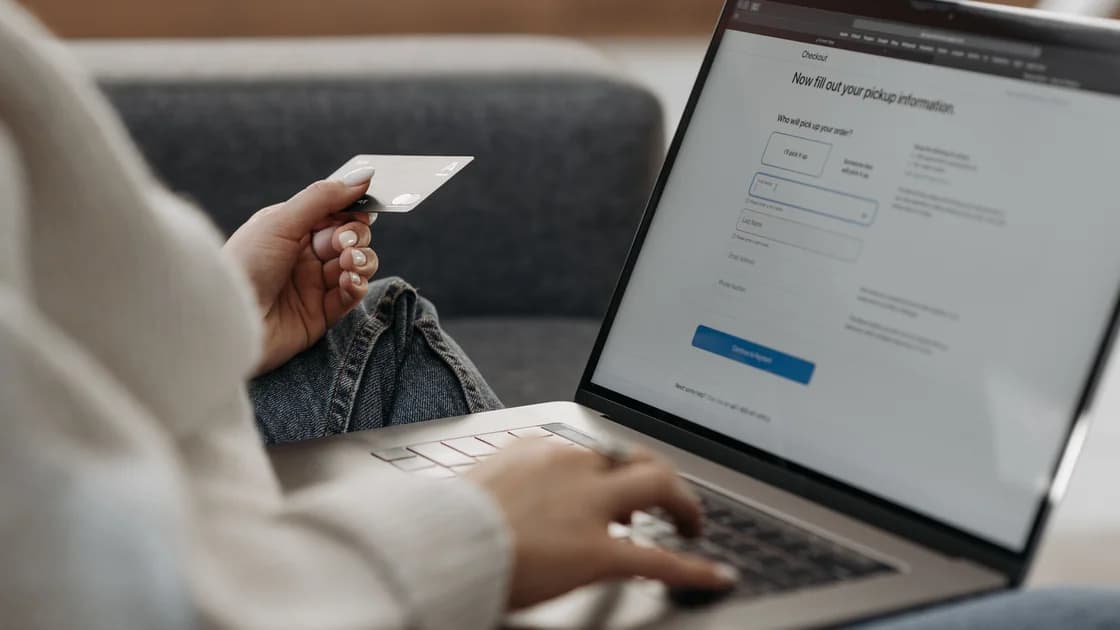

When a travel booking site rejects your billing address, keep using the truthful address held by your card issuer and determine whether the problem is form formatting, an address-verification result, or a separate authorization decision. Do not invent a local address or repeatedly alter real data. Record one controlled attempt, then ask the booking site and issuer which layer failed.
Key Takeaways:
- The billing address belongs to the card account, not necessarily your current hotel or destination.
- A form validation error, AVS result, and issuer decline are different outcomes.
- Preserve the truthful address while testing only harmless formatting variations.
- Never use a false country, postal code, or another person's address to force checkout.
- Keep an exact timeline so the merchant and issuer can compare the same attempt.
- Use an approved alternative payment route only after checking price and cancellation effects.
Add your issuer's current billing details and verified support route to the wider international travel planning guide. Your billing address can remain in one country while you travel in another; the correct entry is the address the issuer associates with that account.
Save the booking reference or itinerary in progress, merchant name, page, date and time zone, amount, currency, card type, and exact visible message. Do not capture the full card number, security code, password, or one-time code. If the page clears the form, write down which field was marked before trying again.
Classify what you saw:
| Result | Likely owner | What it does not prove |
|---|---|---|
| Field will not accept characters | Booking site's form | That the issuer rejected the address |
| Country or postal format unavailable | Booking site's data model | That your address is invalid |
| “Address mismatch” after submission | Merchant, processor, network, or issuer response | That every address field was compared |
| “Payment declined” | Authorization path | That billing address was the only cause |
| Booking pending with no ticket or confirmation | Merchant workflow | That the charge failed or succeeded |
Stop after one careful repeat that corrects an obvious typing error. Rapid attempts with different address combinations make the evidence harder to interpret and may trigger fraud controls or duplicate pending authorizations. If the message is simply a payment decline, move to the general travel-booking payment checklist rather than treating AVS as the confirmed cause.
Open the issuer's app or website yourself, or call the number printed on the card. Confirm the current billing address, effective date of any recent change, country, postal code, and the exact card account involved. A mailing address, residential address, statement address, and replacement-card delivery address may not be identical.
Copy the truthful issuer record into a private note without card credentials. Pay attention to apartment or unit numbers, directional abbreviations, hyphens, accented characters, transliteration, and postal-code spacing. If the issuer recently accepted an address change, ask whether card-authorization systems already use the new record or whether a processing period applies.
Do not change the issuer address merely to match a travel website. An address update can affect statements, replacement cards, tax or residency records, and fraud monitoring. If the actual problem is that the bank rejected a legitimate post-move update, follow the bank address-change guide. This article assumes you know which truthful billing address should be used.
If an unsolicited caller offers to “correct” the record, end the call and contact the issuer independently. Never disclose a one-time code or approve an unknown wallet or device enrollment as part of address troubleshooting.
Compare the booking form with the issuer record one field at a time. Keep the name, street, unit, city, region, postal code, and country factually identical. Only test transformations that the form requires, such as selecting a region from a list, removing optional punctuation, placing the unit in a second line, or using the issuer's established Latin-character transliteration.
Visa describes Address Verification Service as a check of billing-address information with the issuer or Visa during card-not-present transactions.[1] Visa's public rules combine global requirements with regional and product provisions, so implementation and availability are not uniform everywhere.[2] Neither source shows which fields this travel site sent, what your issuer compared, or whether a match guarantees approval.
Use a controlled comparison table:
| Field | Issuer record | Booking form entry | Safe question |
|---|---|---|---|
| Cardholder name | Exact account name | Same person and order accepted by form | Does the site support this script and length? |
| Street | Truthful street | Same words with permitted abbreviation | Which characters or line length are accepted? |
| Unit | Included in issuer record | Address line 1 or 2 as instructed | Is line 2 transmitted for verification? |
| Postal code | Issuer value | Same letters and digits with allowed spacing | Does the form support this country's pattern? |
| Country | Issuer billing country | Same country | Is foreign billing supported for this product? |
Do not substitute the hotel, destination airport, employer, friend, or booking agent address unless it is genuinely the issuer's billing record for your account. A form accepting false data does not make the transaction valid and can complicate refunds, fraud review, or identity checks.
Use the site's authenticated support route and provide the itinerary, error wording, time, currency, billing country, and last four card digits. Ask whether the product accepts cards issued in that country, whether its form supports the address script and postal format, and whether the error occurred before or after authorization. Do not send a full card number or security code in chat or email.
Ask the site to distinguish these questions:
The site may not disclose fraud rules or processor details. It should still be able to state whether it supports the billing country and how a truthful address should be entered. If it recommends a variation, request the instruction in writing and confirm that the factual country and postal information remain unchanged.
Be cautious if support asks you to move to an unrelated messaging account, install remote-access software, or provide a code. A genuine checkout problem does not require a stranger to take control of your device or banking session.
Give the issuer the merchant, exact amount and currency, date and time zone, and last four card digits. Ask whether an authorization arrived, whether it was approved or declined, whether an address result contributed, and whether there is a temporary or pending amount. The issuer may not see an attempt that the booking form rejected before payment processing.
For U.S. consumers, CFPB explains that a merchant may report a card charge as not authorized and advises contacting the card company for the reason.[3] That is a U.S.-specific consumer resource, not a global guarantee that the issuer will disclose its internal fraud model or approve a new attempt.
Confirm whether travel notices, online or international transaction controls, available credit, expiry, a replacement card, or a merchant-category restriction affected the decision. Do not ask the issuer to whitelist a false address. Ask what truthful data it expects and whether a fresh attempt is appropriate.
If the issuer record is correct but the merchant never sends a compatible request, the booking site must supply an alternate route. If the issuer declined for another reason, address that reason instead of cycling through postal formats. Keep both parties on one shared timeline.
Before switching cards, payment methods, sites, or currencies, compare the total price, refund path, cancellation conditions, loyalty benefits, insurance requirements, and reservation ownership. A different checkout can create a second booking while the first authorization remains pending. Ask whether the site can preserve the itinerary and replace only the payment attempt.
Use another card only if you are its authorized holder and can enter its truthful billing address. A digital wallet may transmit a tokenized credential, but it does not guarantee that the merchant supports your billing country or that the issuer will authorize the transaction. A bank transfer or pay-at-property option changes the evidence and dispute route, so read the new terms first.
Once confirmed, save the final itinerary, receipt, currency, accepted payment method, and cancellation deadline. Monitor the failed and successful attempts for duplicate or reversed entries. Do not dispute a pending authorization as a completed duplicate until the issuer identifies its status.
Keep location routing out of the diagnostic process and use the merchant's and issuer's official records.
Usually not. The billing address is the address associated with the card account. Use the exact truthful record your issuer confirms, even when your temporary location is elsewhere.
Not necessarily. AVS is one verification input, while authorization is a broader issuer decision. Ask the merchant and issuer which result actually occurred.
Only as a formatting adaptation that leaves the facts unchanged and follows the site's instructions. Use the issuer's established transliteration where possible and record what you entered.
No. A false country can break verification, refunds, tax records, or fraud review. Ask for a supported foreign-billing route or use another legitimate payment method.
The booking form or merchant system may have rejected the entry before sending an authorization. Give the booking site the exact time and error so it can identify that layer.
Only if the merchant permits third-party payment and the actual cardholder knowingly completes the required process. Never impersonate the cardholder or enter an address that is not tied to that card.
No. A VPN does not alter the issuer's account record, form capabilities, AVS response, cardholder identity, or authorization decision.
This article provides general travel-payment and consumer education, not legal, financial, tax, or individualized dispute advice. Address verification, card acceptance, authorization, and complaint rights vary by merchant, issuer, network, country, and transaction.
Sources checked 12 September 2026.
Related reading:
Sign up to experience all premium features at no cost.
*Available only to new users. Each user is limited to one trial.