Start your 3-day free trial
Sign up to experience all premium features at no cost.
*Available only to new users. Each user is limited to one trial.


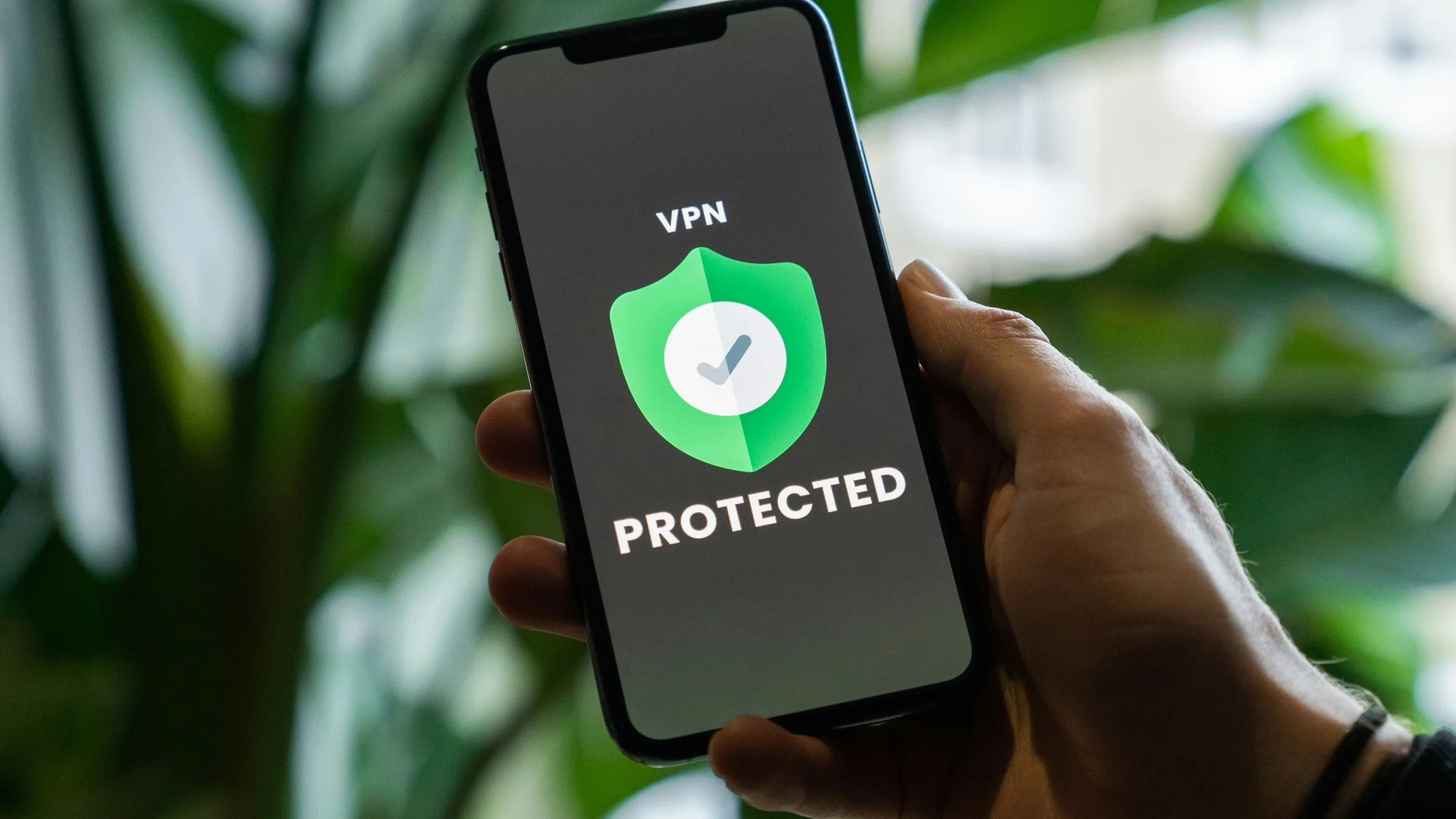
Is a VPN worth it? For most people, a VPN is not magic. But if you often use public Wi-Fi, care about tracking by ISPs or ad platforms, or need steadier regional network access, a VPN is usually worth it.[1][2] The real question is not whether everyone must use one. It is whether a VPN reduces the common network exposure in your own routine.
If you only browse lightly on a trusted home network, rarely touch public hotspots, and do not care much about privacy profiling, a VPN may be optional. Once your network environment becomes more complicated, though, the value shifts from "nice to have" to a practical layer of protection.
For the fundamentals, start with What is a VPN? A complete beginner's guide. It helps explain a key boundary: a VPN protects the transport path and exit IP, not your entire digital identity.[1]
Key Takeaways
- A VPN is most worth it for frequent public Wi-Fi users, people who care about tracking, and users who often need regional network access.[1][2]
- Its core value is not invisibility. It encrypts the transport path, hides your real IP, and reduces local network snooping and some traffic profiling.[1][3]
- A VPN cannot replace antivirus software or erase cookies, device fingerprints, or account logins.[4][5]
- If at least two of these apply to you (frequent public networks, high privacy needs, frequent regional access), a VPN is usually worth it.
- Regular users do not need complex 24/7 setups. Auto-connect, split tunneling, and scenario-based use are often more practical.
Do not judge a VPN only by recommendations. Judge it by whether it addresses the risks you actually face.
| User type | Answer | Typical traits | VPN value |
|---|---|---|---|
| Worth it | Strongly recommended | Frequent cafe, airport, or hotel Wi-Fi; privacy concerns; regional access needs | Protects transport path, hides real IP, reduces local snooping[1][2] |
| Optional | Depends on need | Mostly home internet, occasional remote work; moderate privacy needs | Helpful, but not always a daily must |
| Not worth forcing | No need to chase it | Light use on trusted home internet; not sensitive to tracking or regional access | Limited marginal benefit |
That is why "is a VPN worth it" has no universal answer. For public-network users, it is risk management. For light home users, it is more like an optional upgrade.
The people who benefit most are not always the most technical. They are the ones with more exposure.
Airports, hotels, cafes, and coworking spaces are risky because you do not know who else shares the network. CISA and the FTC have long warned users not to handle sensitive tasks directly on untrusted public networks, where traffic snooping, account theft, and phishing redirects are more likely.[2][6]
A VPN does not make public Wi-Fi "safe," but it encrypts your traffic before it leaves your device. That layer is meaningful against observers on the same local network.[1]
If you recognize yourself here, the cost question becomes a device count. AethoVPN's tiers differ by how many devices can connect at once: Standard covers one mobile device, Pro two desktops plus two mobile devices, and Premium eight of any type, while iPhone, iPad and Mac need Pro or Premium. On the hotspot itself, leave global mode on so mail and messaging apps, not only the browser, are encrypted through the tunnel. That covers the shared-network hop, not a malicious download or a fake login page you choose to use. Compare the current plans for the devices you actually carry; new accounts can try Pro once with a 3-day trial.
If you care who can infer what you visit, a VPN is usually worth considering. A US Federal Trade Commission staff report on six major ISPs found that, even with encryption, many of them still record the IP addresses customers connect to and thereby collect the domain names of the sites they visit.[3] After a VPN tunnel is established, your ISP generally still knows that you use a VPN, but it has a harder time seeing the specific websites inside the tunnel.[1][3]
For the detailed boundary, read What does a VPN hide? What it can and cannot hide.
If you often switch networks, the practical value of a VPN is higher than it is for someone who only uses home internet. Unfamiliar networks, restricted local networks, and regional access scenarios all add uncertainty.
For these users, a VPN is not only about privacy. It also adds predictability: your traffic first enters a controlled encrypted tunnel instead of depending entirely on the current network.
A VPN is not a universal switch. Some scenarios benefit from it; others get less value than marketing copy suggests.
If you almost always browse, stream, and message on trusted home broadband, and you are not sensitive to profiling, the benefit may be limited. It is not useless; it is just lower priority.
Some users rarely connect to public Wi-Fi, do not worry about tracking, and do not need regional access. They can still use a VPN, but the marginal benefit may be modest.
A VPN's strength is the transport path and exit IP. It does not erase accounts, cookies, browser fingerprints, or device permissions. EFF's Cover Your Tracks project shows how websites can combine fonts, screen size, browser version, and language settings into a device fingerprint.[4]
If you stay logged in, keep cookies, and grant location permission, websites may still recognize you. MDN also explains that Geolocation API access is controlled by browser and user permission, not automatically by VPN status.[5]
To decide whether it is worth it, separate what it solves from what it does not.
With a VPN on, most websites see the VPN server IP, not your home broadband or mobile network IP.[1] That reduces direct exposure of your real exit location, ISP, and source address.
One of a VPN's core values is creating an encrypted tunnel between your device and the VPN server. Local network observers, hotspot operators, and untrusted access networks have a harder time seeing the specific traffic contents.[1][2]
A VPN does not blind ad systems completely, but it reduces some signals based on IP and local network observation. It is especially useful against casual local-network snooping.
A realistic answer must include the limits.
A VPN protects the network path, not local device security. If you download malware, install a trojan, or your device is already compromised, a VPN will not remove that problem.
As long as you keep using the same account, cookies, and stable device fingerprint, websites can still recognize you.[4]
Some sites, banks, and enterprise systems are sensitive to VPN traffic. They may ask for extra verification or restrict access. A VPN lowers some risks; it is not a universal pass.
Ask four practical questions:
You do not need all four. If two or more are true, a VPN is usually worth it. If only one is true, it may be optional. If none are true, you probably do not need to treat a VPN as a daily essential.
Worth using does not mean complicated. For most people, stable and low-friction use beats constant manual switching.
If you need protection mainly on public networks, while traveling, or when handling sensitive accounts, turn it on there first. You get the clearest benefit without putting every bit of traffic through one tunnel all the time.
If you often need a VPN, auto-connect reduces forgetting. Split tunneling lets banks or local services use the original network while browsers or sensitive apps use the VPN.
If you are deciding whether to keep it on all the time, read Should I always use a VPN?.
If your network environment is complicated, you often use public Wi-Fi, or you clearly care about privacy and regional access, a VPN is usually worth buying. If you only use trusted home internet lightly, it is more of an optional upgrade.
Not always, but it can still be worth using. Home networks are more trustworthy than public hotspots, but ISPs and ad platforms can still profile traffic and metadata.[3]
Yes, if you often connect to hotel, mall, airport, or cafe Wi-Fi. Phones are not automatically safer than computers, and many privacy exposures happen when you are relaxed on the go.[2]
Free VPNs can provide basic features, but you need to evaluate speed, stability, logging policy, and privacy boundaries. Connecting successfully and trusting it long term are different decisions.
HTTPS protects the connection between you and a specific website. A VPN protects the path between your device and the VPN server. They are complementary layers.[1]
It can. Traffic goes through encryption and forwarding, so speed and latency can depend on server distance, load, and protocol. For most people, the decision depends more on risk versus benefit than speed alone.
The highest-priority cases are public Wi-Fi, travel, sensitive accounts, or moments when you do not want the local network or ISP to directly observe access details.[1][2][3]
Disclaimer
This article is for general network privacy and security education only. It is not legal advice and does not recommend bypassing platform rules or accessing services without authorization. Use VPNs within your local law and service terms.
Sources:
Sources checked 8 May 2026.
Related Articles:
Sign up to experience all premium features at no cost.
*Available only to new users. Each user is limited to one trial.