Start your 3-day free trial
Sign up to experience all premium features at no cost.
*Available only to new users. Each user is limited to one trial.

Roblox in China cannot responsibly be summarized as “works everywhere” or “every version is blocked.” The international platform, the localized Luobulesi game, and creator tools are different services, while an experience can have its own access conditions. Official regional guidance and historical company filings establish those distinctions, but they do not provide a current mainland network test or a verified local relaunch.[1][2]
Key Takeaways:
- Identify the international Player, a specific experience, or a creator-tool task.
- Historical Luobulesi disclosures are not a current availability announcement.
- A website opening does not prove a playable session or successful publishing.
- Protect account recovery, parental settings, and local project files during diagnosis.
For a player, the relevant chain can include the website, authentication, the Player application, and the server for a particular experience. A creator also needs to distinguish opening a local Studio project from collaboration or publishing. None of these results should be used as a blanket measurement of every Roblox service.
Roblox's regional support says local laws and valid regulatory requests can affect particular features, content, or categories.[1] That is a reason to check the exact feature or experience, rather than assume every restriction comes from a broken connection. A loading error and an explicit access notice are different evidence.
If other unrelated apps fail on the same connection, use the mainland cross-app troubleshooting path. For Roblox alone, name the application and task. Do not install a similarly named local app or an unofficial package simply because it appears in a search for “Roblox China.”
| Task or service | What to identify | Useful evidence | What remains separate |
|---|---|---|---|
| International website | Official site and intended identity | A fresh account page opens | Player and experience connectivity |
| Player application | Official app and supported device | Correct client starts | Eligibility for every experience |
| A specific experience | Experience identity and access conditions | Session joins and remains usable | Other experiences and features |
| Luobulesi | Local operator and dated announcement | Explicit current official availability | International account compatibility |
| Studio work | Tool version and local project copy | Project opens and saves locally | Collaboration and publishing |
| Payments or communication | Account and feature requirements | Intended permitted feature completes | General platform availability |
Roblox's annual report for 2021 described a Tencent publishing license obtained in December 2020 and said that the localized Luobulesi client was not then being offered to users in China. It separately described work with local developers and a localized Studio environment.[2] Those statements support a historical distinction between the consumer game and creator activity.
They do not establish the exact day on which every local function stopped, a present relaunch, or current international-platform reachability. Do not turn a report's historical wording into an October 2026 nationwide test. A current service decision needs a current official announcement for the intended product.
A local project, a Tencent-related account, and an international Roblox identity should not be assumed interchangeable. Ask the operator about migration or compatibility before entering credentials, paying, or changing an existing account. A creator tutorial can explain how to build content without proving that a local consumer game is currently offered.
Likewise, the presence of Chinese-language documentation does not establish consumer distribution in mainland China. It can serve international readers or creators. Describe the actual product and source date rather than using language availability as evidence for login, payment, or online play.
Yes. Browsing an account page is a different operation from establishing a Player session with an experience server. A homepage success tells you only about that web request at that time. Verify the client and intended experience separately before telling another traveler that Roblox is usable.
Keep the device, account, and experience constant when comparing a permitted trusted connection. Record whether authentication completes, whether Player launches, and what appears when joining. Changing all three at once can hide an experience-specific restriction behind an apparent improvement.
Roblox's Error 279 support describes trouble establishing a network connection between the client and servers.[3] The code is not proof of national blocking, an invalid subscription, or a shutdown of the entire platform. Preserve the full message and the point at which it appears.
The dedicated Error 279 troubleshooting guide provides the narrower connection investigation. Use it only for that error, and stop if the message instead identifies account enforcement, age eligibility, or experience access. Do not disable security controls permanently or delete useful local files merely to test a guess.
A feature can be restricted while other features remain available. Roblox's regional guidance explicitly describes restrictions on specific content or categories in response to valid local requirements.[1] Read the actual notice for the feature you need; do not extrapolate from one unavailable communication or payment option to the whole platform.
For a child account, a parent or guardian should review the account's actual controls and the experience's eligibility conditions. Do not change the birth date, use another person's identity, or remove safeguards to troubleshoot a connection. A technical success does not make an otherwise ineligible experience appropriate or authorized.
If a payment or verification step fails, keep the account's official support route and receipt details. Avoid repeated payment attempts or third-party sellers claiming to repair “China access.” Do not share recovery codes or allow remote access to the device as a condition of obtaining help.
If AethoVPN is present on a supported device during a Roblox connection comparison, record the app's connection state alongside the exact Player or experience error; an IP-path difference is distinct from an experience's age or regional conditions. The China network-planning guide helps evaluate supported platforms and local rules, without turning an uncertain access result into a promised Roblox method.
A different IP can affect location detection, while account and feature requirements remain independent and the applicable terms still govern use. This guide gives no country-selection recipe for acquiring eligibility. Stop at an explicit restriction instead of trying new identities until a request is accepted.
Protect a local project copy before diagnosing cloud-dependent work. Confirm that the expected file opens and can be saved under the intended account and tool environment. Opening a project locally does not establish that collaboration, asset retrieval, or publishing is working.
Keep a separate recoverable copy of important work using the tool's supported local save arrangement. Do not clear application data, uninstall the only working setup, or delete a project just because a publish request fails. Record which operation failed and preserve the existing local file before consulting official support.
A successful local edit is useful evidence about the editor and file, but a publishing result needs its own confirmation. Verify the correct destination and official status of the published item, where that operation is supported. Do not treat a button click or queued request as proof that other users can access the experience.
Avoid importing untrusted “access repair” plugins or scripts into a project. They can change project contents or request permissions unrelated to the connection issue. If troubleshooting involves account or project changes you cannot reverse, pause and ask the official tool support channel about recovery first.
Keep recovery email access, the correct application source, supported-device information, and a fallback activity that does not rely on an unverified online session. Do not promise a child that a familiar experience will work at a particular venue just because its homepage loads before departure. Check the actual session and applicable account conditions where you are authorized to do so.
Record the experience name, account controls, ordinary network settings, and the exact error if a task fails. Remove personal identifiers and children's information from public screenshots. Share only the minimum details required by official support.
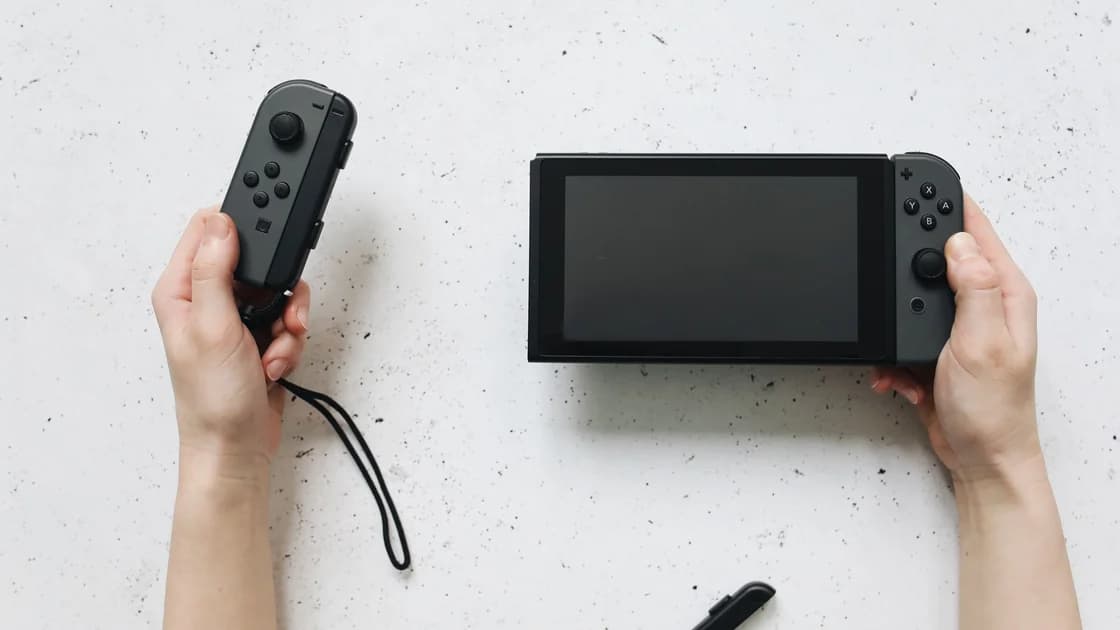
For families carrying consoles too, compare PlayStation account and licensing checks, Xbox's product-specific availability, and Nintendo's mainland service shutdown. These are separate platforms with different operators, not alternative proofs of Roblox access. Epic's store-versus-game distinction is similarly relevant when deciding what a PC can actually play.
Stop at an explicit eligibility, moderation, identity, age, or payment restriction and use the corresponding official support path. If a service incident is announced, wait for its resolution rather than making unrelated account changes. Repeated retries are not a useful substitute for identifying the failing component.[4]
Use only network arrangements permitted by local rules and the venue. China's 2017 network-access notice restricts unauthorized cross-border business channels, including VPN arrangements; it is not a complete legal opinion or blanket permission for an individual's gaming setup. Review current requirements rather than assuming a child's game has an exemption.[5]
The useful decision is whether an authorized, specific task works with evidence you can describe. When current official service information is insufficient, retain that uncertainty and choose a fallback. Do not label uncertain availability as confirmed blocking or promise an app can resolve licensing and account controls.
The sources here do not establish a current nationwide measurement. They describe regional restrictions and service distinctions; a specific website, Player, and experience need their own permitted checks.[1]
Do not assume identical services or account compatibility. The historical company report distinguished a localized consumer game from creator activity and the global platform, so verify the intended product and operator.[2]
No. It documents the situation described in that report, not a present relaunch or exact shutdown date. A current availability claim needs a current official announcement for that product.
No. Roblox describes it as difficulty establishing the client-server connection. Record the device, experience, and full message, then investigate the specific connection without expanding the code into a nationwide conclusion.[3]
A web request and a Player session are different tasks. Check the intended client and experience separately, preserving account, age, and regional conditions rather than extrapolating from the homepage.
No. A local file opening establishes local editing access, while publishing and collaboration are cloud-dependent operations with their own requirements. Preserve a recoverable project copy and verify the intended destination separately.
A route change is not proof of entitlement or restored service. Location checks can react to IP, but age, identity, payment, regional rules, and account restrictions still require their appropriate resolution.
Disclaimer: VPN regulations vary by country and region and are subject to change. This article does not constitute legal advice. Please review and comply with your local laws before using a VPN.
Sources:
Sources checked 5 October 2026.
Related Articles:
Sign up to experience all premium features at no cost.
*Available only to new users. Each user is limited to one trial.