Start your 3-day free trial
Sign up to experience all premium features at no cost.
*Available only to new users. Each user is limited to one trial.
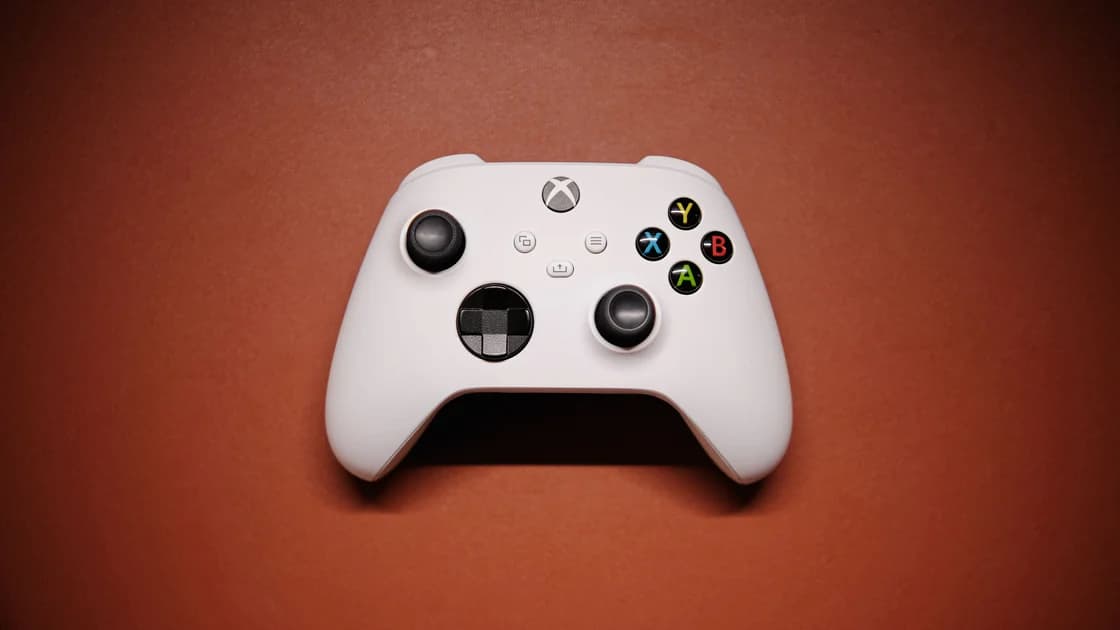

Xbox Network in China needs to be assessed by product and task, rather than a single country label. Microsoft's regions page separates supported products and services, so finding China in the selector does not establish that console multiplayer, a PC subscription, and cloud gaming all share the same availability. Check your account, hardware version, and exact intended service before paying or diagnosing a connection.[1]
Key Takeaways:
- Console access, PC games, subscriptions, and cloud gaming are separate decisions.
- Account region, billing, and the console's location setting are different inputs.
- A downloaded game or successful sign-in does not prove online-play availability.
- Keep a permitted offline fallback and stop at eligibility or security warnings.
Begin with what you intend to do: open a profile, install an owned game, purchase something, join friends, or stream a game from Microsoft's servers. Those operations have different prerequisites. Calling them all “Xbox Live” can hide a missing subscription or an unsupported service behind what looks like a network problem.
Microsoft's official regional selector is the starting point for a service-specific support decision. Read the product or service entry, not just the country name.[1] This guide does not report measured mainland download speeds or promise that an imported console behaves like a locally sold model.
If several unrelated apps fail too, the cross-app diagnosis for mainland connections is a better starting point. If Xbox alone fails, record the platform, title, account, and operation. “The browser works” is useful background, but it is not a test of the console's multiplayer connection.
| Intended activity | Identify | Check separately | Do not infer |
|---|---|---|---|
| Console account access | Console model and Microsoft identity | Sign-in and account warnings | All games are licensed |
| Download an owned game | Platform and edition | Library entitlement and install progress | Multiplayer will work |
| Console multiplayer | Title and online requirements | Service status and a real session | Cloud gaming is supported |
| PC gaming | Windows app, title, and license | PC requirements and account entitlement | Console rights transfer automatically |
| Game Pass | Exact plan and intended platform | Current regional and title eligibility | Every catalog or feature is identical |
| Cloud gaming | Cloud-supported plan, device, and location | Current cloud regional support | Console support means cloud support |
A region setting is not a universal repair switch. Microsoft recommends changing country or region when moving there for a long time, and warns that some items obtained in one region may not work in another. The support page also explains that account balances do not transfer between regions.[2] Check the existing account before making any change.
Your console's location setting, Microsoft account profile, payment information, and a game's license should be treated as distinct fields. A console showing an overseas language does not confirm the account's purchase country. Likewise, a subscription active on your account is not proof that every feature is offered at your current physical location.
Keep access to the recovery email and approved sign-in methods. Record the subscription's exact name and the account that purchased it; households can easily confuse a familiar profile with the identity that owns a game. Do not buy a replacement account or give a seller authentication codes to solve a checkout problem.
The Microsoft Store and Xbox region guide covers the consequences of a legitimate relocation. Use that decision path for billing or region mismatch. Repeatedly changing the location while testing downloads introduces a new variable and can complicate the original problem.
Confirm the exact hardware and the service environment documented for it. A mainland retail model and an imported model may have different supported arrangements; avoid transferring a forum procedure across models without official support. This guide does not recommend unofficial unlocking, recovery-image tricks, or modified firmware.
An account that was valid before travel still needs to meet the applicable conditions for each service. Ownership of a console is different from entitlement to a game, and entitlement is different from present network reachability. Keep those three questions separate when speaking with a retailer or support agent.
Before buying hardware, ask whether the exact title, edition, and required online feature are supported on that model and account arrangement. Ask which official support channel handles a failure. A seller's claim that “the internet connects” does not answer whether a desired subscription catalog or multiplayer mode is available.
If you already have the console, preserve working settings and installations while gathering evidence. Do not reset it just because a service spins at sign-in. Resetting can remove helpful local state and create extra installation work without answering whether the original failure was eligibility, service maintenance, or connectivity.
Yes. A file transfer, a license check, a multiplayer session, and voice communication are different operations. A download completing is a narrow success that should be recorded as such. It is not a general certificate for Xbox services on that network.
For installation trouble, note whether bytes are progressing, the available storage, and whether the problem affects a full game or an update. For online play, note whether the game launches, whether sign-in completes, and where the join attempt fails. Do not compare an ordinary website's load time to a large installation or a time-sensitive match.
The Xbox multiplayer troubleshooting guide handles title, subscription, and connection diagnostics. Consult the relevant publisher too if only one game fails. A platform-wide status notice can explain an incident, while a healthy notice still does not measure your local route.[3]
Check the game's requirements and existing plan first. A purchase can address a missing entitlement when the service is supported, but it is poor evidence for resolving a timeout. If a region or account message appears, take that message to official support before trying another payment method.
Treat party chat separately from the match. If a session starts but voice fails, record both outcomes rather than labeling the whole game unavailable. The useful support report narrows the failing operation without assuming that one change will repair every component.
Read the current support entry for the exact product and plan. Do not infer a cloud feature from console network support or a PC catalog from a console subscription. Microsoft's country selector is organized around these distinctions.[1] A plan name alone does not establish that a particular title is included for your platform and region.
Cloud gaming also differs from playing an installation on the console. In the former, the game runs on remote infrastructure and the device receives the stream; in the latter, the local console runs the game. Both use networking, but a browser opening does not establish cloud-session eligibility or a playable stream.
If AethoVPN is already running on the Windows PC where an Xbox app request fails, record that condition and compare the same permitted request on the normal connection before attributing the result to Game Pass. That PC comparison does not test a separate console or establish cloud regional support; the device and route planning guide for China helps keep those assumptions explicit.
Stop if the app reports an unsupported region, license mismatch, or account restriction. A changed IP can affect location checks, but billing and service terms still apply. This article does not offer an exit-country recipe for acquiring eligibility or promise lower latency.
Install the games and updates you are entitled to use before departure, then check each game's intended offline behavior. Do not assume every downloaded title can start offline. Record any official offline requirements for the device and title so that a cached library image is not mistaken for a working game.
Keep recovery access, purchase receipts, and a short list of the exact games you expect to play. Bring the console's model information and note the ordinary network configuration before experimenting. Avoid sharing screenshots containing account identifiers, payment details, or recovery codes on public forums.
For a mixed household, compare PlayStation's account and service rules with Nintendo's separate mainland and overseas environments. A result from one ecosystem does not validate another. PC users should likewise distinguish Epic store access from its games and Roblox player access from creator tools.
Use only networks and connection arrangements you are authorized to use. China's 2017 network-access notice includes restrictions on unauthorized cross-border business channels; it should not be summarized as blanket approval for a personal gaming configuration. Check current local rules and venue policies, and follow Microsoft and game-publisher terms.[4]
This guide does not establish nationwide blocking or universal availability. Microsoft's regional support is product-specific, and the account, console version, title, and connection still determine the task you can complete.[1]
Do not infer cloud support from a country appearing in the selector. Inspect the exact cloud-gaming entry and its requirements; a different Xbox service can have a different support boundary.[1]
No. Region changes concern account and purchase arrangements, while download, authentication, and multiplayer failures require their own diagnosis. Microsoft warns that regional changes can affect existing content and balances.[2]
You must check the exact plan, platform, title, and current regional conditions. A familiar subscription name does not establish universal catalog access or entitlement on every device.
No. It proves that those installation files arrived, while multiplayer can use different services and requirements. Verify a real session separately and record the point of failure.
Gather the model, account country, title, and error first. A reset can add recovery and download work; it does not resolve a documented service or license restriction.
Prepare legitimately owned games whose offline behavior you have checked on the intended console. Keep recovery access and avoid relying on an untested online feature for a fixed-time event.
Disclaimer: VPN regulations vary by country and region and are subject to change. This article does not constitute legal advice. Please review and comply with your local laws before using a VPN.
Sources:
Sources checked 5 October 2026.
Related Articles:
Sign up to experience all premium features at no cost.
*Available only to new users. Each user is limited to one trial.