Start your 3-day free trial
Sign up to experience all premium features at no cost.
*Available only to new users. Each user is limited to one trial.

Here is how to wipe phone before selling: back up what you need, sign out of your Apple Account or Google account, turn off Find My, remove eSIMs or physical SIMs, unpair accessories, and only then run Erase All Content and Settings on iPhone or a factory reset on Android. Apple's own checklist for selling, giving away, or trading in an iPhone or iPad follows the same order. Deleting photos, chats, and a few apps does not replace this process.[1][2][3][5]
People get into trouble when they treat “factory reset” and “I deleted everything I can see” as the same thing. If you miss account sign-out, Activation Lock, wallet cards, or paired devices, the next owner may not be able to use the phone. If you miss the backup step, you may erase the data you meant to keep.
If you already suspect the phone is behaving strangely or may have unwanted software on it, read how to check an iPhone for viruses or the relevant device troubleshooting guide before deciding whether to restore from an old backup.
Use the personal privacy guide as the wider checklist: it connects this issue to accounts, devices, identifiers, and data-broker exposure.
Key Takeaways
- Before selling a phone, the important part is not “delete files.” It is back up, sign out, disable locks, remove cards, and then factory reset.[1][2]
- iPhone and Android both require you to know the account credentials first, or you may hit Activation Lock or device protection later.[1][3]
- Manual deletion is not enough. The official erase or factory reset flow is the standard approach.[1][2]
- If you suspect tampering, spyware, or malware, do not blindly restore the same old backup.[4]
- Do not forget watches, earbuds, car Bluetooth, eSIMs, wallet cards, and Find My-style features.
Start with this checklist:
This step determines whether the handoff is smooth or whether you lose data while leaving the phone locked.
Manual deletion only cleans the surface.
The official erase process removes content, settings, sign-in state, and some security configuration together. Manual deletion can leave account bindings, wallet cards, paired devices, and sync paths behind. Apple and Android documentation both treat “Erase All Content and Settings” or “Factory reset” as the standard path, not a scattered manual cleanup.[1][2][3]
You can back up to iCloud or create a local backup on a computer. If the phone previously showed suspicious behavior, tracking software, or strange configuration profiles, do not automatically restore the whole old backup later.[1][4]
Apple recommends unpairing Apple Watch before you sell or give away an iPhone. It is also smart to remove Bluetooth earbuds and car pairings so the old phone stops being trusted by nearby devices.[5]
If you use Apple Wallet cards, transit cards, or an eSIM, handle them before the handoff. The erase flow will prompt you about the eSIM, but you should know whether you want to keep it or delete it.[1]
If Find My iPhone is still enabled, some restore workflows cannot continue.[1]
The usual path is:
Settings > General > Transfer or Reset iPhone > Erase All Content and Settings
Follow the prompts, enter the device passcode and Apple Account password, and confirm.[1]
Google warns that after a factory reset, you may need the Google account information that was on the device to use it again. That is an anti-theft protection, not a nuisance. If you recently reset your Google account password, Google advises waiting 24 hours before you factory reset the phone.[3]
Contacts, photos, texts, authenticator apps, chats, and downloaded files should be synced or copied to a safe place first.[3]
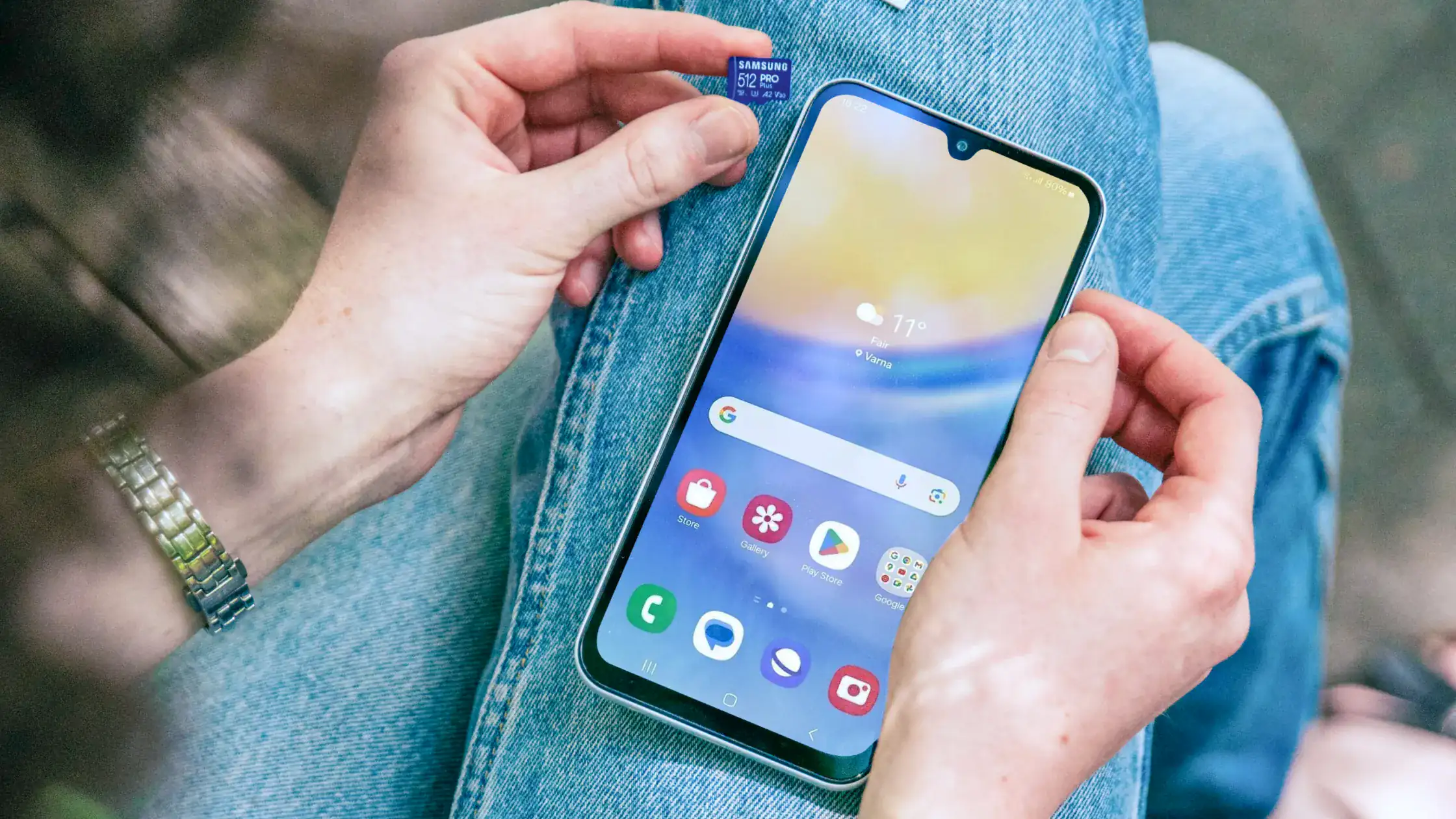
A factory reset does not remove physical cards for you. If you use a microSD card, take it out manually.
Enterprise management, parental control, and device administrator apps can interfere with reset workflows. If the phone is already acting strangely, check these high-permission apps first.
Most Android phones can be reset in Settings:
Settings > System > Reset options > Erase all data (factory reset)
The exact path varies by manufacturer, but the idea is the same.[3]
You may not need the most aggressive wipe, but you should still assess the risk.
Apple’s Personal Safety Guide says restoring a device to factory settings can be a stronger option if you worry someone had physical access to the device or installed malicious or tracking software. For normal repair, you may choose a lighter exposure-reduction flow: back up temporarily, sign out of sensitive accounts, and remove payment cards.[4]
Use this final checklist:
If you also want to clean up overly broad permissions on your current devices, read what app permissions can expose.
Do not treat it as a last-minute delete session.
You are really solving three problems:
When those three steps happen in the right order, selling, upgrading, or giving the phone to family becomes much less stressful.
No. That removes only some visible content. It does not replace the official erase all content or factory reset process.[1][2][3]
Because it affects Find My, Activation Lock, and later setup. If it is not handled correctly, the new owner may be unable to activate the device.[1][5]
It is part of device protection, designed to stop thieves from simply resetting and using a stolen phone.[3]
Yes. The iPhone erase flow can prompt you to keep or delete the eSIM, but you need to choose based on your carrier and upgrade plan.[1]
Be careful. Apple’s Personal Safety Guide warns that if you erase a device because you suspect tampering or malware, restoring from backup may bring the problem back.[4]
Check your Apple or Google account device list, make sure the old device is gone, and confirm payments, texts, and two-factor authentication have moved successfully.
Disclaimer
This article is for general digital safety education only and does not constitute repair, forensic, or legal advice. Menu paths may vary by manufacturer and system version.
Sources
Sources checked 4 October 2026.
Related Articles:
Sign up to experience all premium features at no cost.
*Available only to new users. Each user is limited to one trial.