Start your 3-day free trial
Sign up to experience all premium features at no cost.
*Available only to new users. Each user is limited to one trial.


Direct answer: is incognito mode really private? Only partly. Its real job is to reduce what the browser saves locally, such as history, cookies, and form data. It does not make you invisible to websites, schools, workplace networks, or internet service providers.[1][2][3]
The trap is hearing “private” as “anonymous.” Incognito mode is useful, but it solves local device traces, not network-side identity exposure.
Key Takeaways
- Incognito mode mainly reduces browser records saved on your device. It does not make you anonymous online.[1][2][3]
- Websites, network administrators, schools, workplaces, and ISPs may still see your activity.[1][3]
- Downloaded files, saved bookmarks, and logged-in accounts do not disappear just because you used incognito.
- Chrome IP Protection is a limited extra mechanism, not a promise that incognito hides your IP everywhere.[4]
- If you want less network visibility, you need other layers such as VPNs, end-to-end encryption, and better account habits.
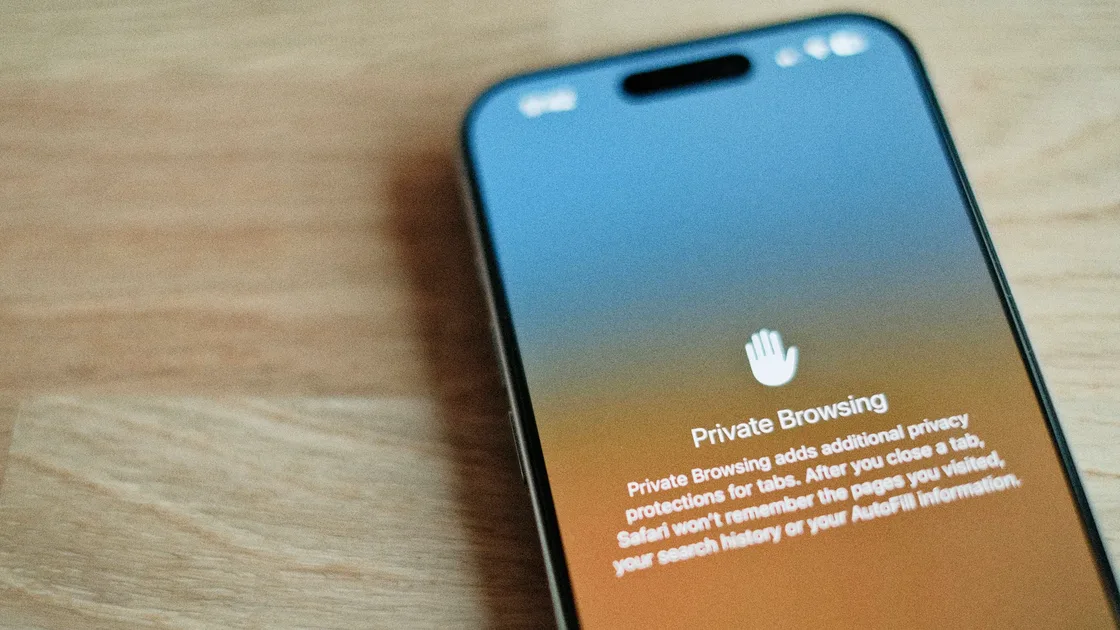
Chrome ends an Incognito session only after all Incognito windows close; session cookies and site data are then removed. Safari private tabs do not appear in browsing history or on other devices, but switching out of Private Browsing leaves those tabs open and may lock them. Firefox also separates private-session data from normal browsing. Do not treat closing one window or switching tab groups as universal proof that a session has ended.[1][2][3]
That helps when:
For the larger privacy framework, see the our pillar page on digital privacy. If your main question is IP visibility, read does incognito mode hide your IP address?.
This is the part that matters most.
When you visit a website, the site receives your request. If you log in, submit a form, or send a message, the site can still connect that activity to you.
Chrome and Firefox both state that schools, employers, and internet service providers may still see your activity.[1][3]
Files downloaded in an incognito window still remain on the device. Bookmarks you create do not disappear automatically either.[1][2]
If you log in to social media, email, or shopping accounts inside incognito mode, those platforms can still associate activity with your identity.
Somewhat, but the boundary is narrow.
Google documents IP Protection for requests to domains on its Masked Domain List when they occur in a third-party context. It does not apply to first-party requests, even when the domain is listed, and availability varies by region. This is a limited IP-masking mechanism rather than a full-device tunnel or a promise that every site sees a different IP.[4]
Think of it as:
It is best for four needs:
It is not a good substitute for:
If you care about what remains on the device, read how to delete incognito history.
It depends on who you are trying to limit.
| Your concern | More relevant approach |
|---|---|
| Someone using the same device sees history | Incognito mode, clear cache, delete downloaded files |
| Public Wi-Fi or ISP sees network paths | VPN, HTTPS, encrypted DNS |
| Platforms know who you are | Log in less, separate accounts, minimize permissions |
| Service providers read message content | Use end-to-end encrypted tools |
Privacy is not one feature. It is a stack of layers. If you want to know what a Wi-Fi owner can see, read can a Wi-Fi owner see what sites you visit?.
For the network row in that table, AethoVPN is one way to add the layer incognito leaves out: install the app (Windows, Linux or Android; iPhone, iPad and Mac through the setup guide on Pro or Premium), connect with global mode on so background apps use the tunnel too, and then open your private window. Neither tool makes a signed-in website forget activity it has already recorded. Start the 3-day free trial to compare what a Wi-Fi owner can see with and without the tunnel.
Is incognito mode really private? It offers limited privacy, not anonymity.Usually yes. Incognito mode does not automatically move your connection to another network exit.[1][3]
No. It means fewer local browser records, not full external anonymity.
Usually yes. Chrome and Firefox both warn that this visibility does not disappear in private browsing.[1][3]
No. It is an extra feature for limited scenarios, not full IP hiding.[4]
No. Incognito focuses on local traces. A VPN focuses on network transport and exit exposure.
It helps if you only want fewer local browsing records. It is not enough if your concern is what websites, network administrators, or ISPs can see.
Disclaimer: This article is for general digital privacy education only and does not constitute legal, forensic, or organizational network compliance advice.
Sources:
Sources checked 2026-09-24.
Related Articles:
Sign up to experience all premium features at no cost.
*Available only to new users. Each user is limited to one trial.