Start your 3-day free trial
Sign up to experience all premium features at no cost.
*Available only to new users. Each user is limited to one trial.
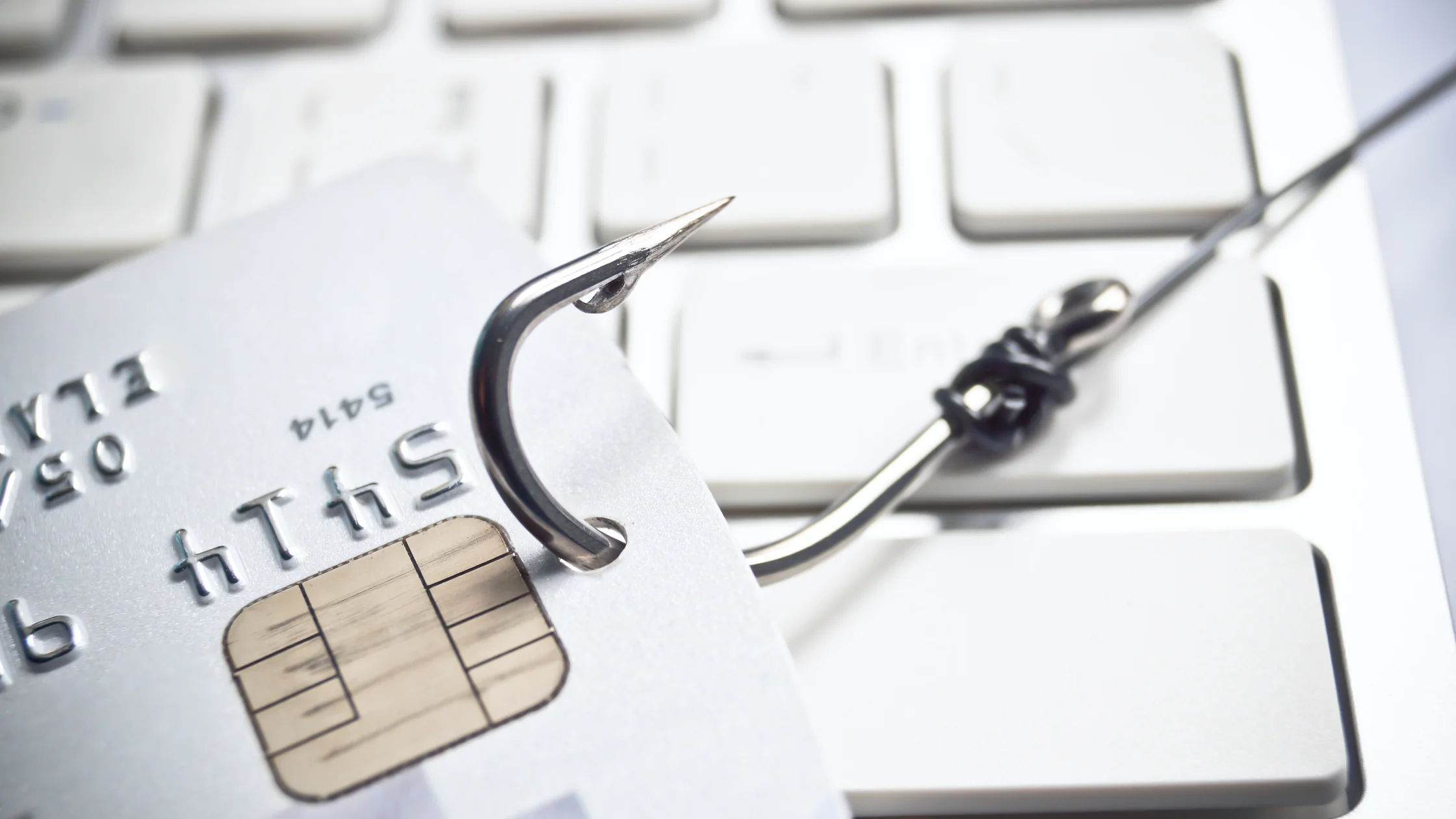

Spear phishing is a targeted phishing attack. The attacker studies who you are, who you work with, and what you are currently handling, then impersonates someone you trust. The danger is not always technical complexity. It is that the request can look like ordinary work. For a broader security baseline, start with our complete online security guide.
Key Takeaways:
- Spear phishing is targeted: the attacker studies who you are, who you work with, and what you are handling, then impersonates someone you trust.
- The danger is not technical complexity but a request that looks like ordinary work.
- The more an email looks like real business, the more important it is to check whether it bypasses normal process.
- Finance, HR, IT, executive assistants, and customer support are high-risk roles; independent verification, MFA, password managers, and least privilege are the strongest defenses.
Regular phishing is a wide net: a message about a package problem or account suspension is sent to many people. Spear phishing is personal. It may include your name, department, client project, your manager's writing style, or a real meeting pulled from public information.
| Factor | Regular phishing | Spear phishing |
|---|---|---|
| Target | Many random users | A specific person, team, or company |
| Preparation | Generic templates | Public records, leaked data, social media clues |
| Common disguise | Banks, couriers, platform alerts | Executives, finance, HR, clients, vendors |
| Main risk | Account theft, malware | Payment fraud, internal compromise, data breach |
The FBI has long listed business email compromise as one of the highest-loss cybercrime categories. A common pattern is impersonating an executive, vendor, or partner to trigger a transfer.[1]That overlaps heavily with spear phishing, so judging only by whether an email has a malicious attachment is not enough.
Attackers usually collect public clues first: company websites, LinkedIn, job posts, press releases, GitHub, social media, and breach databases. Then they combine those clues into a story that feels plausible.
Common scripts include:
Start with the sender identity, not just the display name. A display name can say "CEO" or "IT Support." What matters is the full email address, domain spelling, reply-to address, and signature. The FTC also warns users to be cautious with suspicious messages that ask them to click links, provide passwords, or share payment information.[2]
Next, check whether the request breaks normal process. Payment requests that bypass approval, account resets outside the help desk, and file shares that ask for your company password are all high-risk signals.
Also watch for emotional pressure: urgent, confidential, do not call, just one more step, or your account will close. Those words are designed to reduce verification time, not to explain facts.
If you already entered your password, change it immediately, sign out of all devices, check forwarding rules, and enable or reset MFA. Use our guide on what to do after clicking a phishing link for a fuller containment checklist.
For individuals, focus on three habits: password managers, MFA, and independent verification. A password manager only autofills on matching domains, which helps reveal fake login pages. MFA reduces the damage after a password leak. Independent verification interrupts the psychological trick of "someone familiar needs this now."
For teams, high-risk actions should be process-driven. Vendor payment changes should require vendor master approval. Data exports should have permissions and logs. Employees should not skip confirmation because they are afraid of bothering a manager.
Security training should also evolve. Do not only teach "do not click links." Practice realistic scenarios: a client cloud document, an HR resume attachment, an urgent executive payment, or an IT MFA reset. NIST also emphasizes authentication design that reduces phishing and social engineering risk instead of relying only on user judgment.[3]
No. Many attacks use only a login link, a payment request, or a cloud document invitation. No attachment does not mean safe.
The information may come from company websites, social media, job platforms, conference lists, or past data breaches. The more public information exists, the easier impersonation becomes.
No, but it can significantly reduce the risk after a password is stolen. Phishing-resistant MFA, such as hardware security keys or passkeys, is stronger.
Do not reply directly to the email. Confirm through a phone number, chat tool, or approval system from the company directory, then follow the finance process.
Whaling is a type of spear phishing that usually targets executives, founders, finance leaders, and other high-value targets.
Yes. Real estate transactions, job searches, investments, shopping disputes, and school matters can all be customized into targeted scams.
Disclaimer: This article provides cybersecurity education only and does not constitute legal, financial, or incident response advice. If company assets or significant losses are involved, contact professional security teams and relevant authorities immediately.
Sources
[1]FBI IC3 — Internet Crime Report: https://www.ic3.gov/AnnualReport/Reports/2024_IC3Report.pdf [2]Federal Trade Commission — How to recognize and avoid phishing scams: https://consumer.ftc.gov/articles/how-recognize-avoid-phishing-scams [3]NIST — Digital Identity Guidelines, Authentication and Lifecycle Management: https://pages.nist.gov/800-63-4/sp800-63b.html
Sources checked 24 September 2026.
Related Articles:
Sign up to experience all premium features at no cost.
*Available only to new users. Each user is limited to one trial.