Start your 3-day free trial
Sign up to experience all premium features at no cost.
*Available only to new users. Each user is limited to one trial.

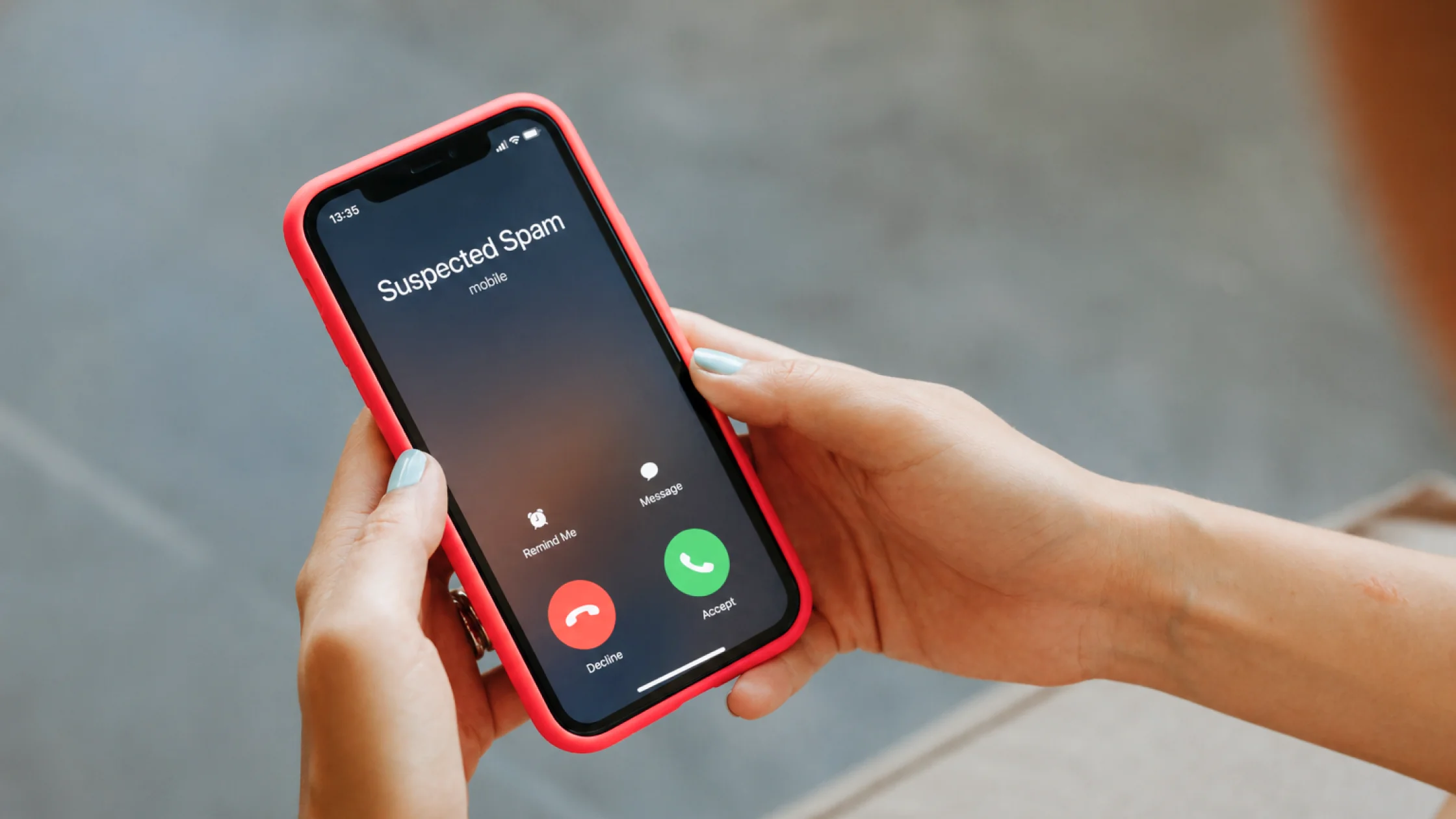
To stop Android spam texts, do not reply or tap links; block and report the sender, and keep Google Messages spam protection switched on.[1][2][3] That protection checks messages with on-device models plus Google's servers and can hide likely spam before you open it.[5]
Spam texts are not just irritating. They often carry phishing, fake delivery notices, account-verification scams, and malicious links.
Use the privacy exposure review as the wider checklist: it connects this issue to accounts, devices, identifiers, and data-broker exposure.
Key Takeaways
- The FTC recommends not clicking links in unexpected texts. If you think the message may be real, contact the company through a website or phone number you know is legitimate.[1]
- Google Messages lets you block and report spam texts; reported conversations move to
Spam & blocked.[2][3]- Spam texts often come from software that texts whole ranges of numbers and logs the active ones, or from places your number was exposed. They do not always mean one app is “listening” to you.[4]
- The strongest setup is not one button. It is system blocking, reporting, carrier filtering, and reducing where your number appears.[1][2]
- If you already clicked a link in a text, switch from blocking mode to damage-control mode.[1]
Common causes include:
More spam texts do not necessarily mean your phone is infected, but they do mean your number has a broad exposure surface.
That may work with legitimate marketing, but for scammers it can confirm that someone reads the number.[4]
The FTC advises against clicking links in unexpected texts.[1] If you need to verify something, open the official site yourself or call the official number.
Delivery companies, banks, platforms, tolls, fines, refunds, and verification alerts are common impersonation themes.[1]
Google Messages supports selecting a conversation and choosing Block. This is the basic first step.[2]
Blocking one number does not teach the system that the conversation is spam. In Google Messages, reporting spam moves it to Spam & blocked and helps improve detection.[3]
Google Messages spam detection uses local and related signals to identify suspicious messages, and some likely spam may be hidden or blocked.[5] If you turned off security options earlier, check them again.
The FTC notes that carriers often provide tools or services for blocking unwanted calls and texts.[1] Many people miss this step, but it matters for high-volume spam.
Look for patterns such as:
If the exposure source stays the same, blocking is only cleanup.
Handle these as likely scams first:
If you tapped a text link and entered a password, verification code, or card detail, blocking is not enough. Treat it as an account-security incident.
If this already happened, read what to do after clicking a phishing link.
This is the most direct action.[2][3]
Google explains that spam detection helps identify scam and phishing messages.[5]
If your number is widely exposed, checking Spam & blocked from time to time can also help you avoid missing a real message.
Spam protection runs machine-learning models on your phone to spot known spam patterns and combines them with data from Google's servers. Google says it may briefly process the contents of unencrypted messages to detect spam.[5]
| What happens | When | What Google gets |
|---|---|---|
| Automatic spam check | A message arrives while spam protection is on | Anonymous spam information; numbers of senders not in your contacts and your country are stored temporarily, not your name or number[5] |
| Link check | The message contains a URL | The URL, so Google can verify it is not malicious[5] |
| Spam report | You tap Block and report spam | The sender's number, the last 10 messages from that sender, and your country code; your carrier may get the number and latest message[3] |
To turn it off or back on, tap your profile picture in Google Messages, then Messages settings > Protection & safety > Spam protection.[5] With it off, you lose automatic filtering but can still block and report senders yourself.[2]
Do not leave your main number on low-trust sites for long periods.
Avoid using the same number for public contact and core accounts. If needed, read how to get a virtual phone number.
Scams work best when you react quickly. The slower you verify, the harder they are to pull off.
Deleting is usually not enough. Blocking and reporting helps systems and services recognize similar messages later.[2][3]
For scam senders, that reply may confirm that your number is active.
Not exactly, but many scams use spam texts for distribution, so it is safer to treat unfamiliar marketing and high-risk messages together.[1]
The conversation moves to Spam & blocked, and the report helps improve spam detection.[3]
The risk is usually lower than entering information, but you should still check redirects, downloads, and account activity.
Usually no. Message-app filtering, carrier blocking, and your verification habits matter more for SMS spam.
Disclaimer
This article is for general digital safety education only. It does not constitute legal, telecom, or fraud-resolution advice. Android versions, messaging apps, and carrier interfaces may differ.
Sources
Sources checked 4 October 2026.
Related Articles:
Sign up to experience all premium features at no cost.
*Available only to new users. Each user is limited to one trial.