Start your 3-day free trial
Sign up to experience all premium features at no cost.
*Available only to new users. Each user is limited to one trial.
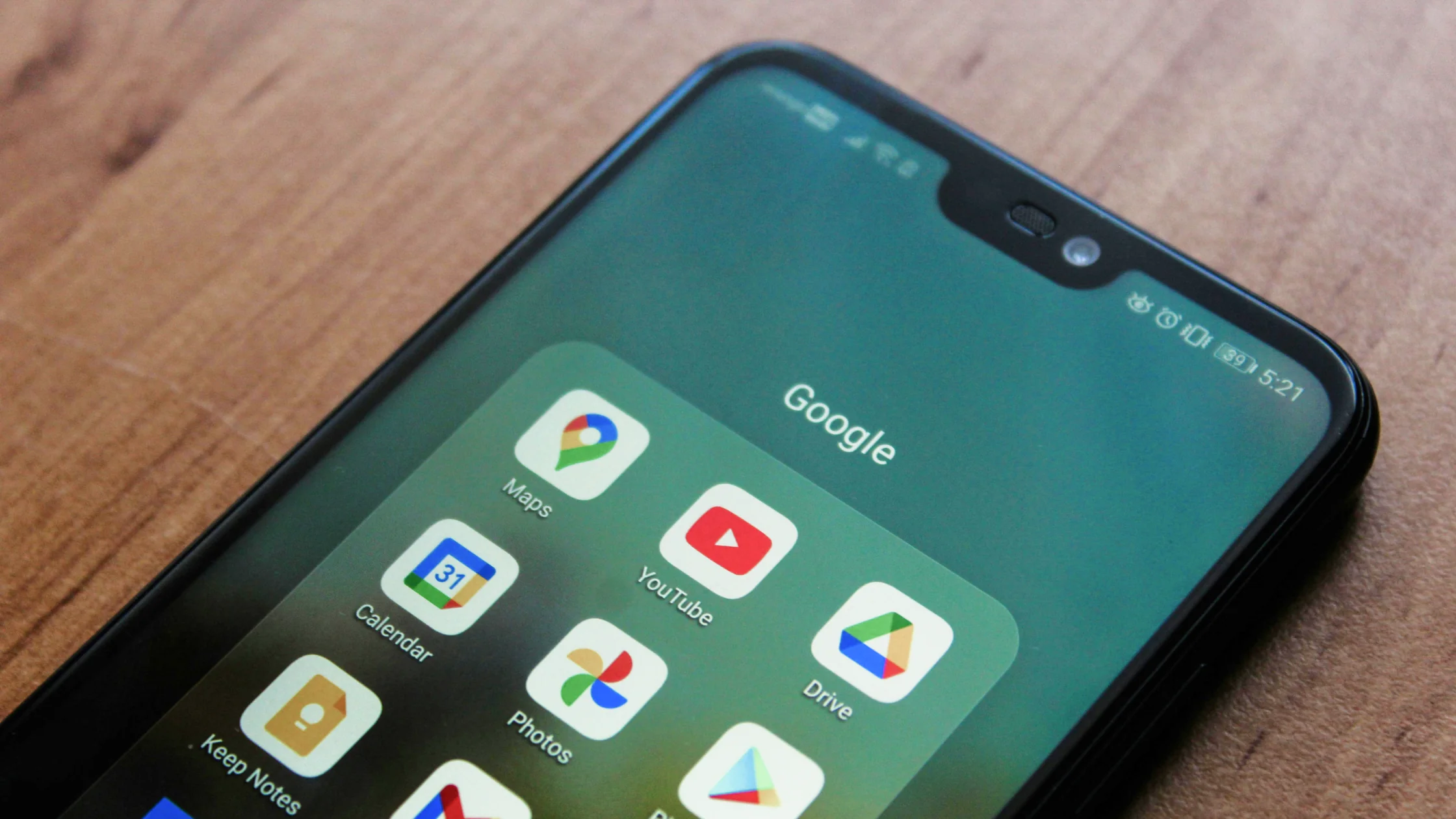

Changing your Google location depends on which Google product you mean. Google Search mostly looks at your IP address, device location, and account activity. Google Maps relies more heavily on GPS and location permissions. Google Play country and region settings are tied to payment profiles and account rules. A VPN can change your IP location, but it will not automatically change GPS, account country, or stored location history. If you want the basics first, read what a VPN is and how it works.
Key Takeaways:
- Changing your Google location depends on the product: Search, Maps, and Play each rely on different signals.
- A VPN changes only the IP layer, not GPS, account country, or stored location history.
- For Search, review browser location permissions, cookies, and account activity.
- Maps follows system location permissions, while the Play country follows Google's account and payment rules.
Google says location information may come from device location, IP address, past activity, labeled places, and settings across Google services.[1] That is why Google may still show your real city after you turn on a VPN: your browser may still have location permission, and your account may store home/work places or location-related activity.[3]
| Source | Where it matters | What to do |
|---|---|---|
| IP address | Search, local websites, regional ads | Use a VPN or change networks |
| GPS/device location | Maps, nearby results, weather | Adjust system location permissions |
| Wi-Fi and Bluetooth signals | Indoor positioning, Maps calibration | Disable scanning or recalibrate |
| Google account activity | Personalized search and recommendations | Manage activity and Location History |
| Play payment profile | Google Play country/region | Follow Google's country-change rules |
Google says its Search settings are currently being updated, so labels and controls may not match your screen.[1] Use this order for a controlled check:
google.com; turn them off or on deliberately before testing again.google.com, or test in an incognito/private window. Google may reuse recent device location stored in a cookie for up to six hours.If a website still shows your old location, browser location permissions or account history are usually involved. In Chrome, Safari, or your system privacy settings, disable location permission for Google sites and test again.
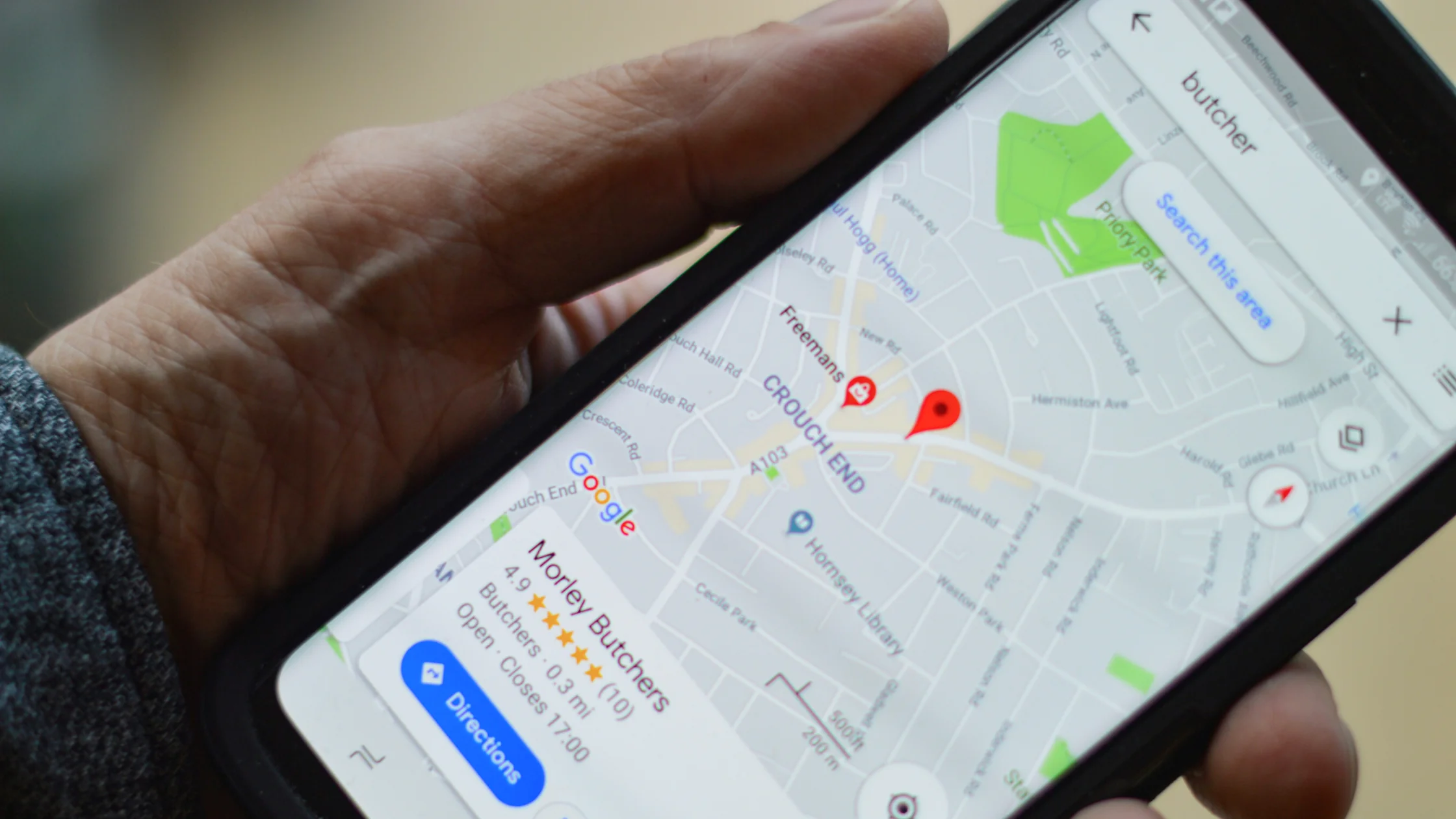
Google Maps depends mainly on device location. A VPN changes your network exit point; it cannot move your phone's GPS to another city. To reduce precise location use in Google Maps, start with system permissions.
On iPhone: go to Settings → Privacy & Security → Location Services → Google Maps, then choose "While Using the App" or turn off "Precise Location." For the related concept, see what Precise Location means on iPhone.
On Android: go to Settings → Location → App location permissions → Google Maps, choose the allowed scope, and turn off precise location if needed.
Google Play country is an account, payment-profile, and location setting; it is separate from Google Search, Maps, and the IP layer. Google requires at least 90 days after the initial setup and between later country changes. The current eligibility rules, payment requirements, and account effects are covered in the dedicated Google Play country and region guide.[2] A VPN can change an IP address, but it cannot by itself change the Play country attached to your account.
The first mistake is thinking "a VPN changes all Google locations." In reality, a VPN only handles the IP layer; Google Maps, Play Store, and account recommendations also look at other signals.
The second mistake is assuming that clearing the browser cache is enough. Cache affects page resources. Location preferences are more often stored in cookies, account activity, and system permissions.
The third mistake is believing that a more fake location is always safer. If your account suddenly logs in from several countries, it may trigger risk checks. Privacy is not about creating chaos; it is about reducing unnecessary exposure.
AethoVPN can affect the network IP Google sees, but it does not change a device's GPS, a Google account's country, or Play Store payment and country settings, so use Google’s own settings for search, Maps, or Play country changes rather than repeating VPN logins. For the IP-only part of this checklist, start the 3-day AethoVPN trial, connect to a location in the country you need if the app lists one, and verify the exit after connecting.
Browser location permission, account history, cookies, GPS, or Wi-Fi positioning may still be giving Google clues about your real location.
Not directly. A VPN changes your IP exit point, while Maps relies more on device location.
It can reduce personalized location inference, but it does not replace system location permissions, IP location, or Play country settings.
No. Google has rules around change frequency, actual location, and payment methods.[2]
Incognito mode reduces local cookie impact, but your IP, GPS, and signed-in account can still reveal location signals.
Frequent logins from different regions can trigger risk checks. Switch only when you have a clear reason, and keep account recovery information up to date.
Disclaimer: This article explains device and account settings only. Follow Google terms of service, local laws, and app store rules.
Sources
[1]Google Search Help — Understand and manage your location when you search on Google: https://support.google.com/websearch/answer/179386 [2]Google Play Help — Change your Google Play country: https://support.google.com/googleplay/answer/7431675 [3]Google Account Help — Manage your Location History: https://support.google.com/accounts/answer/3118687
Sources checked 22 August 2026.
Related Articles:
Sign up to experience all premium features at no cost.
*Available only to new users. Each user is limited to one trial.