Start your 3-day free trial
Sign up to experience all premium features at no cost.
*Available only to new users. Each user is limited to one trial.
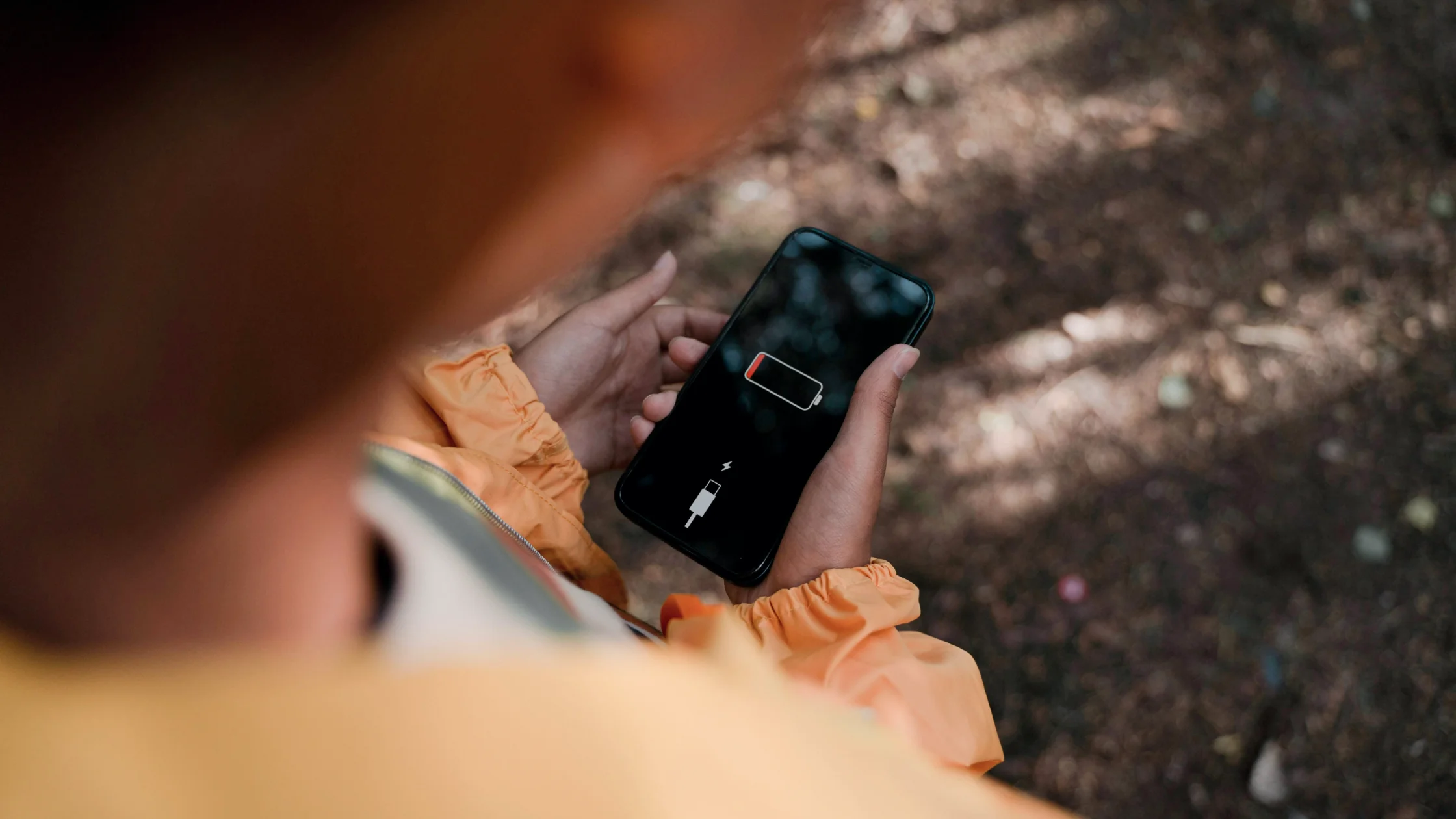

Does a VPN drain battery? Here is the short answer: yes, a little. A running VPN shortens a single charge somewhat, but it does not damage the battery itself. While it runs, it has to maintain encryption, a network tunnel, and background connectivity, and all of that adds some power use.[1][2] Lasting capacity loss comes from other factors such as heat: Apple warns that ambient temperatures above 35°C can permanently damage battery capacity.[6]
But “uses battery” and “destroys battery life” are not the same thing. What you feel in daily use depends more on protocol efficiency, server distance, network switching, signal strength, and your phone’s power-management rules. Many people blame the VPN when the real cause is cellular data in weak coverage, repeated reconnects, or too many background apps. If you are weighing whether that extra power is worth the protection, read this with 5 real benefits of using a VPN and the tradeoffs to know.[1][3][4]
Key Takeaways
VPN battery drainis real because a VPN continuously handles encryption, tunneling, and background connectivity.[1][2]- The visible impact usually depends less on the VPN switch itself and more on server distance, network quality, protocol choice, and background limits.[1][3]
- Android and Apple both include battery and VPN-related controls, which shows that mobile systems treat VPNs as ongoing network tasks.[1][2][4]
- If you are only worried about a small amount of extra drain, do not turn the VPN off immediately. Optimize servers and auto-connect behavior first.
- Saving power is less about constant manual toggling and more about reducing reconnects, faraway servers, and unnecessary background activity.
The reasons are not mysterious. They usually fall into three groups.
A VPN is not a simple webpage toggle. It is a system-level network tunnel. Android’s VpnService documentation describes VPNs as services that can intercept and process network packets in the system.[1] As long as data is flowing, that processing does not fully stop. If the tunnel idea is new to you, this complete guide to how a VPN works covers the basics.
If you enable always-on, auto-reconnect, or lockdown behavior, the VPN app has to keep the tunnel alive as much as possible. Apple and Android both support Always On-style VPN behavior, which tells you this is not a one-tap, short-lived action.[2][5]
The bigger battery hit often comes not from a stable VPN connection, but from poor signal, distant servers, or unsuitable protocols causing repeated handshakes and switches. Subways, elevators, basements, and moving cellular connections make this more visible.
I would not give you one universal percentage, because devices and use cases vary too much. A better way to judge the impact is to look at these variables:
| Variable | Why it affects battery life |
|---|---|
| Server distance | Farther servers can mean longer paths, more retries, and more handshake work |
| Network quality | Weak networks disconnect and reconnect more often |
| Protocol efficiency | Different VPN protocols have different processing costs |
| Always-on mode | Persistent background connectivity usually uses more power than on-demand use |
| Existing background tasks | Cloud sync, location, Bluetooth, and hotspot use all consume power too |
So if you ask whether a VPN will always cut hours off your battery life, the answer is usually no. More often, a phone that already struggles with battery gets worse when weak networks and heavy background use are added to the VPN workload.
For most everyday use, a nearby server is usually steadier and more power-efficient.
In AethoVPN, that means picking a server location near you in the app, preferably one whose load indicator is green. No server choice repairs an ageing battery, though. Start the 3-day free Pro trial, one per person, and time the same task with it on and off on the phone you carry every day, because no generic percentage predicts what the VPN costs on that phone.
The default protocol is usually chosen to balance speed, stability, and resource use. Do not switch manually to a protocol you do not understand.
If signal keeps rising and falling, changing networks or waiting for stability often saves more power than forcing the VPN to reconnect repeatedly.
Always On can be valuable, but not everyone needs it 24/7. Match it to your risk level. For more context, read Should you enable VPN auto-connect? How to set it up without overdoing it and Should I leave my VPN on all the time?.
Apple recommends Low Power Mode when battery is low, and Android includes battery optimization and background limits.[3][4] These tools do not optimize only the VPN, but they can reduce total background load.
Screen brightness, location, hotspot use, video recording, and background sync often consume more power than the VPN. Do not blame one app for everything.
It depends on the tradeoff you are making.
If you are unsure, the practical question is not “should a VPN be on forever?” It is “which situations become meaningfully riskier if it is off?” These guides help: Should I leave my VPN on all the time? and VPN for beginners: how a VPN works in plain language.
When your phone moves between Wi‑Fi and cellular data, the VPN may need to rebuild its tunnel. If that sounds familiar, read Can you use a VPN on cellular data? A complete mobile network guide.
Many people do not need a distant region for everyday browsing, but they still choose one out of habit. That can increase latency and make the client work harder.
Apple’s Low Power Mode guidance and Android’s battery optimization tools both point to the same reality: weak signal and constant background activity are already heavy battery users.[3][4]
Always On is useful in higher-risk situations, but if you only occasionally browse or connect to public networks, you may not need it every hour of the day.
For that comparison, run the same task for the same length of time on the same phone and network, keep screen brightness fixed, and leave sign-up and setup time out of the count so it is not mistaken for steady-state VPN drain.
Often, the problem is not that VPNs are naturally terrible for battery life. It is that one setting and one network environment amplify the cost.
Yes, it usually adds some battery use because it keeps encryption and background connectivity active.[1][2]
Common causes include weak-network reconnects, faraway servers, unsuitable protocols, or too many existing background tasks.
It more directly affects a single charge than long-term battery health. Heat, repeated full discharges, and charging habits matter more for battery aging; Apple notes that high ambient temperatures can permanently reduce capacity.[6]
It can add some drain, but the real impact depends on network conditions, always-on behavior, and power-saving settings.[2][3]
Android includes battery optimization and background limits, and some devices enforce them aggressively.[1][4]
Not necessarily. A better approach is to manage it by scenario and optimize server, protocol, and auto-connect settings before turning it off completely.
Disclaimer: This article is for general device setup and network privacy information only. It does not constitute battery health diagnosis, hardware repair advice, or official system support. Battery performance can vary widely by device, OS version, and network conditions.
Sources:
Sources checked 4 October 2026.
Related Articles:
Sign up to experience all premium features at no cost.
*Available only to new users. Each user is limited to one trial.