How to Create a Hong Kong SAR Apple Account?
If you use the Mainland China App Store and cannot find Quantumult X or Shadowrocket, you can try creating a Hong Kong SAR Apple Account. Apple now uses the term Apple Account instead of Apple ID. You can then use the new account to sign in to the App Store and download the apps.
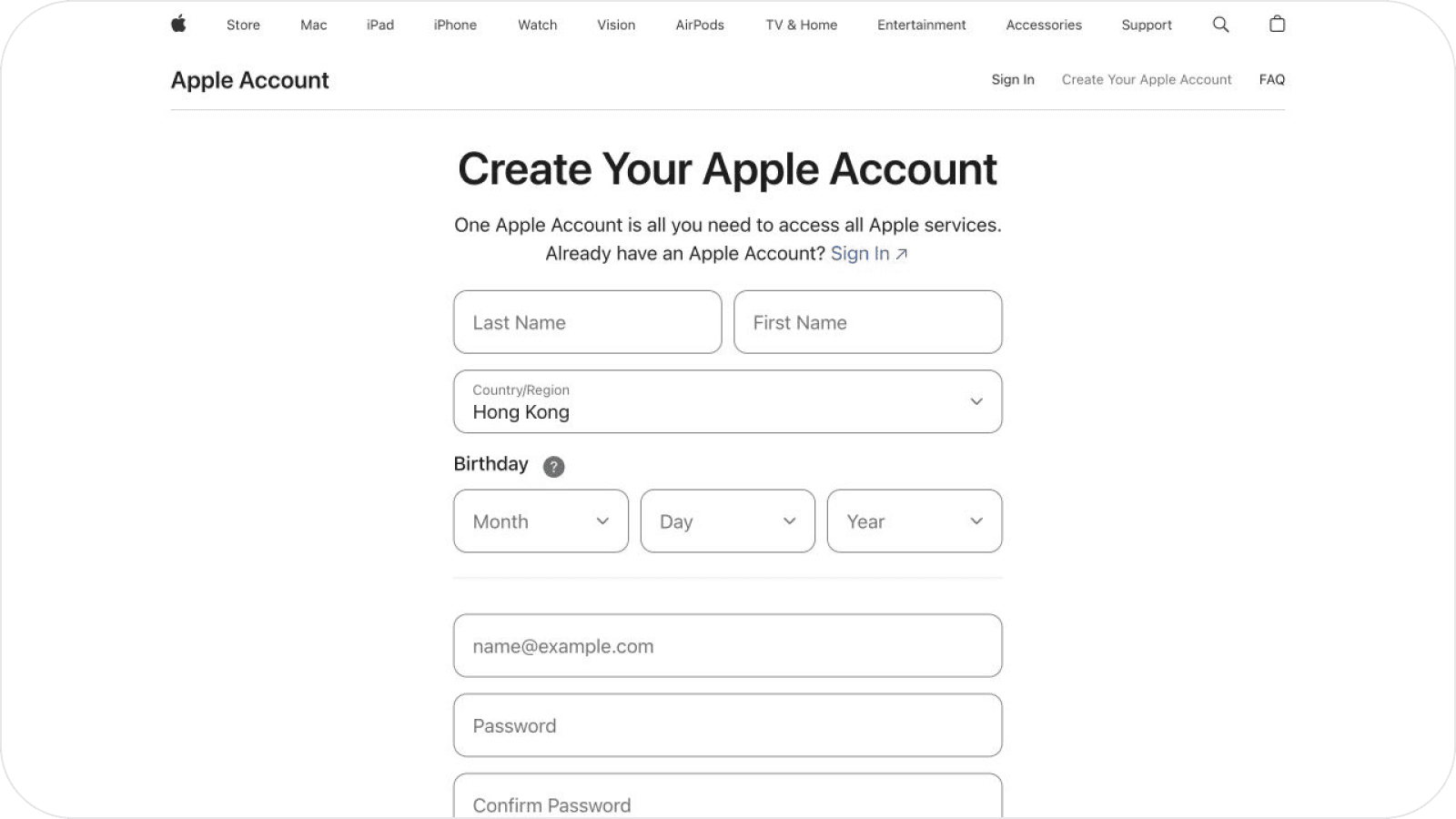
- Open the registration page:
- Open the Apple Account registration page in your browser;
- Click
Country or Regionand selectHong Kong; - Enter the required registration information and click
Continue; - Follow the current on-screen requirements and use contact and billing information you can verify. Required fields and payment options may vary by region.
-
Enter the verification codes:
- Enter the verification code sent to your email, then click
Next; - Enter the verification code sent to your mobile number, then click
Nextto complete the registration.
- Enter the verification code sent to your email, then click
-
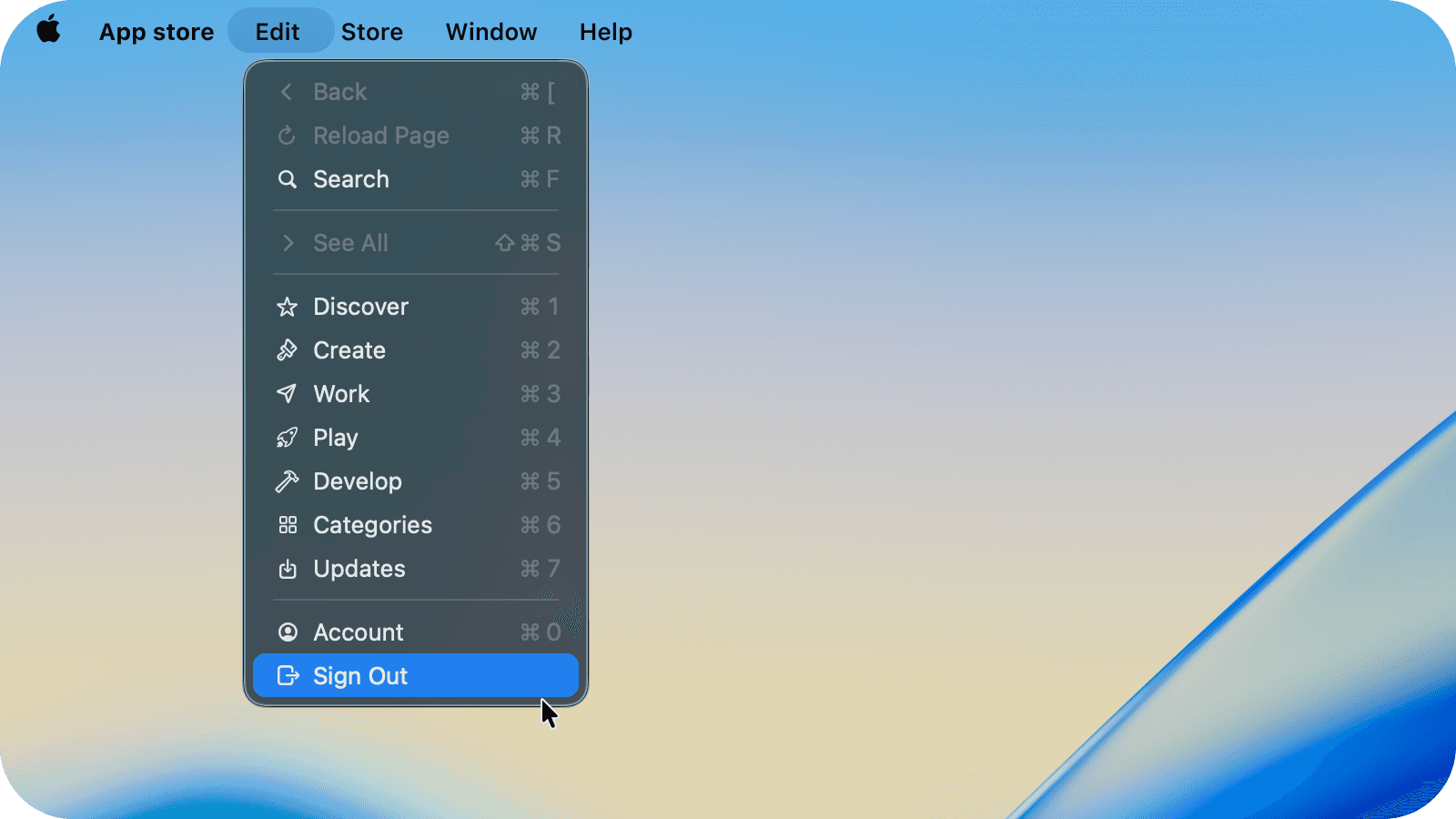
Sign out of the current App Store account:
- On iPhone or iPad: open
Settings, then tap your name or Apple Account; tapMedia & Purchases; tapSign Out, then confirm again. Sign out ofMedia & Purchasesonly. Do not sign out of iCloud; - On Mac: open the App Store, choose
Storefrom the menu bar, then clickSign Out.
- On iPhone or iPad: open
- Sign in with the new Hong Kong SAR Apple Account:
- On iPhone or iPad: return to
Media & Purchases, tapNot [your name]?, and sign in with the new Hong Kong SAR Apple Account; open the App Store, search for Quantumult X or Shadowrocket, and confirm the app name and developer information before downloading; - On Mac: in the App Store menu bar, choose
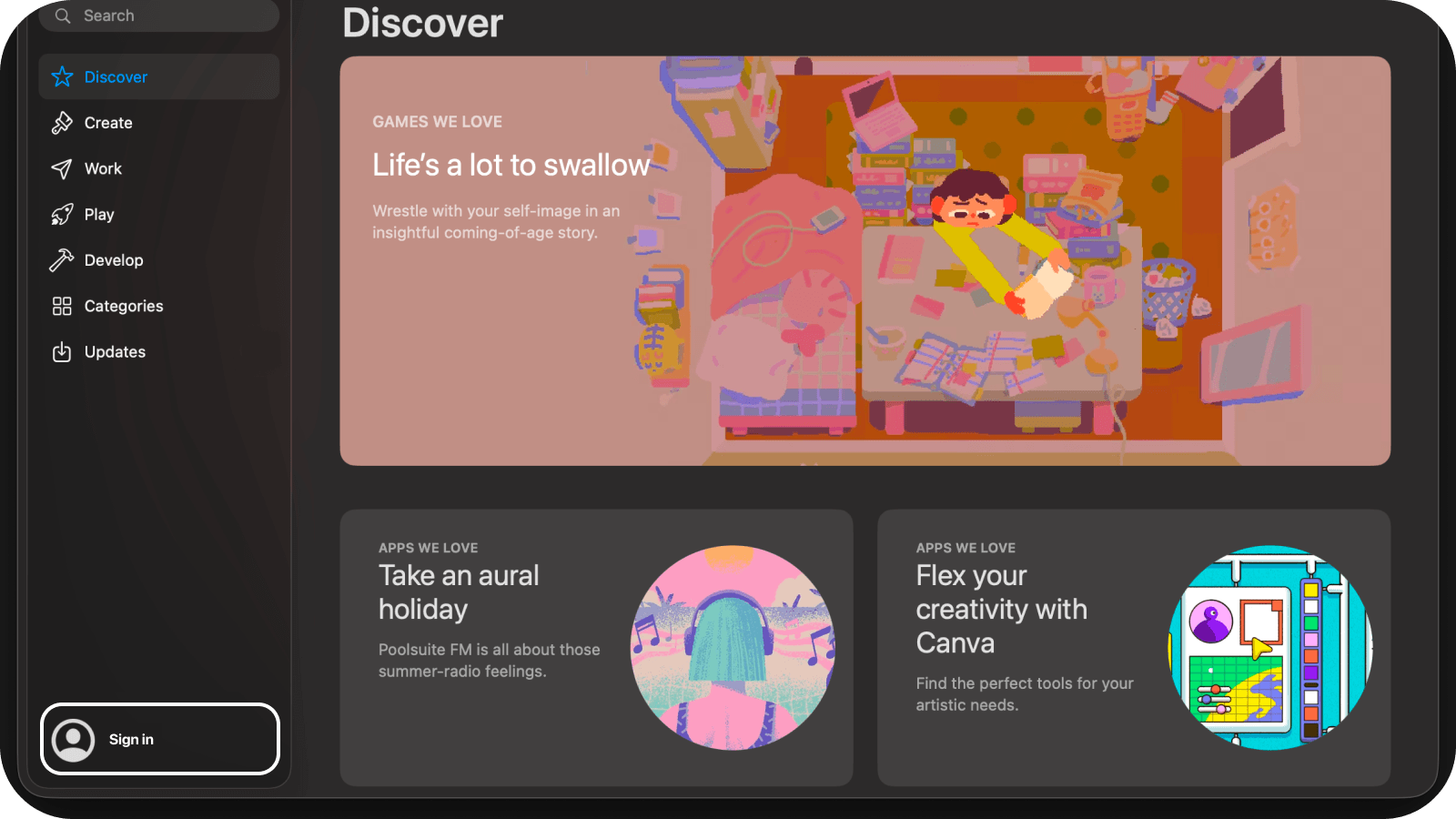
Store, then clickSign In; sign in with the new Hong Kong SAR Apple Account; search for Quantumult X or Shadowrocket and confirm the app name and developer information before downloading.
- On iPhone or iPad: return to
- Friendly reminder:
- Apple may ask for additional account information the first time you download an app with a new Apple Account;
- If you see the message
This Apple ID has not yet been used in the iTunes Store, selectReviewand complete the requested account details; - Follow the prompts on the page. If the payment method page offers
None, you may leave it unselected. If Apple requires a payment method, complete the verification as requested; - Use accurate account information and make sure you can complete email, mobile number, and any required payment verification;
- Before downloading, verify the developer: Quantumult X is by
Cross Utility Ltd, and Shadowrocket is byShadow Launch Technology Limited.