How to Install Shadowrocket on Your Mac?
Shadowrocket is a network proxy utility client compatible with AethoVPN that you can use with your AethoVPN subscription on macOS.
- Before you start:
- Make sure your Mac can access the Mac App Store;
- Sign in to the App Store with your Apple Account. This account is used for app downloads and purchases and may be different from the account you use for iCloud;
- Shadowrocket may be a paid app, depending on your App Store region. Check the current App Store price before purchasing;
- Shadowrocket may not be available in every App Store region:
- If you use the Mainland China App Store and cannot find Shadowrocket, see “How to Create a Hong Kong SAR Apple Account”;
- If you use another App Store region and cannot find Shadowrocket, see “How to Create an Apple Account for a Supported App Store Region”.
- Open the Shadowrocket download page:
- Open the Mac App Store on your Mac;
- Search for
Shadowrocket; - Make sure the app name is
Shadowrocket; - Check that the developer is
Shadow Launch Technology Limited; - Or open the official Shadowrocket App Store page;
- Click
View in Mac App Storeif your browser shows that option.
- Download Shadowrocket:
- On the Shadowrocket App Store page, click the price button,
Get, or the download icon; - Confirm the download with your Apple Account password, Touch ID, or Mac password if prompted;
- Complete any payment confirmation required by your App Store region;
- Wait for the installation to finish.
- On the Shadowrocket App Store page, click the price button,
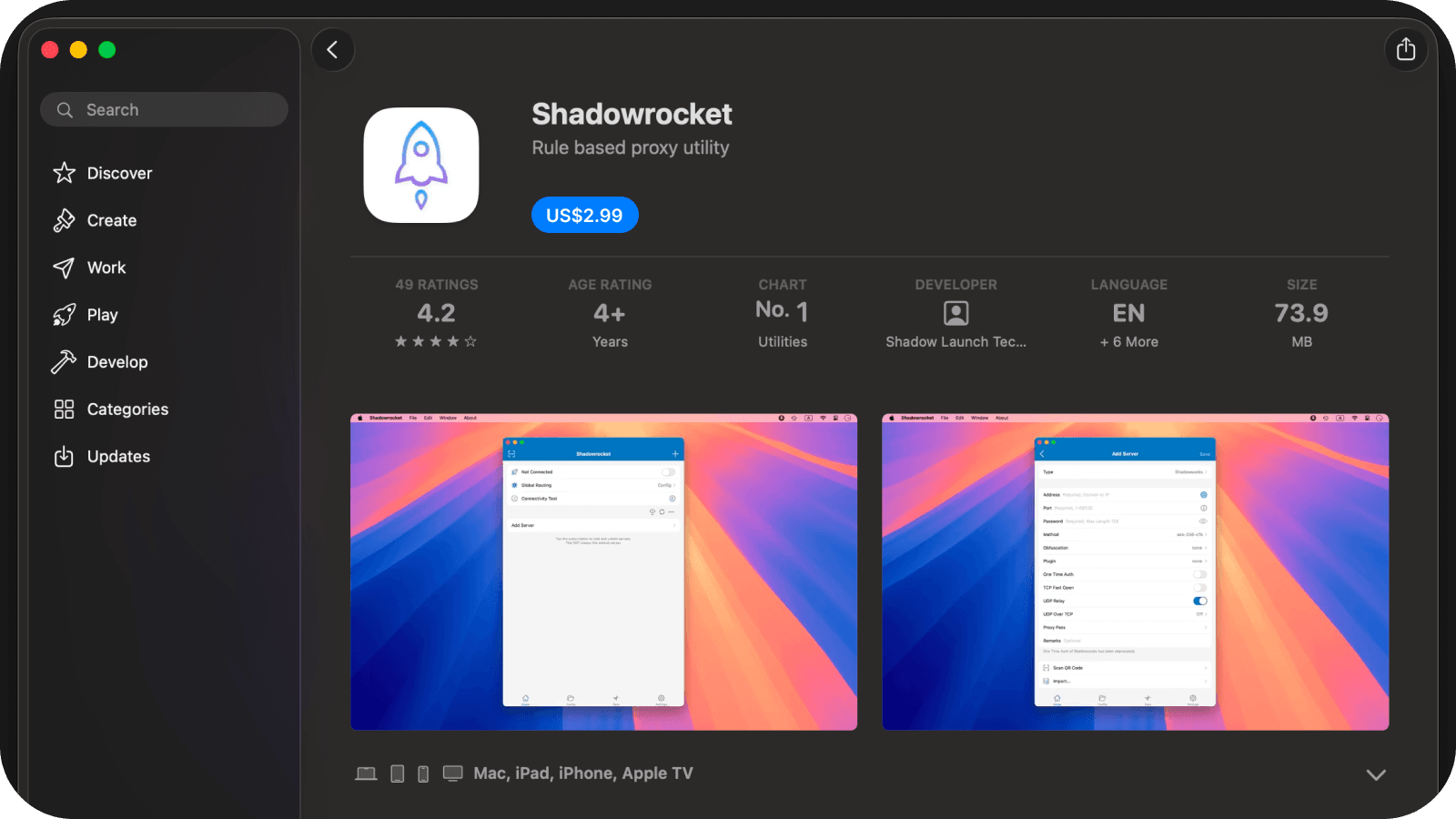
- Open Shadowrocket:
- Click
Openfrom the App Store after installation; - Or open Launchpad or Applications and select
Shadowrocket.
- Click
- Return to the AethoVPN Setup Guide:
- Go back to the AethoVPN Mac setup guide;
- Continue to
Add your AethoVPN configuration; - Click
Import to VPN app, then selectImport to Shadowrocket; - Or click
Copy subscription URLand import it manually into Shadowrocket.
- If you cannot find Shadowrocket:
- Make sure you are signed in to the Mac App Store;
- Check whether Shadowrocket is available in your App Store region;
- Check the App Store compatibility requirements for your Mac;
- If you still cannot download it, use another compatible VPN client that supports subscription URL import.