Start your 3-day free trial
Sign up to experience all premium features at no cost.
*Available only to new users. Each user is limited to one trial.
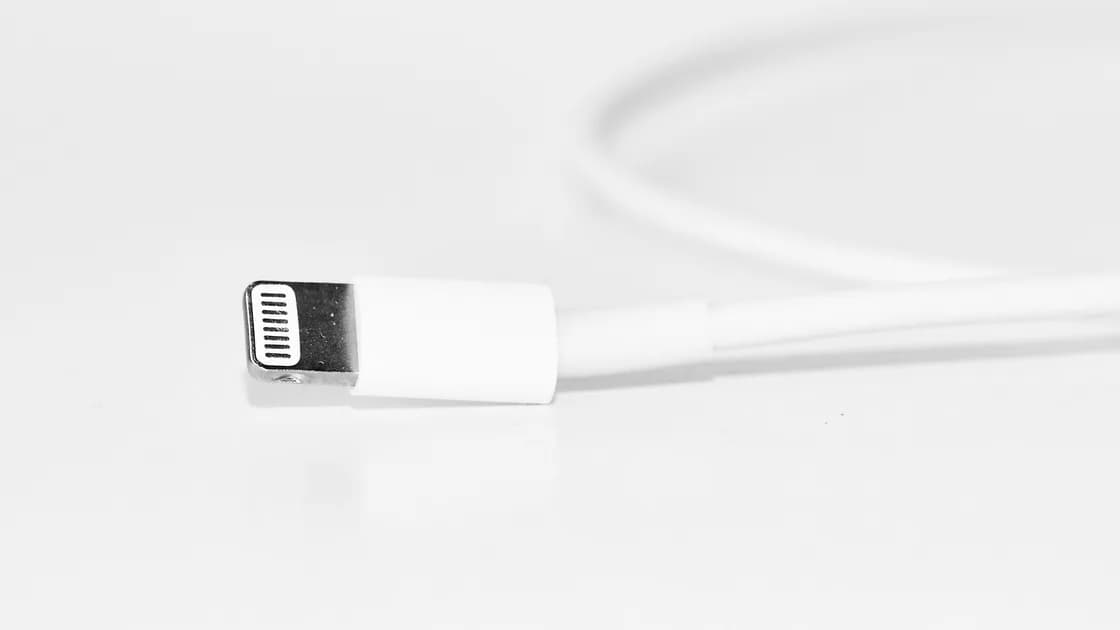

If a phone charger works only at an angle, stop holding or bending the plug to maintain power. Disconnect it, check for heat, odor, sparks, broken insulation, bent contacts, or liquid, then compare a known-good cable, adapter, and outlet one at a time. Positional charging usually points to a worn cable end, contamination, physical connector damage, or a loose phone port—not a setting.
Key Takeaways
- Stop immediately for heat, burning odor, sparks, swelling, liquid, or visible damage.
- Never probe a charging port with metal or bend its contacts.
- Cross-test one known-good component at a time with the phone resting still.
- Separate the cable end, adapter, outlet, and phone port before buying parts.
- A loose or damaged port needs qualified service, not repeated wiggling.
For the broader isolation method, see the device and app troubleshooting guide. This article covers wired charging that changes when the connector angle changes.
Unplug the charger from the wall and phone if any connector is unusually hot, emits a burning smell, sparks, crackles, shows darkening, has exposed conductors, or feels melted. Stop if the phone is swollen, the display is lifting, liquid is present, or the port looks corroded. Move away from flammable material and follow the phone or accessory maker's safety guidance.
Do not keep an energized cable bent with tape, a book, or another object. A contact that opens and closes under load can heat, arc, damage the connector, or interrupt charging repeatedly. Do not test it overnight or unattended.
Apple directs users to inspect the cable and adapter for damage and to try another outlet; Google recommends testing with another cable or power adapter and confirming that the outlet works.[1][2] Replace a visibly damaged accessory with a compliant one; do not repair mains adapters or splice charging cables.
Begin with the phone at room temperature and a dry port. Place it flat so the connector is not carrying the phone's weight. Note the battery percentage and charging indicator, but wait long enough to distinguish a momentary animation from sustained charging.
Use this matrix:
| Controlled test | Likely meaning |
|---|---|
| Original cable fails on two compatible adapters | Cable or its plug is suspect |
| Known-good cable works with the original adapter | Original cable is suspect |
| Two known-good cables fail only on this phone | Phone port or phone hardware is suspect |
| Same charger fails only at one wall outlet | Outlet or power-strip path is suspect |
| Charging changes when the phone rests still and plug is barely touched | Mechanical contact is likely unstable |
Change one component at a time. Use a known-good, standards-compliant cable and adapter that support the phone, then a known-good outlet. If possible, test the suspect cable on another compatible low-risk device without bending it. Stop using that cable if its plug is loose, discolored, cracked, or intermittent.
Do not confuse the connector's reversible orientation with bending. A USB-C or Lightning plug may be flipped normally, but pressure up, down, or sideways should not be required. Record whether both orientations behave the same.
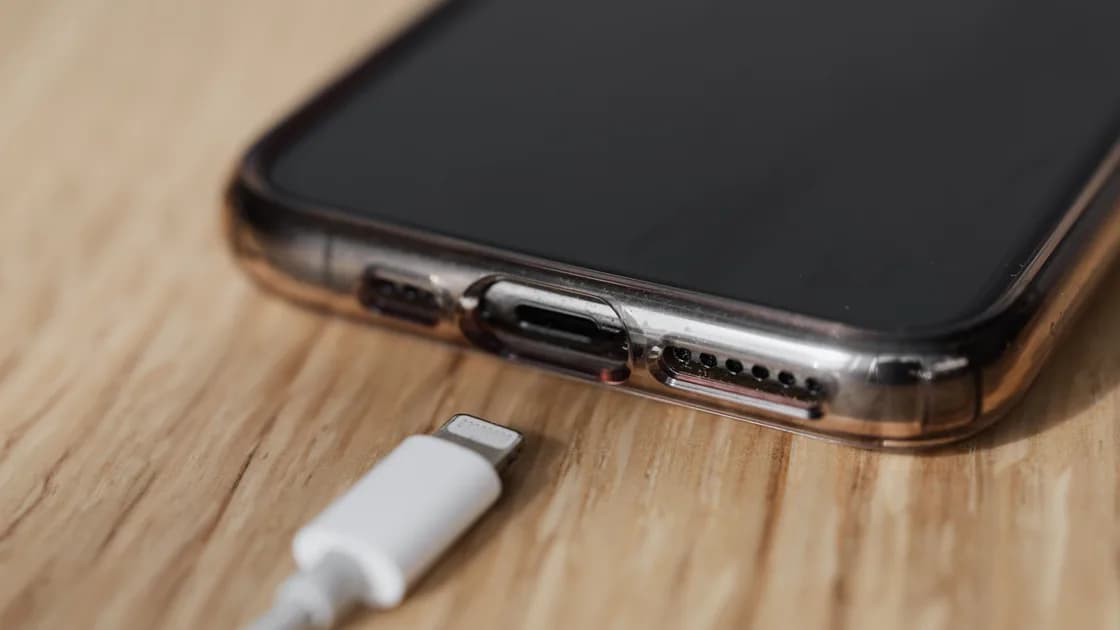
Power everything off and shine an external light across the port. Look for compacted lint, a foreign object, corrosion, a bent central tongue, missing plastic, or a connector that no longer sits evenly. Compare with the manufacturer's product images if the structure is unfamiliar.
Google recommends checking whether dust or lint is present in the port; Apple directs users to remove debris and reconnect the cable firmly.[1][2] Neither page provides a universal cleaning method for every connector, so follow the exact device maker's instructions. A safe default is a dry exterior inspection and qualified service when debris is compacted or contacts are damaged.
Never insert a needle, pin, paper clip, knife, or other metal tool. Do not pour alcohol, cleaner, or water into the port; do not use compressed air unless the manufacturer explicitly permits it. Do not scrape contacts, lever the connector tongue, or bend pins back into place. These actions can short power contacts or damage seals.
If a dry, soft, nonconductive method is explicitly supported for the exact model, power the phone off and work gently without touching contacts. If you are uncertain, stop. A repair provider has lighting and tools designed for connector inspection.
A healthy connector normally inserts fully and remains stable under its own cable weight. Some small movement can be normal, but charging should not require constant sideways force. Compare more than one verified cable because a worn plug can imitate a loose port.
Suspect the phone port when multiple known-good cables:
If file transfer also fails, the phone USB transfer guide can help distinguish charging power from data, but do not use repeated plug movement as the test. A port can carry power while some data contacts fail, or the reverse.
After a drop, impact, previous port repair, or repeated cable strain, arrange service. Do not open the phone or attempt to resolder a port without the equipment and model-specific procedure needed to protect the battery and seals.
Slow charging that remains stable in every position is a different symptom. Use the slow phone charging guide to check power capability, temperature, activity, and settings. This article is about an electrical connection that changes with angle.
If the phone reports liquid or debris, disconnect it and follow the liquid-detected charging-port guide. Do not override the warning merely to continue the angle test, and do not use heat, rice, or forced air as a shortcut.
Wireless charging can be a temporary way to keep a compatible, undamaged phone powered while arranging port service, but it does not repair the wired connector. Follow the wireless charging guide if that separate path fails. Do not wirelessly charge a swollen, hot, wet, or impact-damaged phone.
Replace a cable when the failure follows that cable across compatible adapters or devices, or when its insulation, strain relief, or plug is damaged. Replace an adapter when multiple good cables fail only with it, especially if it is hot, noisy, loose, or discolored. Stop using a suspect outlet or power strip and have mains wiring assessed by a qualified person.
Seek phone service when several known-good accessories fail in the same directional pattern, the port is physically loose, the internal structure is bent, or the phone was dropped or exposed to liquid. Back up the phone if it can be used safely. Tell the technician which cable, adapter, outlet, orientation, and pressure reproduced the fault.
Do not keep a marginal connector as a permanent setup. Repeated interruptions can corrupt a data transfer, stress the battery charging path, and make the damage worse. A replacement accessory is cheaper than gambling with a visibly damaged connection.
Directional pressure may temporarily bridge a worn plug, compacted debris, or damaged port contact. Stop applying pressure and isolate the cable and port with known-good parts.
No. An unstable energized contact can heat or arc, and unattended charging removes your chance to stop when conditions change.
No. Metal can short contacts, puncture material, or bend the connector. Follow the exact manufacturer's dry cleaning method or use qualified service.
The fault follows that cable across compatible adapters or devices while a known-good cable works normally in the same phone.
Software can affect charging speed or limits, but a repeatable change caused by physical plug direction is strong evidence of a mechanical contact problem.
It may be a temporary alternative for a compatible phone with no heat, swelling, liquid, or impact risk. It does not fix the wired port.
No. Disconnect the device and seek service. Bending contacts can create a short, destroy the port, or compromise sealing.
When known-good cables and adapters work elsewhere but fail at that outlet. Stop using a loose, hot, sparking, or discolored outlet and consult a qualified electrician.
Sources checked 6 September 2026.
Sign up to experience all premium features at no cost.
*Available only to new users. Each user is limited to one trial.